
Platform workflows
AI Visual Automation for Food Delivery Platforms
Improve, generate, refresh and quality-check restaurant menu visuals at scale, without traditional photoshoots or heavy manual production.
Built for catalogue teams, onboarding teams, local operations and growth teams managing large restaurant catalogues across markets.
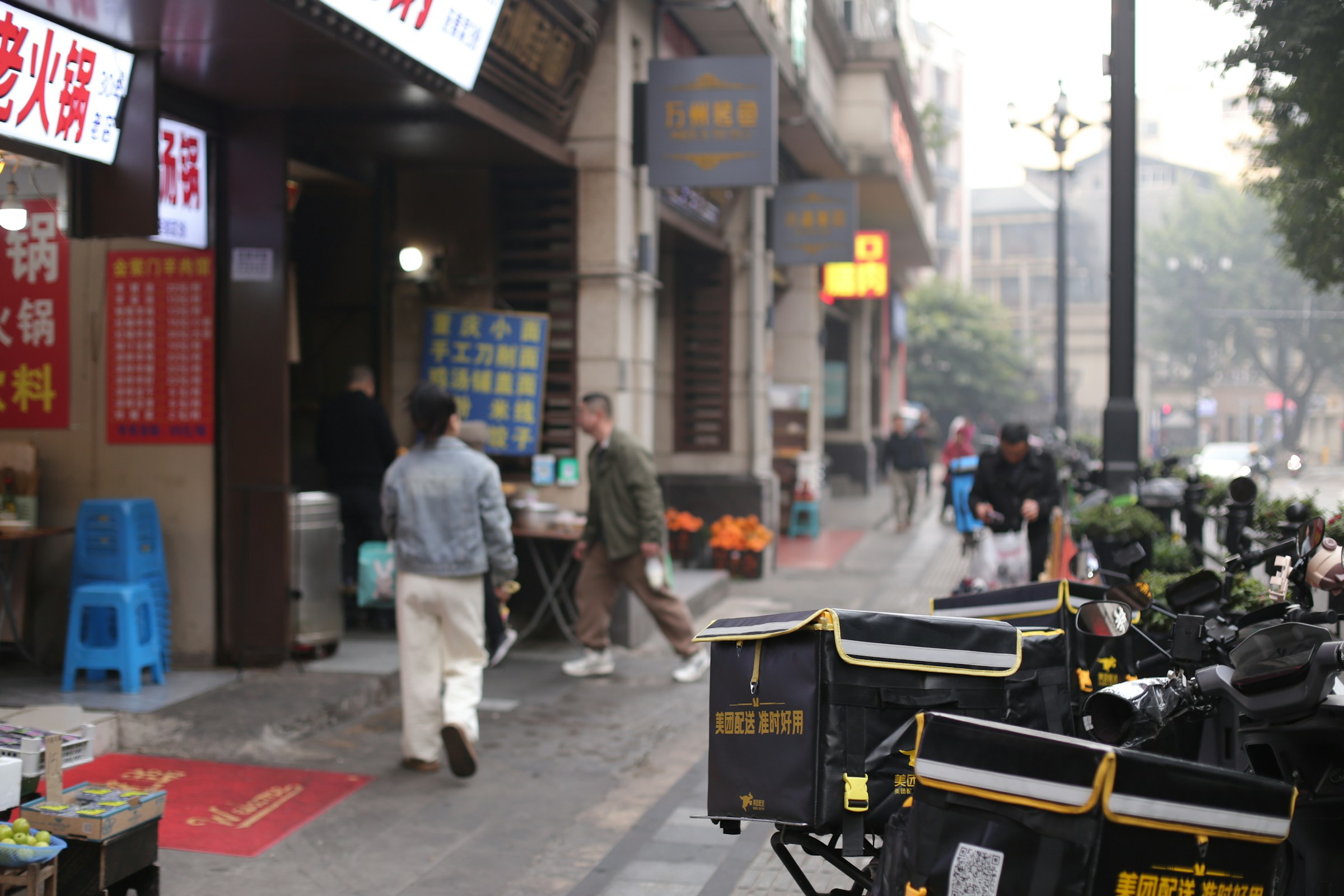 Catalogue input
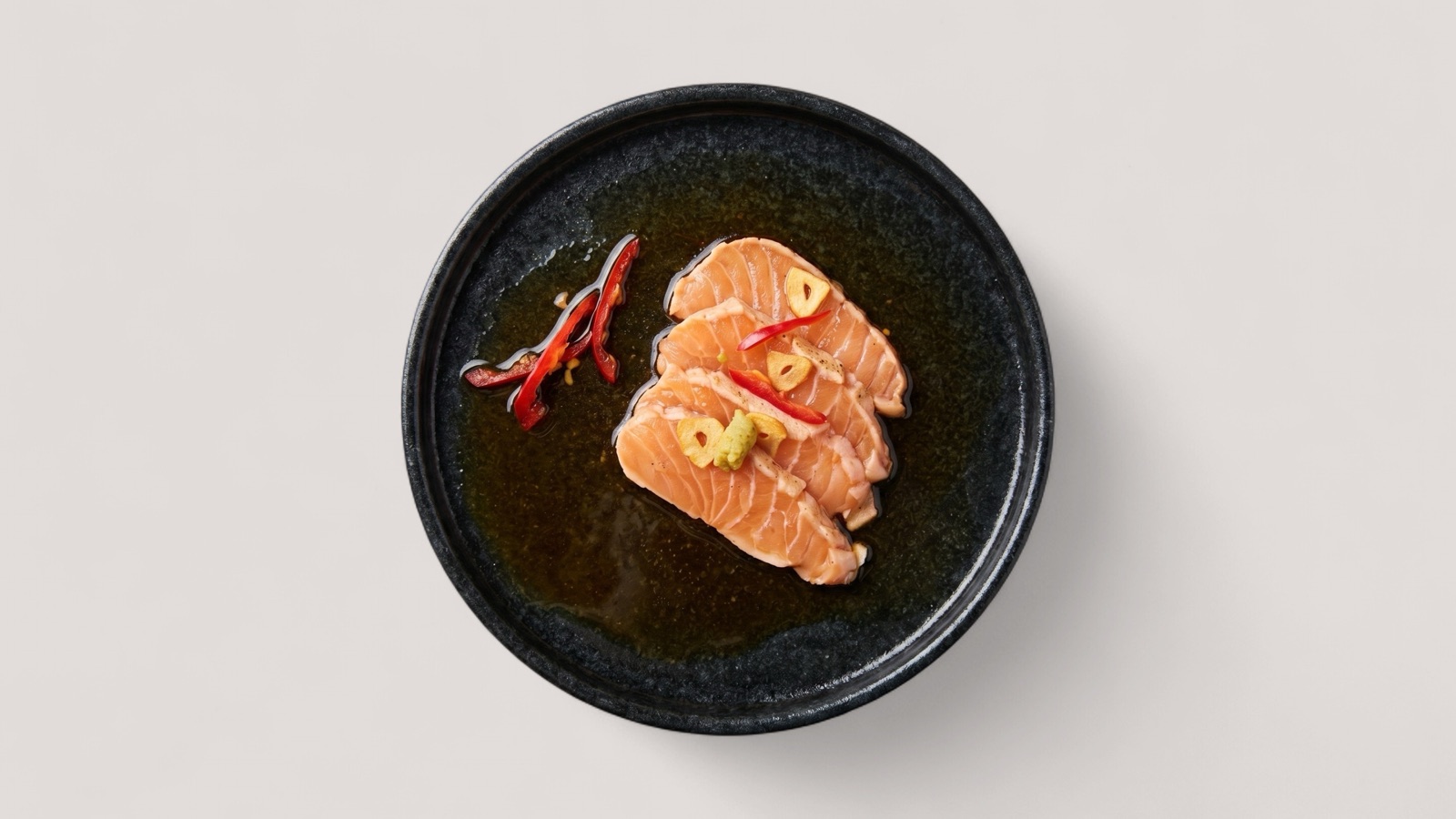 Visual output
Why this matters
Food delivery catalogues are only as strong as their visuals
Splentify is designed as catalogue visual infrastructure, not only a single-image editing tool.
Many dishes are missing usable photos
Manual review and one-off fixes slow onboarding
Photoshoots are expensive and hard to scale
Capabilities
A scalable visual layer for restaurant catalogues
One platform can support enhancement, generation, refresh, quality control and short-form video workflows.
Enhance low-quality dish photos
Generate missing dish visuals from available inputs
Refresh outdated catalogue images
Quality-check images at scale
Create short food videos from approved visuals
Run bulk workflows for large restaurant sets
Platform use cases
Built around real marketplace operations
Merchant onboarding
Launch new restaurants with cleaner, more complete visuals before going live.
Catalogue refresh
Replace weak or outdated images without scheduling new shoots.
Quality control
Score images for resolution, framing, lighting and platform suitability.
Local market support
Help regional teams improve content without heavy manual production.
How it works
From input to improved output
Step 1
Connect catalogue inputs
Start from existing images, dish data and menu assets.
Step 2
Score image quality
Classify what to keep, improve, regenerate or create from scratch.
Step 3
Generate and enhance
Apply enhancement, missing-image generation and refresh workflows.
Step 4
Review and deploy
Approve outputs for catalogue pages, onboarding and marketing formats.
FAQ
Platform team questions
No. This workflow is designed for delivery platforms and marketplace teams managing large restaurant catalogues.
Yes. Bulk workflows are designed to support platform-scale refresh, enhancement and quality control operations.
Yes. Workflows can be adapted to framing, background, ratio and resolution requirements.
Yes. Short food videos can be created from approved visuals for menu and promotional use cases.
Next step
Ready to improve catalogue visuals at platform scale?
Share a sample set of restaurant images or catalogue data and we can show a practical pilot workflow.