
Platform readiness
Delivery app image requirements for restaurant menu photos
A practical guide to delivery app image requirements and the quality checks teams should run before uploading restaurant menu photos.
Delivery app image requirements usually focus on clear dish visibility, accurate representation, safe cropping, sufficient resolution, and avoiding misleading or low-quality visuals.
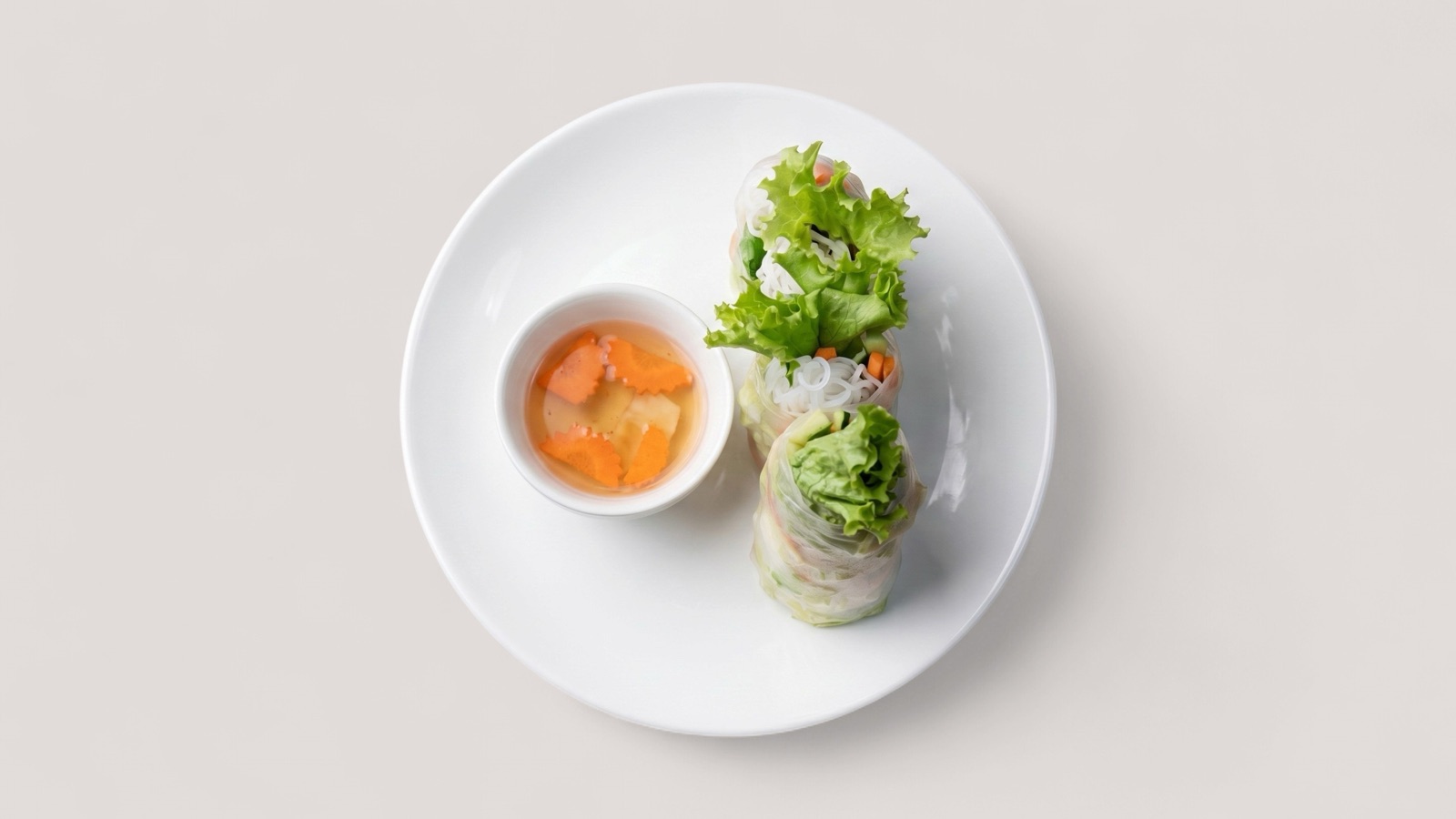
What requirements usually protect
Delivery platforms use image requirements to protect customer trust and marketplace consistency. The rules are not only about aesthetics; they reduce misleading listings, unusable thumbnails, low-resolution uploads, and images that do not clearly show the ordered item.
The exact rules vary by platform, so teams should always review current platform guidance before upload. A good internal workflow can still prepare images around common readiness checks before final channel validation.
Common readiness checks
The practical checks are straightforward: the dish should be visible, the image should be sharp enough for a listing card, the crop should not cut off important parts of the food, and the visual should match the real menu item.
Operational teams should also check whether the image contains text overlays, borders, watermarks, unrelated objects, or multiple dishes when the listing represents a single item. Those issues often create review friction.
- Dish is clearly visible and not heavily cropped.
- Image is sharp enough for mobile listing cards.
- Photo accurately represents the menu item.
- No distracting text overlays, watermarks, or unrelated content.
- Export ratio and resolution fit the destination channel.
How to manage requirements at scale
For one restaurant, requirements can be checked manually before upload. For a marketplace, agency, or multi-location group, the workflow should be systematic: score each image, route failures, enhance recoverable assets, and hold back images that cannot be made accurate.
Teams should keep one approved master image and export platform-specific versions from that source. This reduces repeated editing and makes it easier to update the same dish across multiple channels.