
Restaurant menus
Restaurant menu photo optimization for real operating teams
How restaurants can prepare stronger menu photos for printed menus, websites, online ordering, Google Business Profile, and delivery channels.
Restaurant menu photo optimization is the process of making dish images clear, accurate, consistently cropped, and ready for the channels where customers choose what to order.
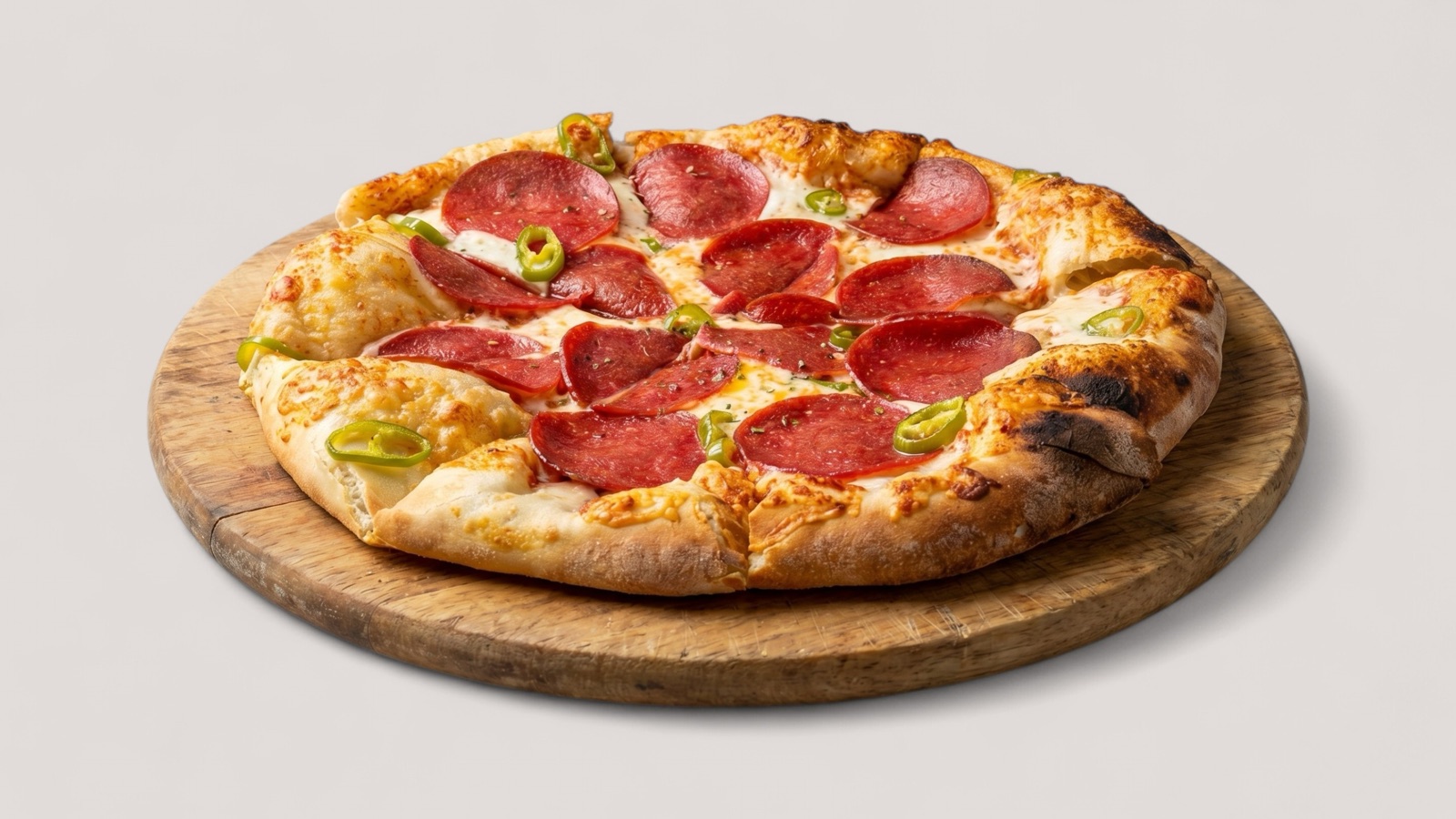
Start with the ordering moment
A menu photo is not just a decorative asset. It helps a customer compare dishes, understand portion and ingredients, and decide whether the item feels trustworthy enough to order.
That means the best image is not always the most dramatic image. For menu use, clarity and accuracy usually matter more than heavy styling. Customers need to see the dish, not guess what it might be.
Measure the pages and items that change
Optimization should create a measurable before-and-after view. Restaurants can track item clicks, add-to-cart rate, delivery conversion, menu engagement, or campaign performance depending on where the image appears.
The cleanest test is to upgrade a defined set of priority images, keep the menu structure stable where possible, and compare the same items over a similar sales window. That gives the team a better signal than changing images, prices, descriptions, and promotions all at once.
- Record which images changed and when they went live.
- Compare item performance before and after the refresh.
- Separate image tests from price or menu-description changes where possible.
- Use results to decide which menu sections to refresh next.
Prepare channel-specific versions
A restaurant website, delivery listing, printed menu, and Google Business Profile placement may need different crops or image priorities. One source asset can support several versions if the workflow is planned early.
The cleanest approach is to approve a master enhanced image first, then export channel-ready variants from that approved source. That keeps the dish representation consistent while avoiding repeated manual edits.