
Deliveroo photos
Deliveroo menu photo guide for restaurants
How to prepare Deliveroo hero images and item photos for restaurants, including ratio, file format, crop, ownership, and review-safe presentation.
Deliveroo-ready photos should use the right asset type, keep one dish centered for item images, use clean natural presentation, follow file and size requirements, and avoid stock images, text, hands, faces, and heavy editing.
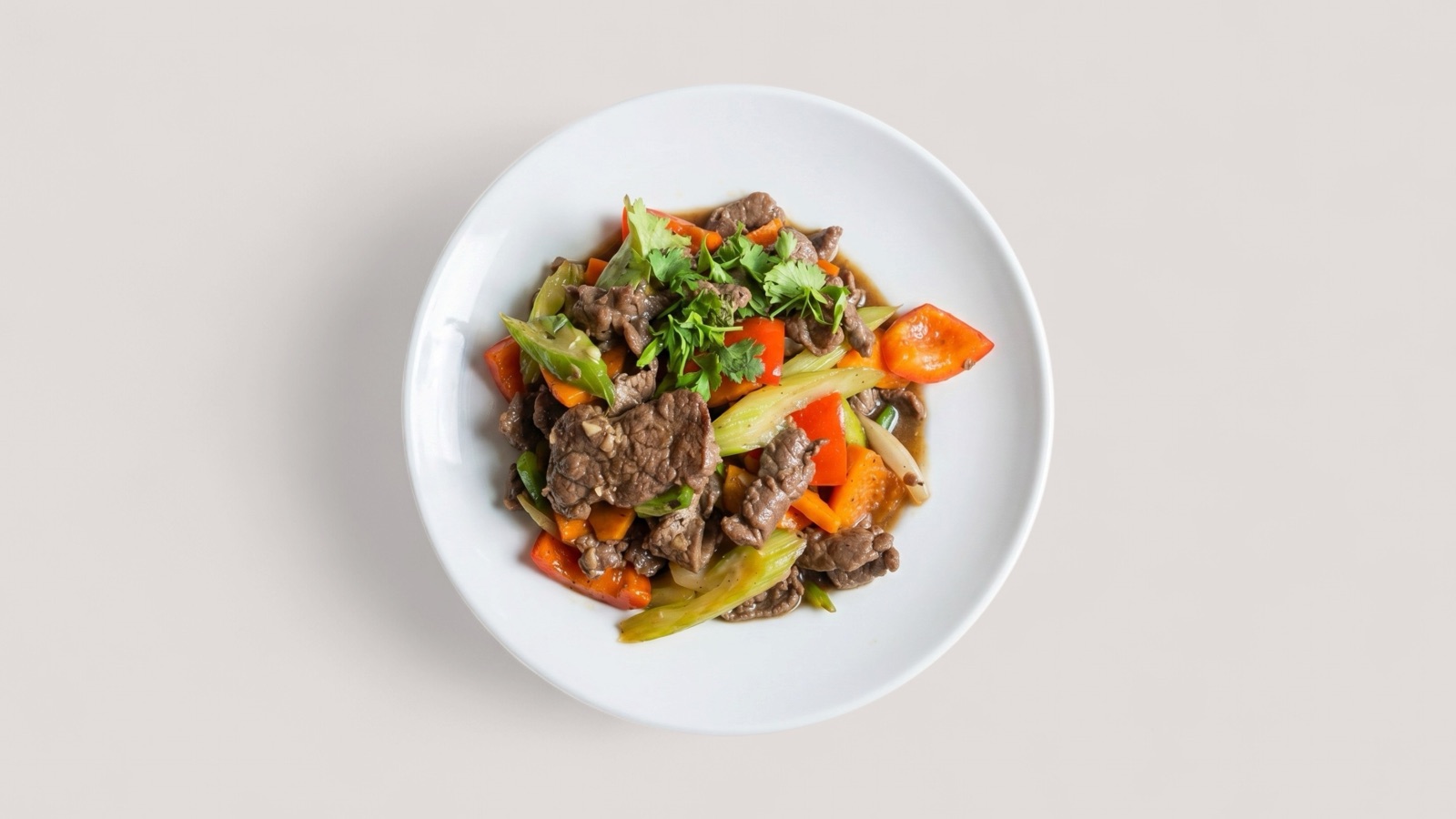
Design for two Deliveroo image roles
Deliveroo hero images and item images have different jobs. A hero image sells the restaurant page as a whole, while an item image helps the customer understand one specific dish before adding it to basket.
That means the safest content is different for each slot: variety and brand context for the hero, then centered dish clarity for the item photo. Mixing those roles can create cropping issues and unclear expectations.
- Use a 16:9-style hero image that shows variety without overcrowding.
- Use one clear dish for each item image.
- Keep the entire dish recognizable after crop.
- Prefer clean backgrounds and natural light.
Avoid rejection triggers
Deliveroo guidance puts strong emphasis on dish layout, aspect ratio, specifications, and image rights. The common failure modes are not subtle: wrong file type, missing rights, stock images, heavy retouching, hands or faces, watermarks, and photos where the dish is no longer recognizable after crop.
A review workflow should flag those problems before upload. That is faster than publishing first and discovering later that images need to be replaced.
- Export item photos as JPEG when required.
- Label files with the correct dish names.
- Do not use collages, text overlays, or watermarks.
- Check that stacked items are shot from a useful side angle.
Prepare API and portal assets from one master image
Deliveroo's API guidance also makes asset stability important for technical teams. Menu item images may be supplied by URL, and operational systems should be able to update image content without creating broken references.
For restaurant teams, the practical takeaway is simpler: approve one accurate master asset, then create the portal or integration-specific version from that source. This keeps the image accurate while making channel requirements easier to manage.