
Delivery photo tool
Food delivery photo tool for marketplace-ready images
Turn existing restaurant food photos into cleaner delivery images for menus, listings, onboarding, and catalog refreshes.
Splentify is a food delivery photo tool that helps restaurants and marketplace teams improve existing menu images, prepare platform-ready exports, and keep food delivery photos consistent across channels.
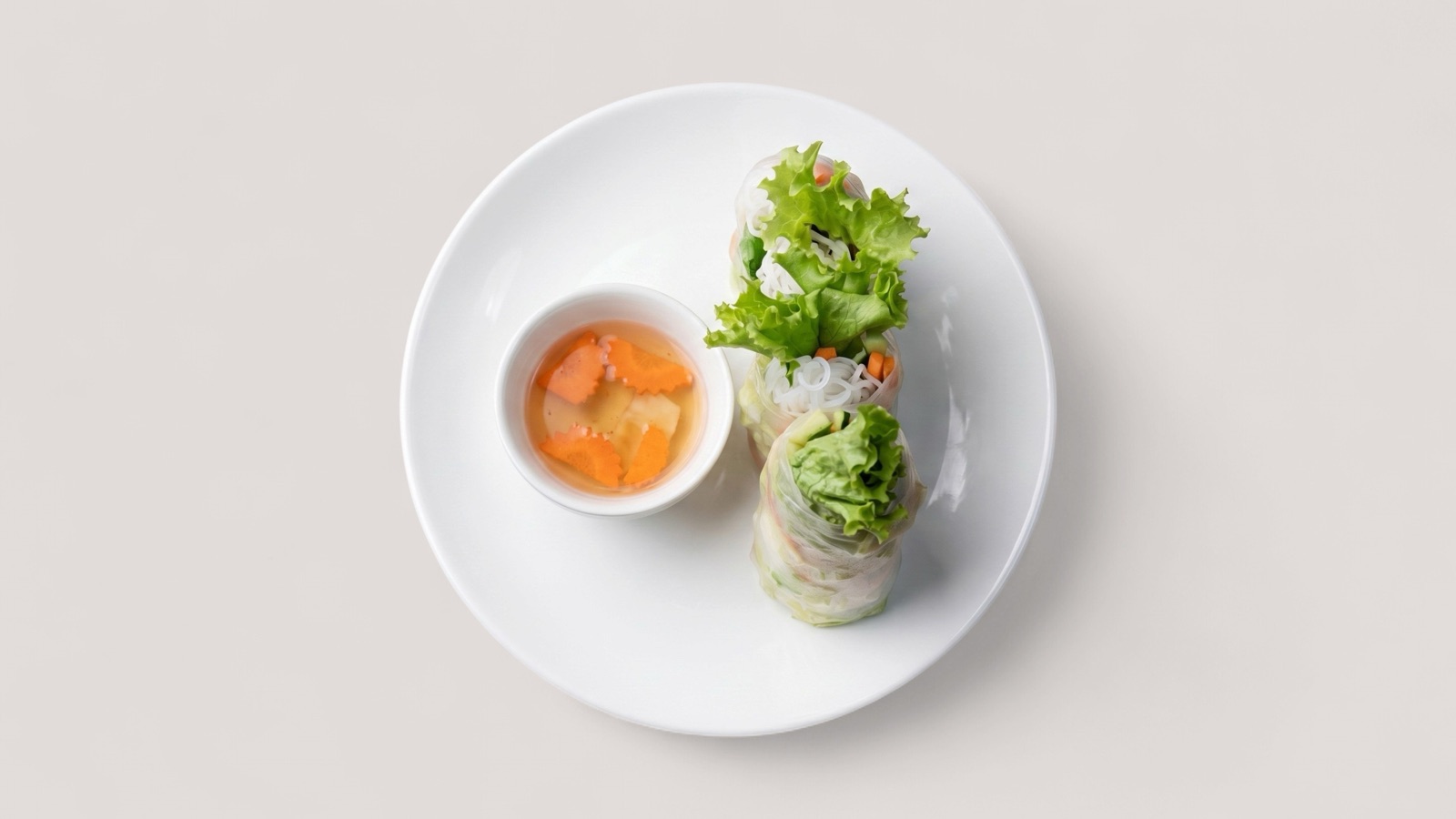 For Restaurants, delivery-first brands, and marketplace catalog teams
Visual outputs
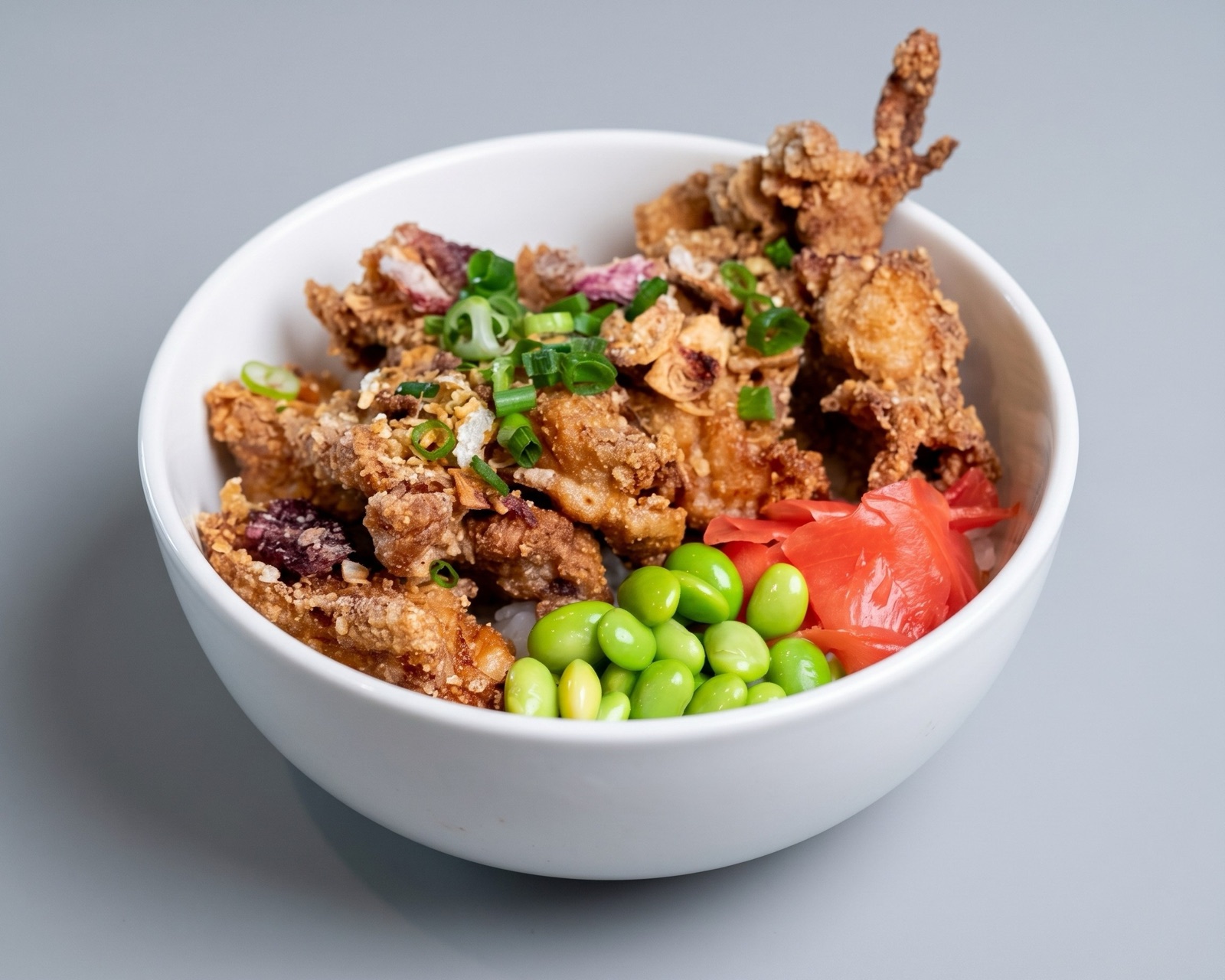
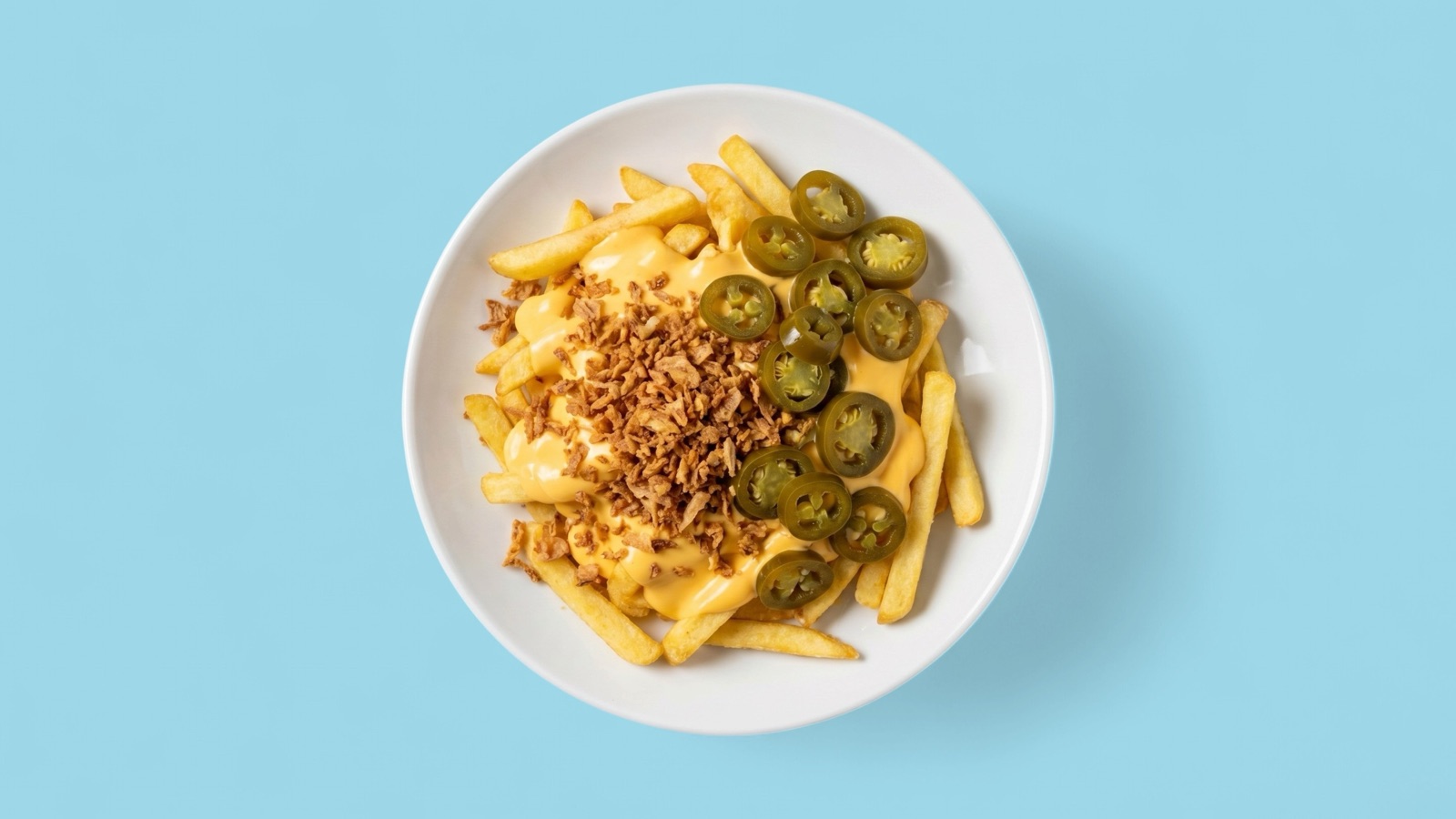
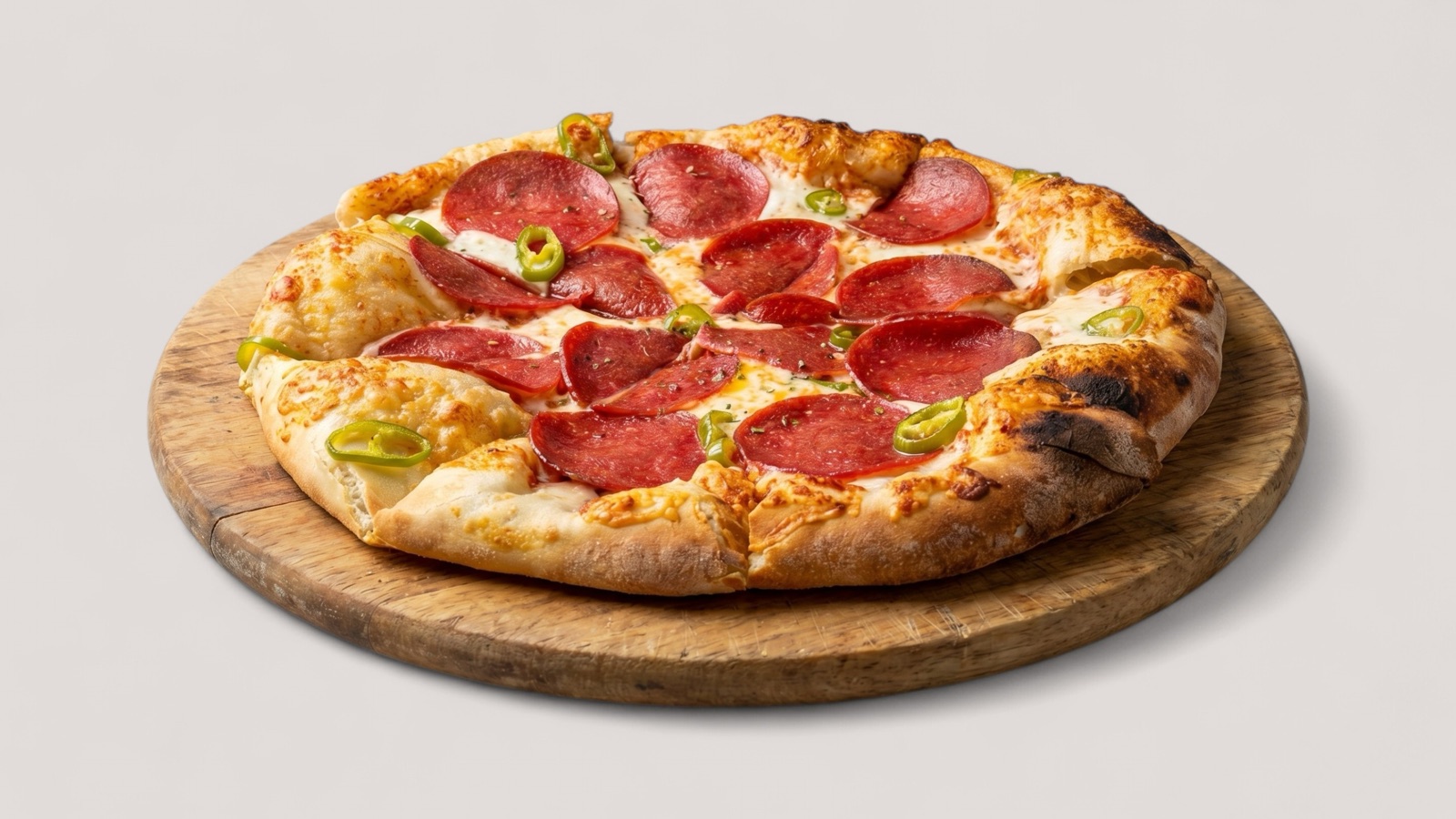
Sample output visuals
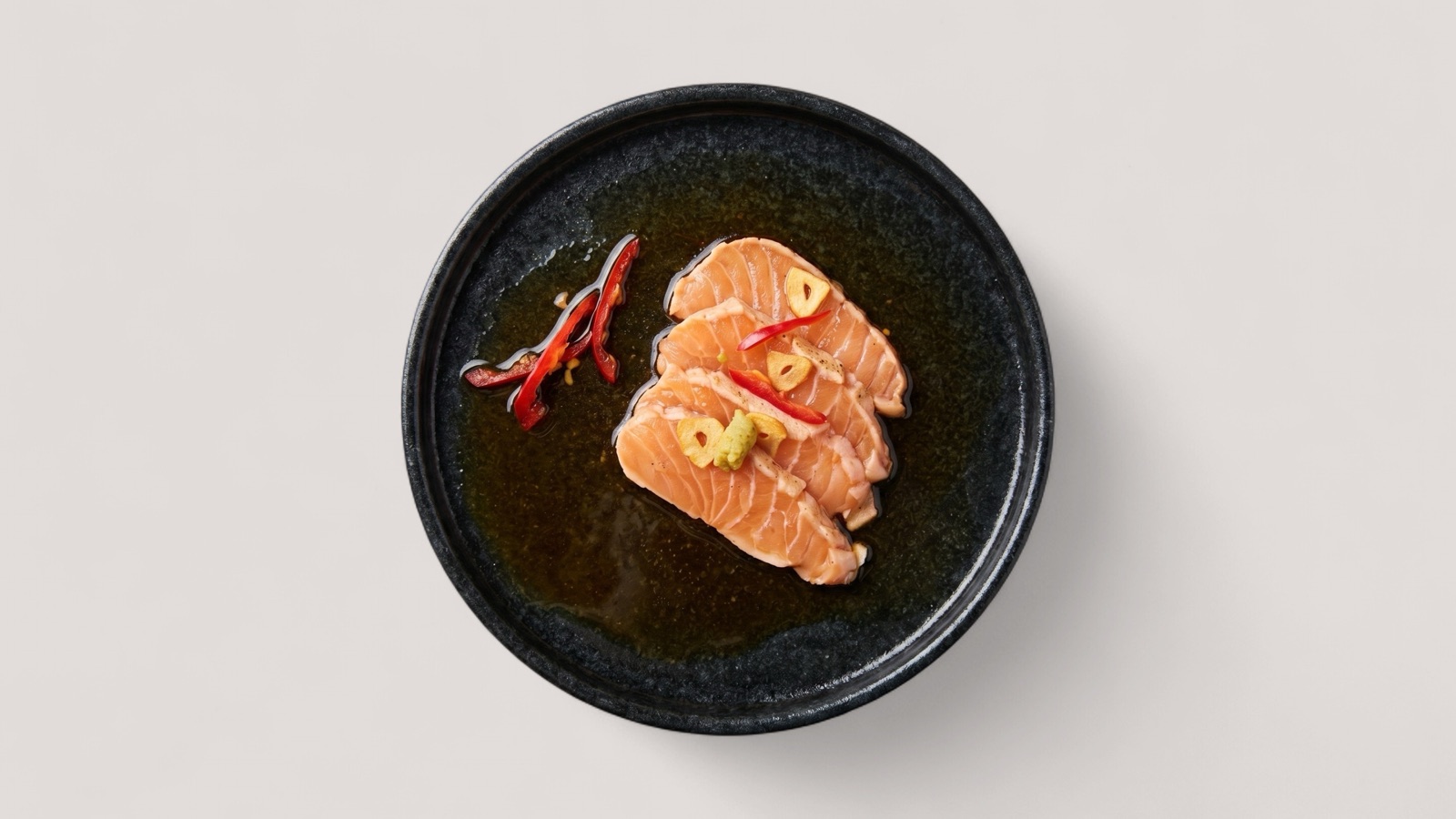
Representative enhanced assets mapped to this solution workflow.
Benefits
Why teams choose Splentify for Restaurants, delivery-first brands, and marketplace catalog teams
Use existing food photos and move faster across production, publishing, and campaign work.
Prepare cleaner food delivery photos for Wolt, DoorDash, Uber Eats, Deliveroo, and similar platforms
Standardize crop, clarity, and presentation before images move into live menus
Use cases
Common production scenarios
Typical outcomes teams use Splentify for in day-to-day operations.
Food delivery photo refreshes
Marketplace onboarding image preparation
Cross-platform menu photo exports
FAQ
Questions about Splentify for Restaurants, delivery-first brands, and marketplace catalog teams
Short answers on fit, workflow, and output use.
What is a food delivery photo tool?
A food delivery photo tool helps teams improve, check, crop, and prepare restaurant menu images for delivery apps and marketplace catalog workflows.
Can Splentify prepare food photos for Wolt, DoorDash, Uber Eats, and Deliveroo?
Yes. Splentify can help prepare channel-ready food photo outputs, but teams should still review each platform's current upload and content rules before publishing.
Do I need new food photos to use the tool?
No. Splentify is designed to start from existing food photos when the source image accurately shows the real dish.
Start now
Test with 10 free images
Upload your existing food visuals and compare before-and-after results in your own workflow.