
Just Eat photos
Just Eat Takeaway menu photo guide
How to prepare restaurant menu header photos and dish photos for Just Eat Takeaway marketplaces without losing accuracy, ownership, or crop safety.
Just Eat menu photos should use the correct header or dish-photo format, show real food owned by the restaurant, avoid overlays and people, and keep each dish centered, clear, and accurately labelled.
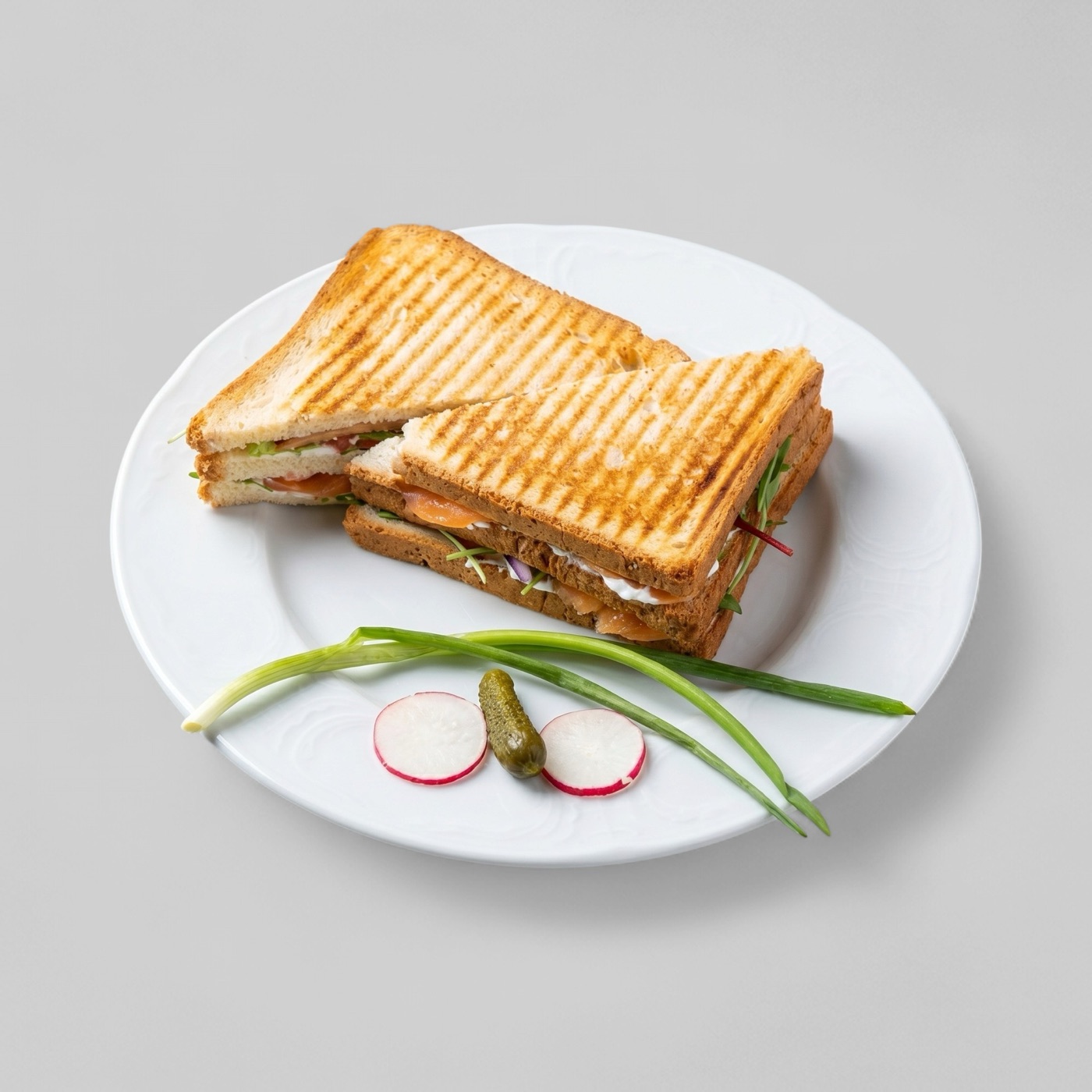
Separate header photos from dish photos
Just Eat treats the menu header and dish images as different assets. The header introduces the restaurant and should show variety, while a dish photo should focus on one menu item that the customer can buy.
This difference matters when reusing images from websites or social posts. A strong Instagram crop may still be wrong for a Just Eat header, and a multi-dish table shot may be too confusing for an individual item listing.
- Use a multi-dish image for the menu header, not a single item close-up.
- Use one centered dish for item photos.
- Keep file names aligned with dish names to reduce matching friction.
- Avoid storefronts, people, hands, text, logos, watermarks, and stock images.
Protect ownership and trust
Just Eat's photography terms make image rights a real operational requirement. Restaurants should only submit images they own or have permission to use, because copied stock-style images create legal and trust risks.
Accuracy is just as important as ownership. If a photo shows extras that are not included, customers may expect the wrong portion or sides. That turns a visual asset into a complaint driver.
- Use real restaurant-owned photos.
- Do not include accompaniments unless they are sold with the item.
- Keep branding only where it naturally appears on packaging or wrappers.
Build a reusable export workflow
Restaurants operating across several Just Eat Takeaway markets should maintain approved master images and then export the required local version from those masters. That keeps the dish representation consistent while allowing local portal requirements to be met.
The same source image can also support Google Business Profile, web ordering, and campaign placements if it is edited conservatively and stored with clear status labels.