
Food visual guide
Food photo enhancement: how to improve existing dish images
A practical guide to improving existing food photos for menus, delivery apps, websites, and promotions without starting from a new photoshoot.
Food photo enhancement means improving an existing dish image so it is clearer, more appetizing, and more usable across menu, delivery, website, and campaign placements while still representing the real dish.
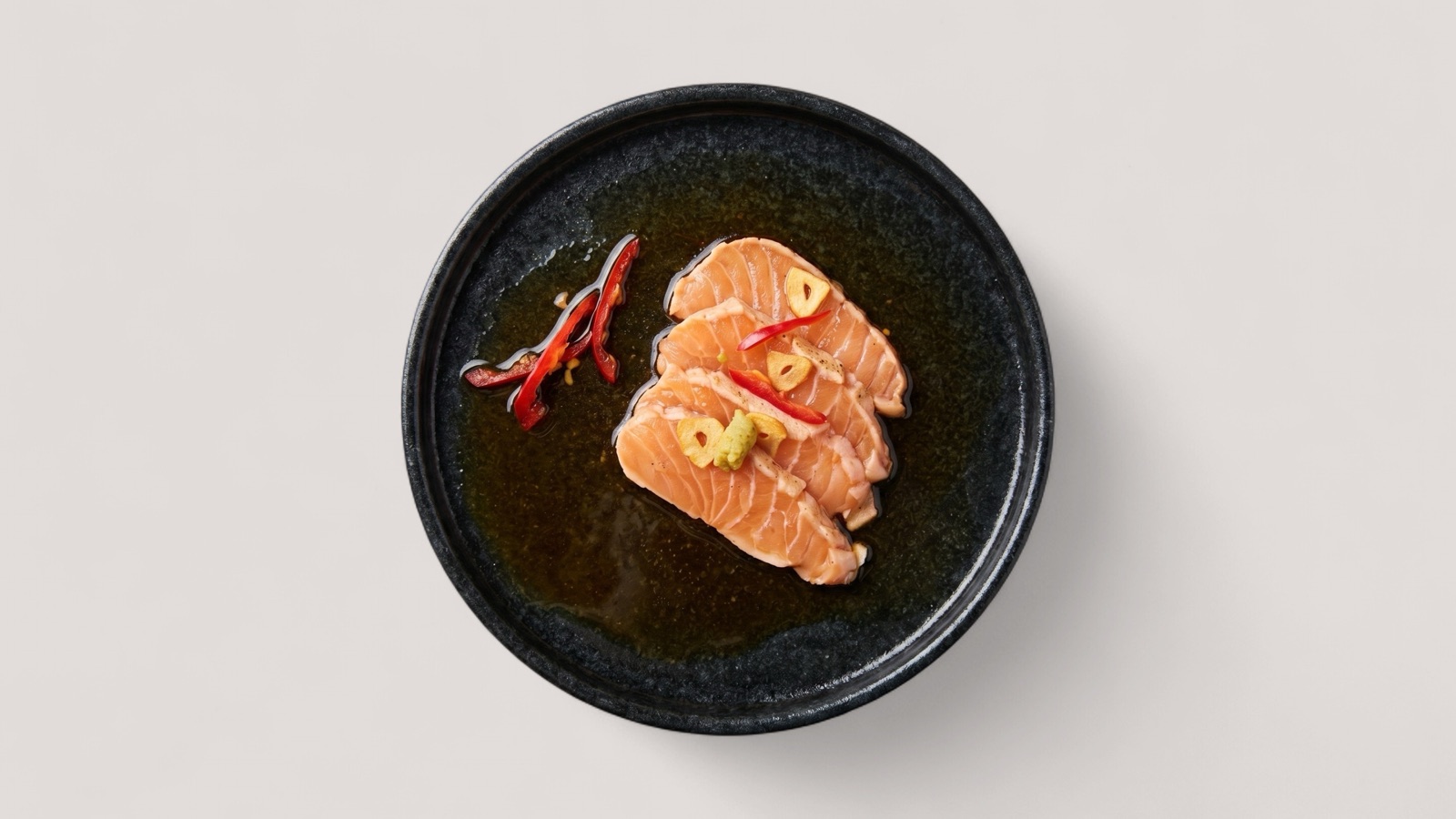
What food photo enhancement should solve
Most restaurant teams do not start from a perfect image library. They usually have a mix of phone captures, older menu photos, staff-shot images, crop-ratio mismatches, inconsistent lighting, and assets made for a different channel.
The purpose of enhancement is to make those existing assets usable without turning them into fictional food. A good workflow improves clarity, color, crop, lighting, and composition while keeping the dish recognizable to the customer.
- Fix weak lighting and low contrast.
- Clean up framing and crop ratios for channel placement.
- Improve consistency across a menu set.
- Prepare image variants for menu, delivery, web, and promo use.
Where enhancement fits in the production workflow
Enhancement works best after a team has collected its usable source images and before those images are uploaded to public channels. That placement lets the team score quality, route weak images for improvement, and avoid publishing inconsistent visuals.
For small teams, the workflow can be simple: gather images, flag weak assets, enhance the usable inputs, review against the real dish, and publish. For marketplace or multi-location teams, the same workflow can become a catalog operation with pass-fail rules and batch review.
Prioritize images by business impact
Not every food photo deserves the same production time. Start with images attached to high-margin items, bestselling delivery dishes, signature menu products, new launches, and items customers compare visually before ordering.
A simple prioritization pass keeps the workflow commercially useful. Mark each image as publish, enhance, replace, or hold, then process the enhance queue before spending time on low-traffic items.
- Enhance accurate images with recoverable lighting, crop, or clarity issues.
- Replace photos that no longer match the dish, portion, or ingredients.
- Review high-traffic menu sections as complete sets, not isolated images.
- Export approved master images into delivery, web, social, and menu variants.
What not to do
The highest-risk mistake is using a generated image that no longer matches the actual menu item. That may look better in isolation, but it weakens trust when the delivered dish does not match what the customer saw.
Another common mistake is optimizing only one hero image while leaving the rest of the menu visually inconsistent. Customers compare options in a grid. Set-level consistency matters as much as individual image polish.
- Do not replace dish identity with generic stock-like output.
- Do not over-saturate or over-sharpen food until it looks artificial.
- Do not ignore channel requirements for crop, size, and content.