
Quality checklist

Menu image quality checklist

A practical checklist for reviewing restaurant menu images before publishing them to websites, delivery apps, ordering pages, and campaigns.

A menu image quality checklist should confirm that each dish image is accurate, clear, sharp, well cropped, channel-ready, and consistent enough to sit beside the rest of the menu.
7 min readUpdated 2026-05-21
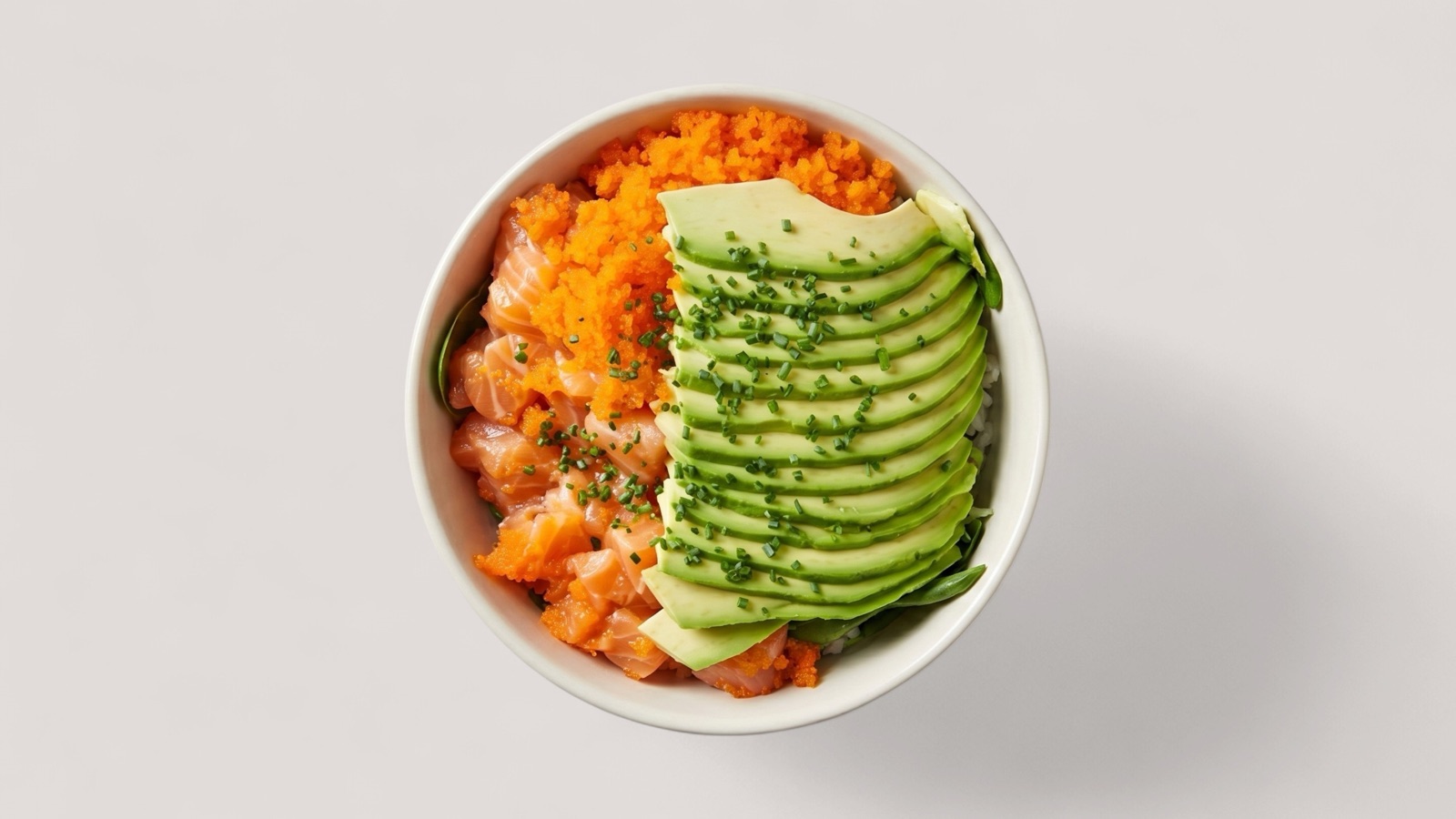
Avocado bowl image reviewed against a menu image quality checklist

The five checks that matter most

Most menu image problems fall into five categories: accuracy, visibility, technical quality, crop safety, and set consistency. A checklist should make each category easy to review before an image goes live.

The goal is not perfection. The goal is preventing weak images from hurting customer trust or creating operational cleanup later.

  • Accuracy: image matches the real dish.
  • Visibility: the food is easy to understand quickly.
  • Technical quality: image is not blurry or too low resolution.
  • Crop safety: important parts of the dish are not cut off.
  • Set consistency: the image works beside nearby menu items.

Use statuses, not vague feedback

A checklist is more useful when it produces a clear decision. Each image should become publish, enhance, replace, or hold. That avoids vague notes like make it better and gives teams a repeatable workflow.

Enhance is the right status when the dish is accurate but the image has recoverable issues. Replace is the right status when the source image is misleading, unclear, or too damaged.

Review the full menu set

An image can pass alone and still weaken the menu if the set feels inconsistent. After individual review, teams should scan the full grid for mismatched brightness, scale, background noise, and crop style.

Set review is especially important before delivery app uploads, seasonal launches, and multi-location catalog refreshes.

Sources

Official guidance referenced

These pages are used as source material where platform or channel requirements matter.

Uber Eats

Restaurant menu photography guidelines

Open source

Google Business Profile Help

Tips for business-specific photos on your Business Profile

Open source

FAQ

Common questions

Short answers for teams deciding how to improve food visual workflows.

What is the minimum quality bar for menu images?

The dish should be accurate, visible, sharp enough for the destination channel, safely cropped, and consistent with the surrounding menu set.

Should weak images be removed or enhanced?

Enhance images when the real dish is clear and accurate. Replace or hold images when the source is misleading or too unclear.

Who should own menu image review?

Small restaurants can assign a manager, while larger catalog teams should use shared review rules and statuses.

Put it into practice

Try Splentify on your current food images

Upload existing dish images and compare the output against the workflow described in this guide.