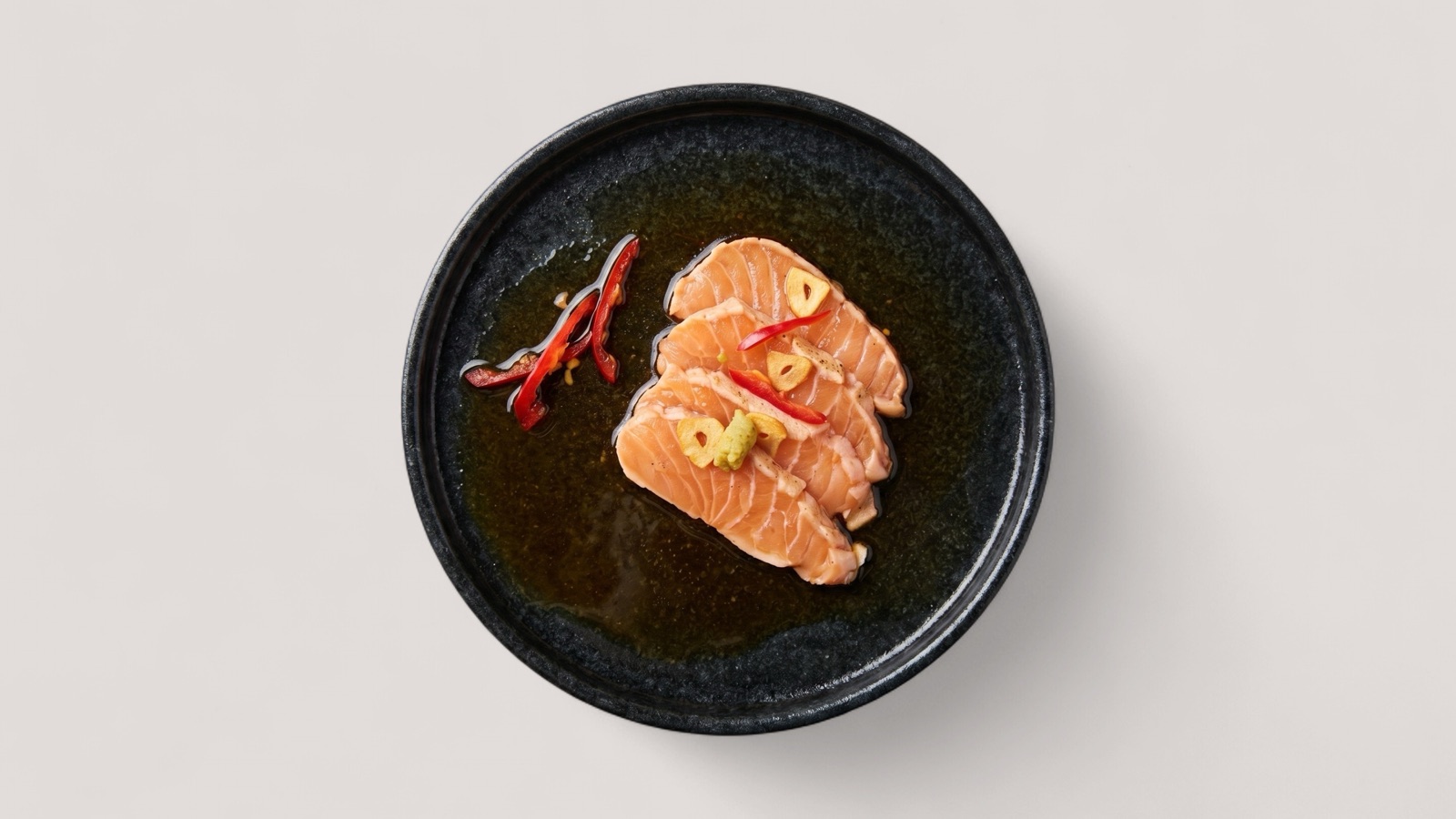
AI Food Photography
Enhance real dish photos with AI for menus, delivery apps, websites, and campaigns.
- AI-enhanced real dish photos
- Menu and delivery-ready variants
- Reviewable outputs tied to actual items

Solutions
Splentify replaces manual editing, quality control, and standardization with scalable automation for marketplaces, food delivery platforms, and restaurant ecosystems.
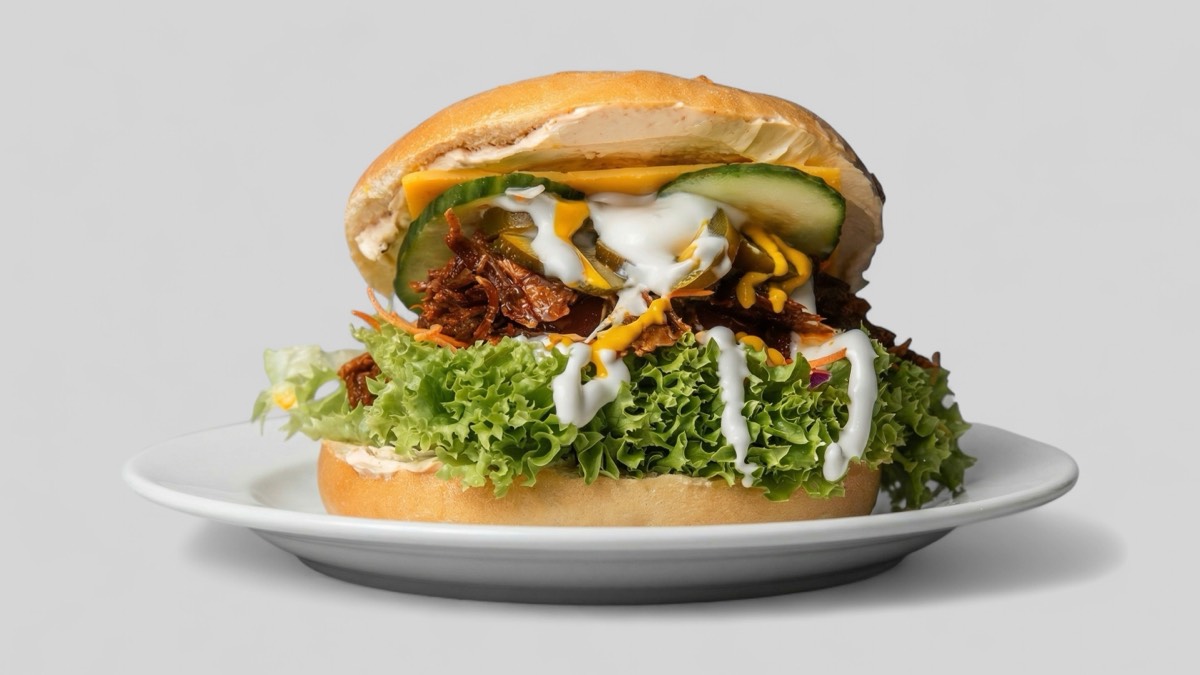
Enhance real dish photos with AI for menus, delivery apps, websites, and campaigns.
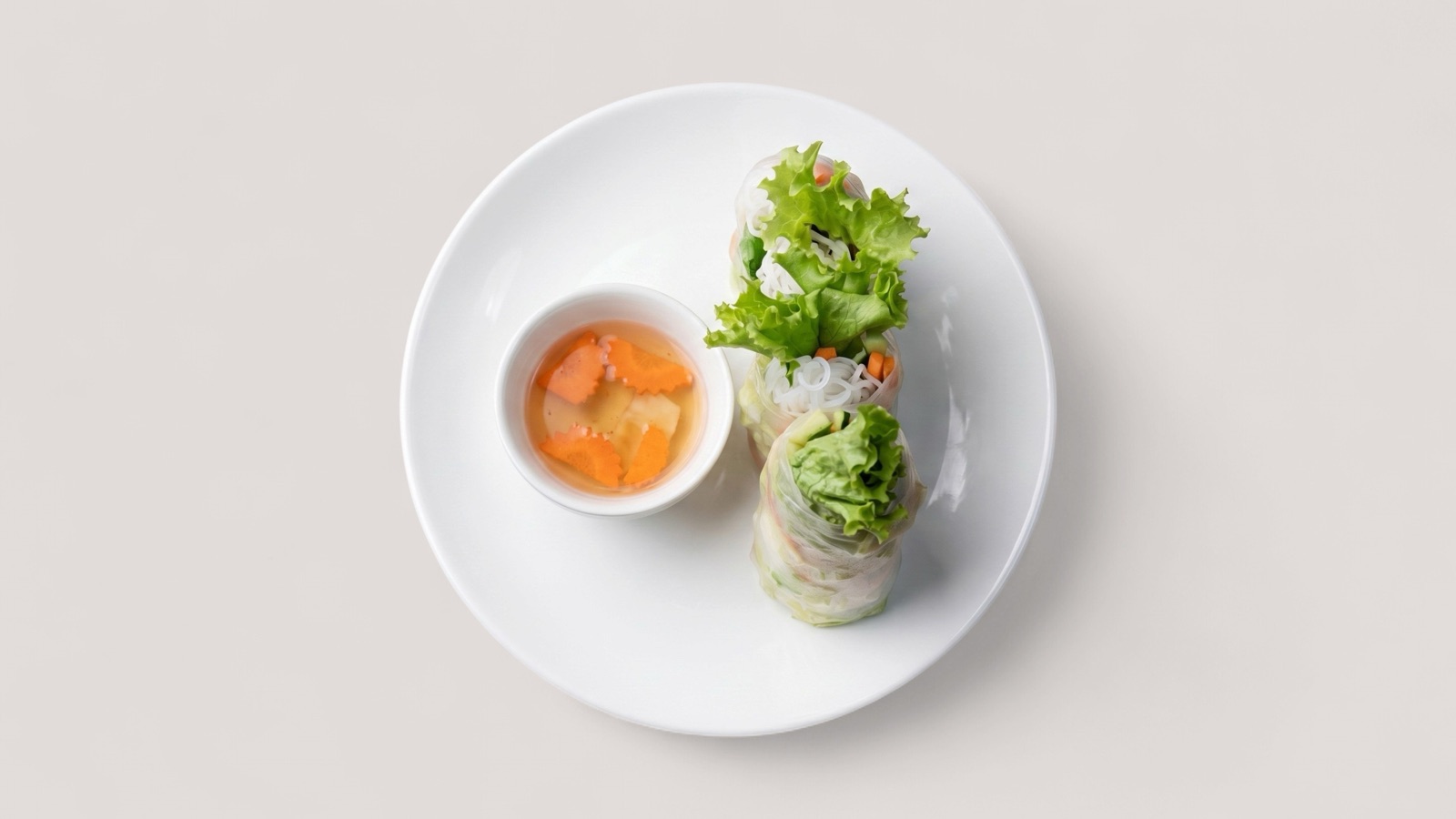
Prepare food delivery images for Wolt, DoorDash, Uber Eats, Deliveroo, and other ordering channels.
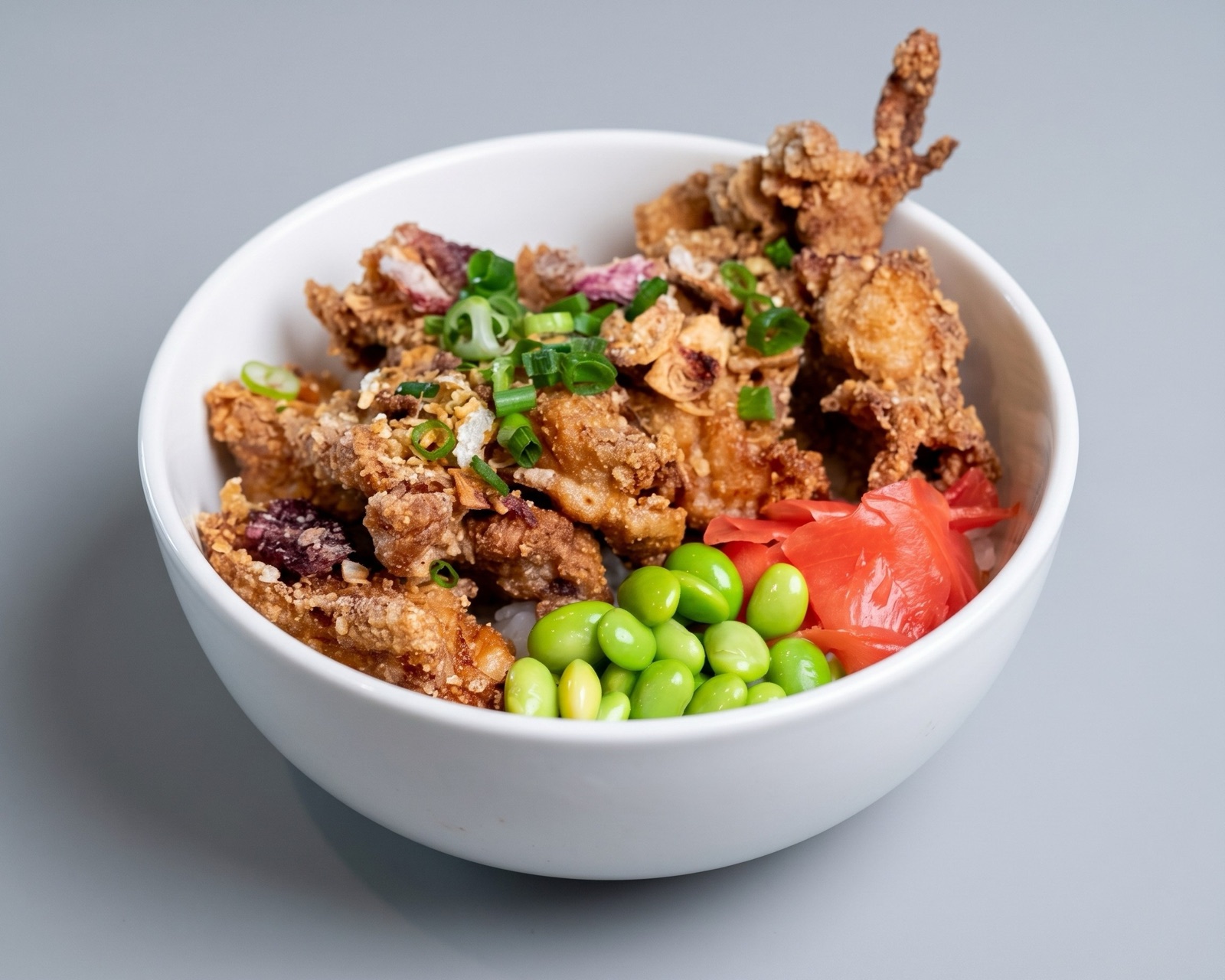
Publish cleaner listing visuals that improve conversion and reduce marketplace QA friction.
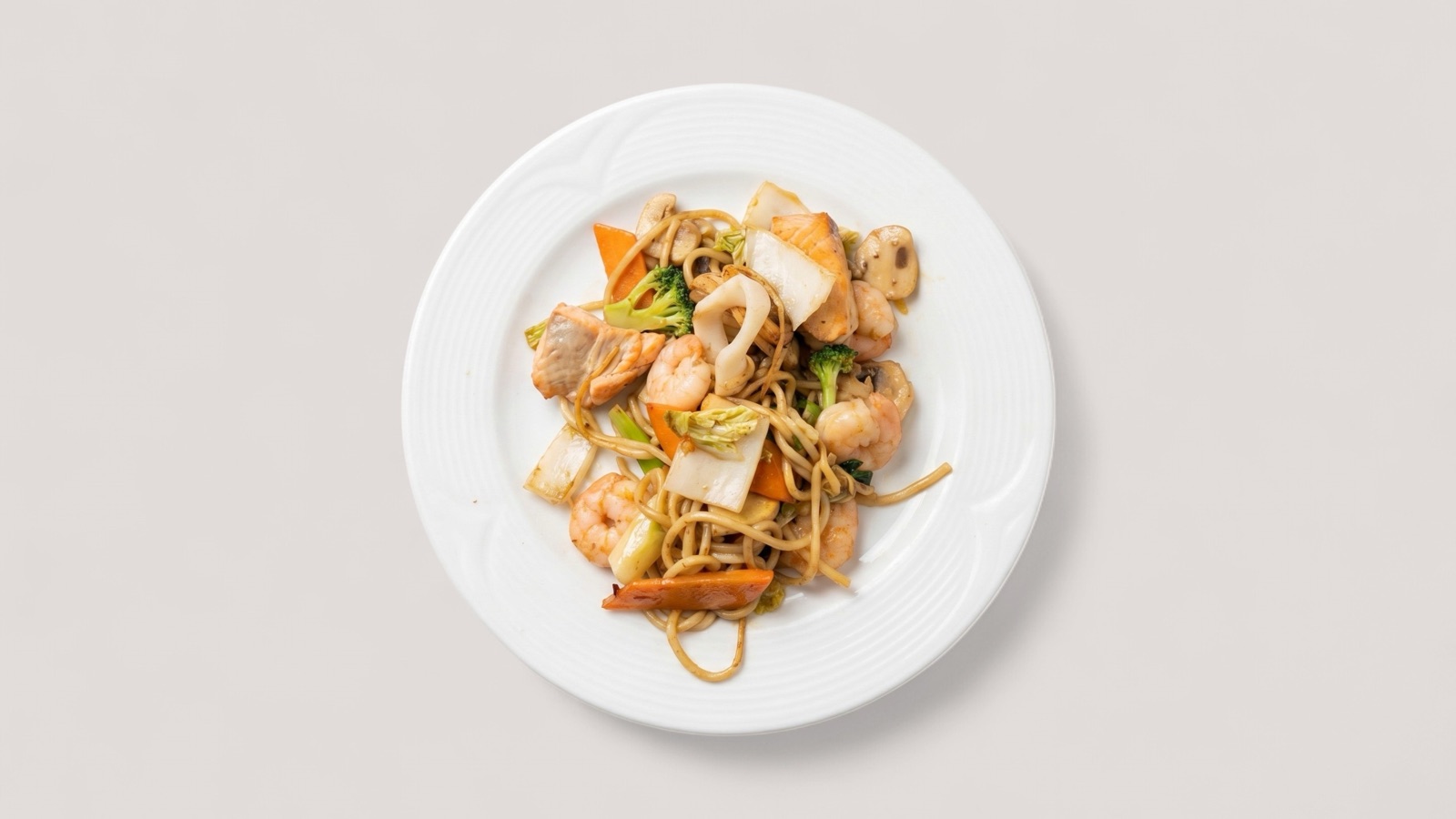
Automate quality checks, flag weak assets, and route only ready visuals into live catalogs.
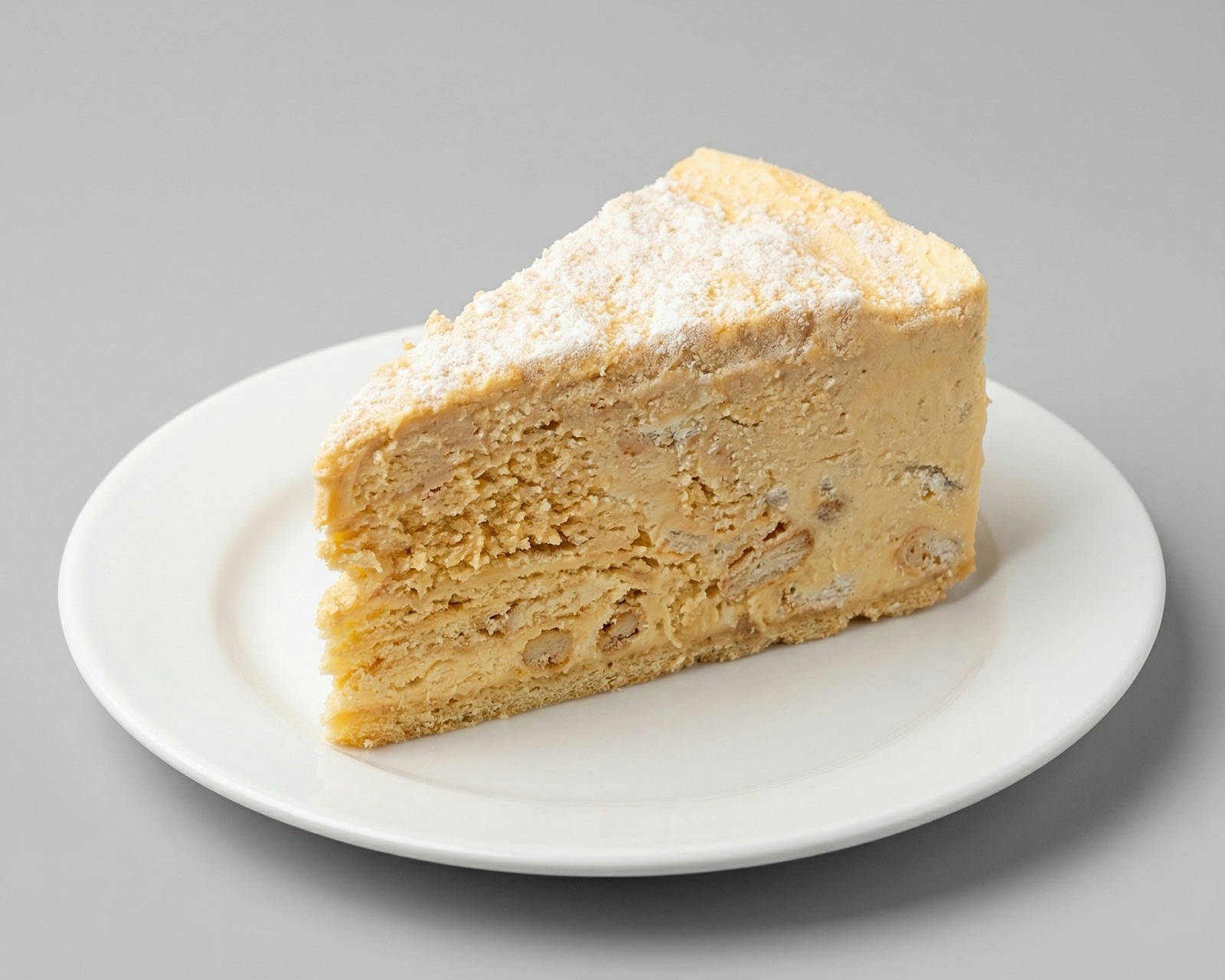
Upgrade weak source photos into cleaner, more appetizing visuals without full reshoots.
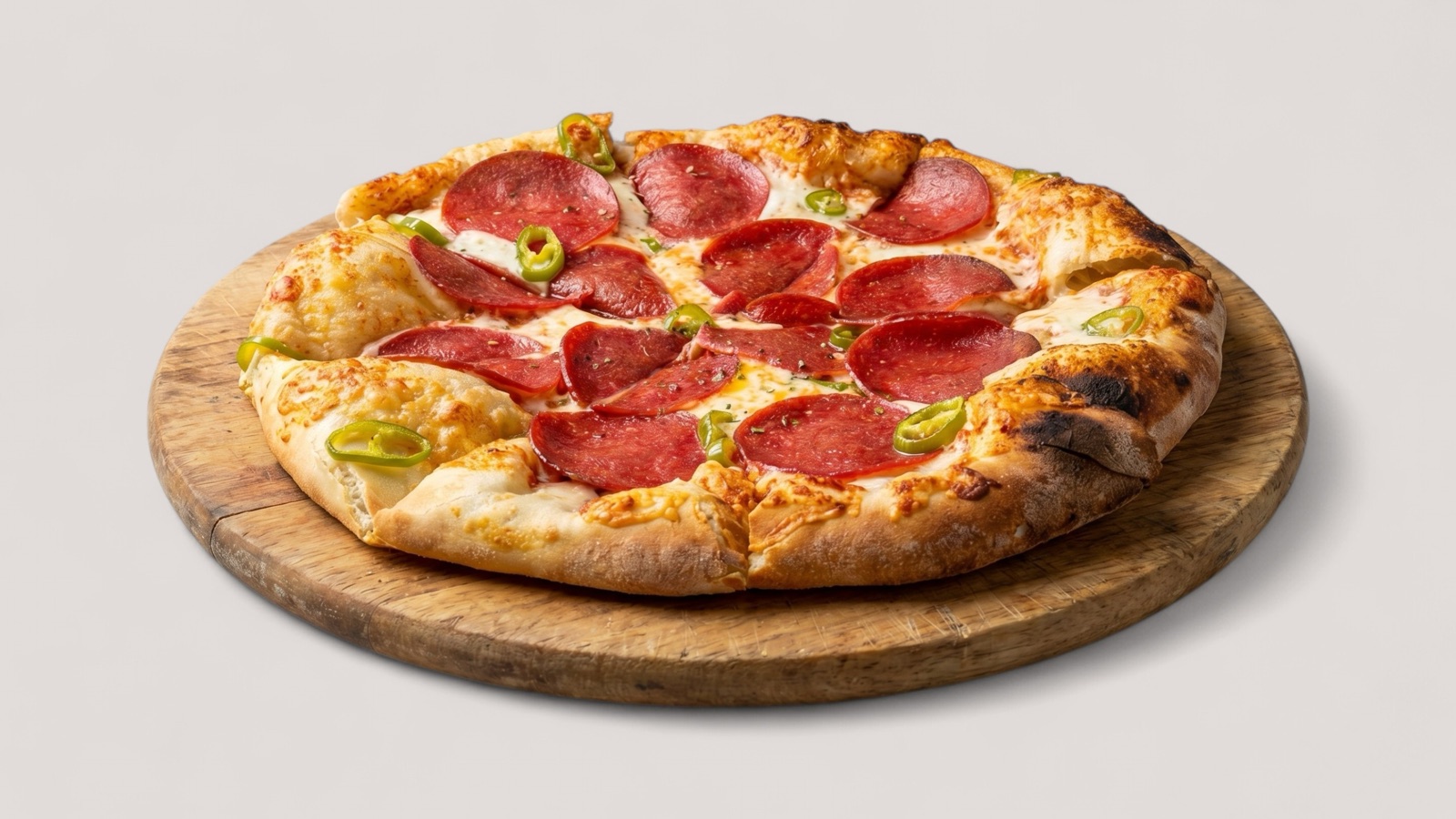
Move from raw menu inputs to consistent dish imagery that is ready for publishing across channels.
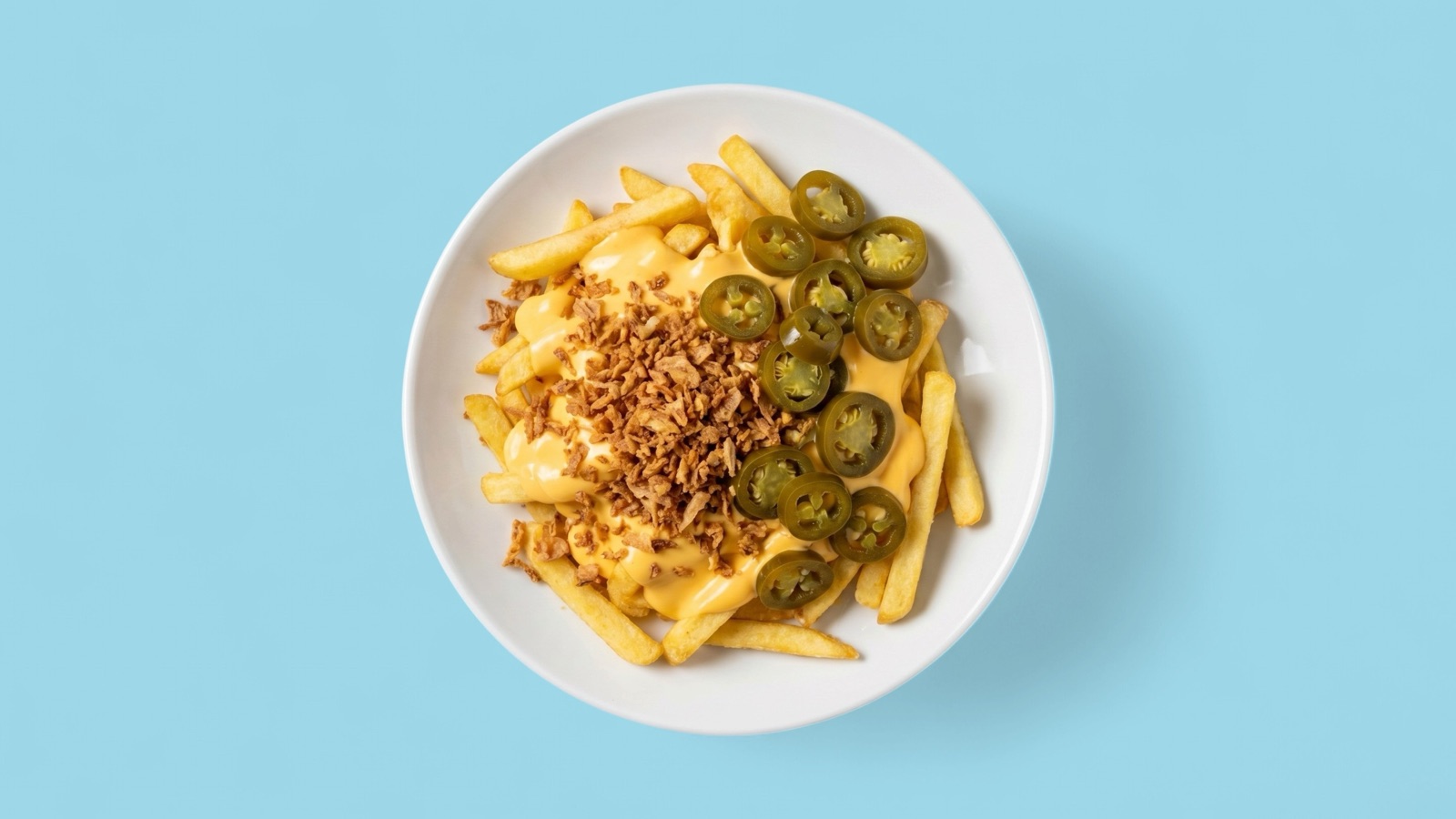
Generate campaign-ready food assets for paid social, launches, and seasonal promotions.
Keep visual quality, framing, and brand presentation aligned across multiple locations.
Workflow map
A visual-first workflow replacing manual production bottlenecks with automation.
Start from real-world source material.
Automate the manual middle layer.
Ship consistent visuals to live channels.
Built for your workflow
Each route focuses on practical outcomes, not generic feature descriptions.
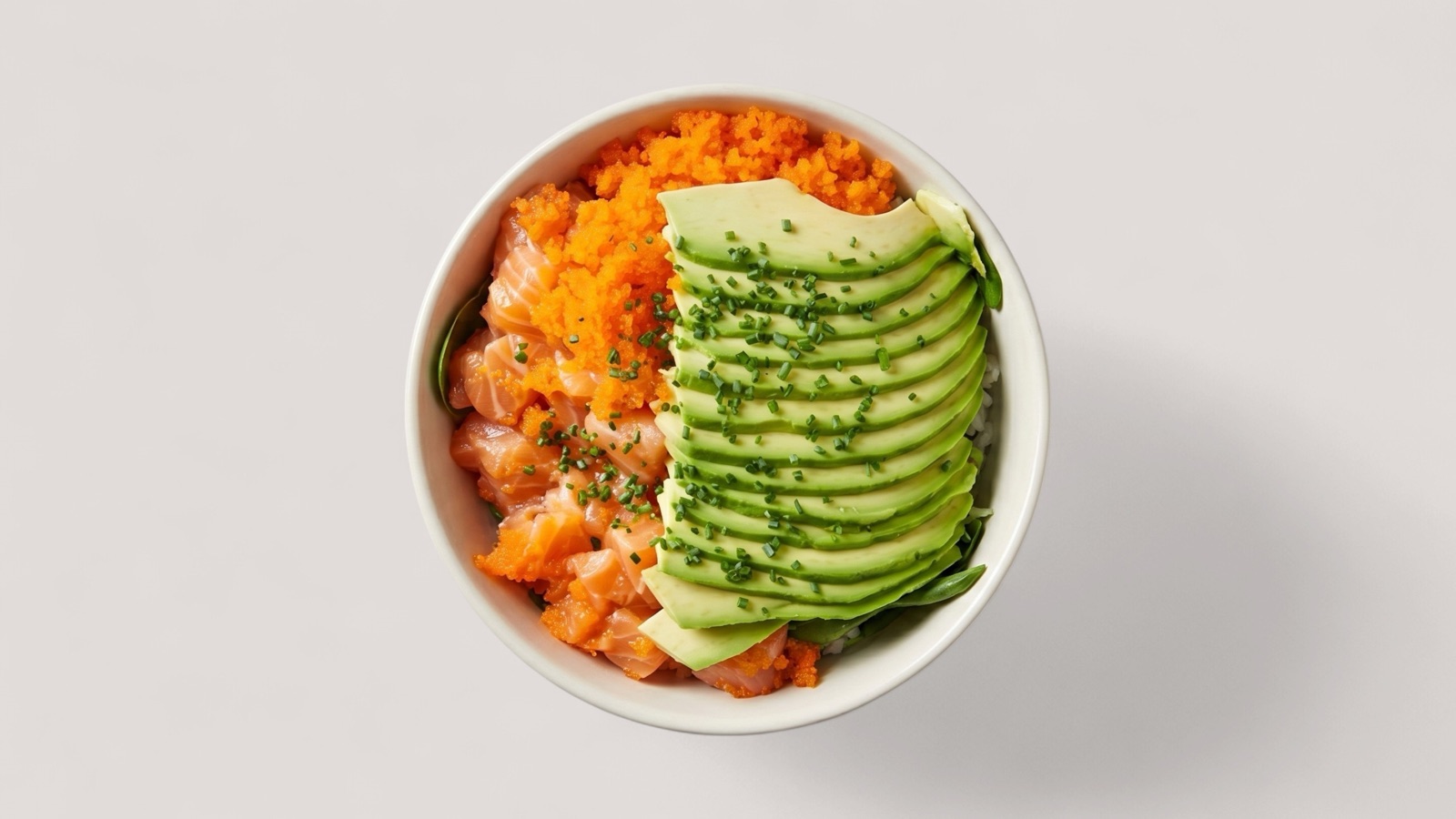
Scale image quality control and merchant output at catalog level.
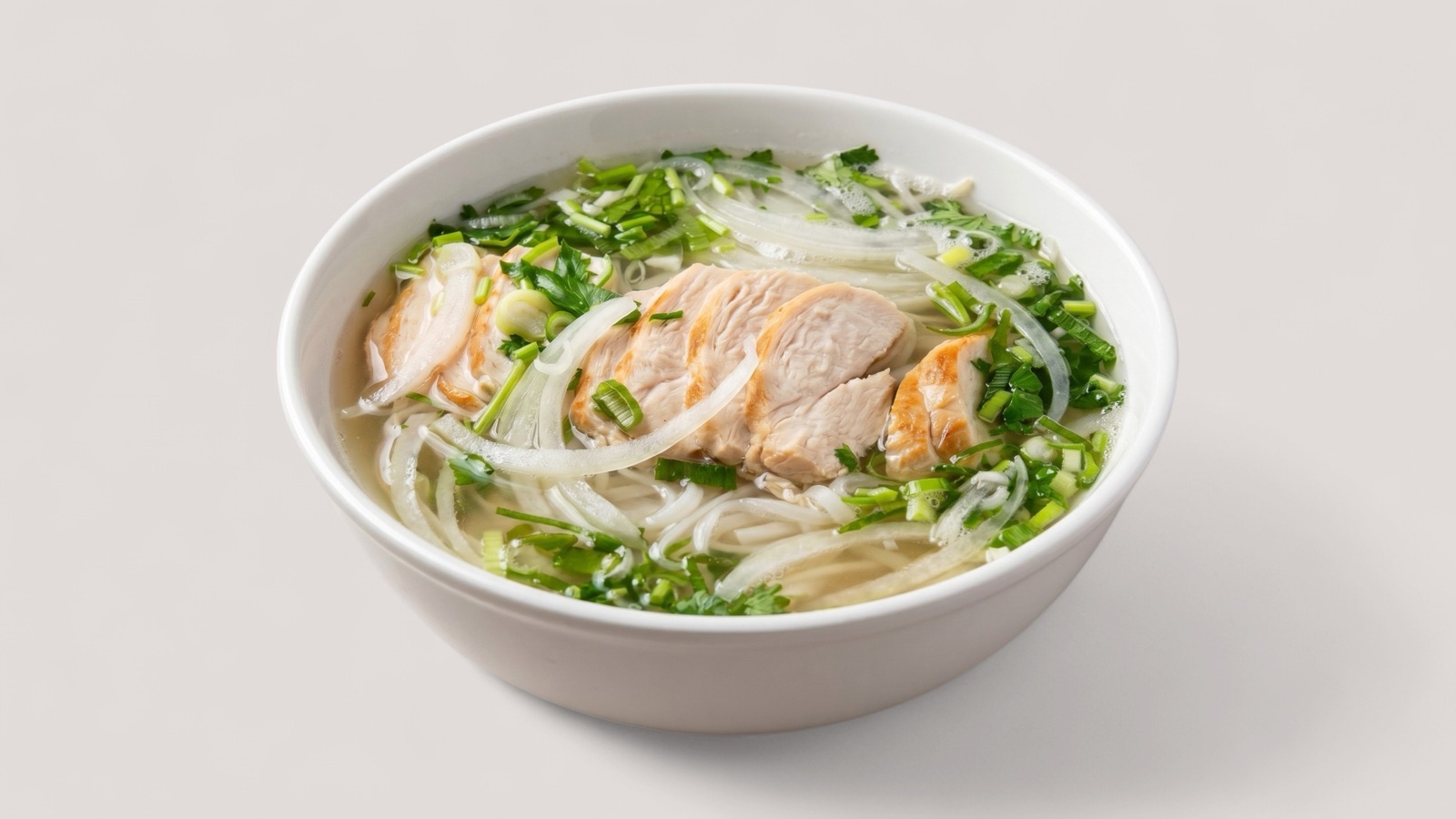
Launch menu visuals faster without reshooting every dish.
Deliver repeatable creative output for multi-client campaigns.
FAQ
Short answers on workflow fit, quality control, generation speed, and integration.
Splentify takes existing food photos, applies automated quality checks and generation workflows, then produces consistent, channel-ready visuals.
No. You can start from everyday phone captures, existing menu assets, and mixed-quality source material.
Most single-image enhancements complete in roughly 1 to 3 minutes, depending on complexity and workflow settings.
Yes. You can guide look, consistency rules, and output intent so assets match your brand and channel requirements.
QC scoring checks visual clarity, composition, and readiness criteria, then flags weak assets for regeneration or review.
Yes. Splentify can fit into existing content operations and platform workflows through structured output and process integration.
Yes. The workflow is designed to support catalog-scale operations where consistency and throughput matter.
Splentify is built for food delivery platforms, marketplaces, restaurant groups, hospitality brands, and agencies handling food content.