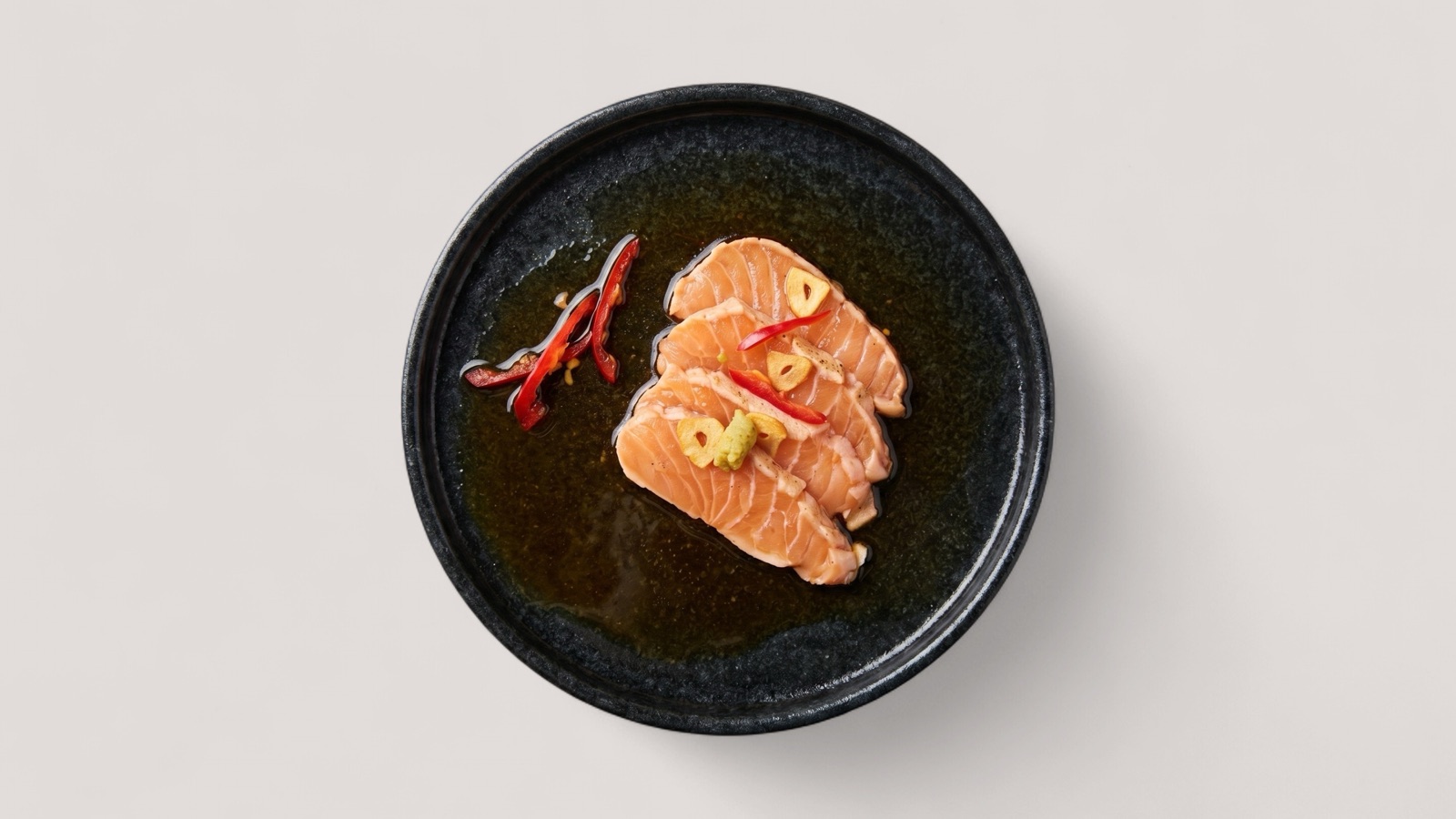
Food visual guide
Food Photo Enhancement Guide
A practical guide to improving existing food photos for menus, delivery apps, websites, and promotions without starting from a new photoshoot.
Read guide
Resources
Source-backed guidance for restaurants, agencies, delivery teams, and marketplace operators improving food photos, food delivery images, and marketplace image quality.
Start here for Splentify guides on enhancing food photos, optimizing menu visuals, preparing food delivery photos, and managing delivery catalog image quality.
Guides
Each guide links to the relevant solution workflow and cites official platform guidance where channel rules matter.
Food visual guide
A practical guide to improving existing food photos for menus, delivery apps, websites, and promotions without starting from a new photoshoot.
Read guideRestaurant menus
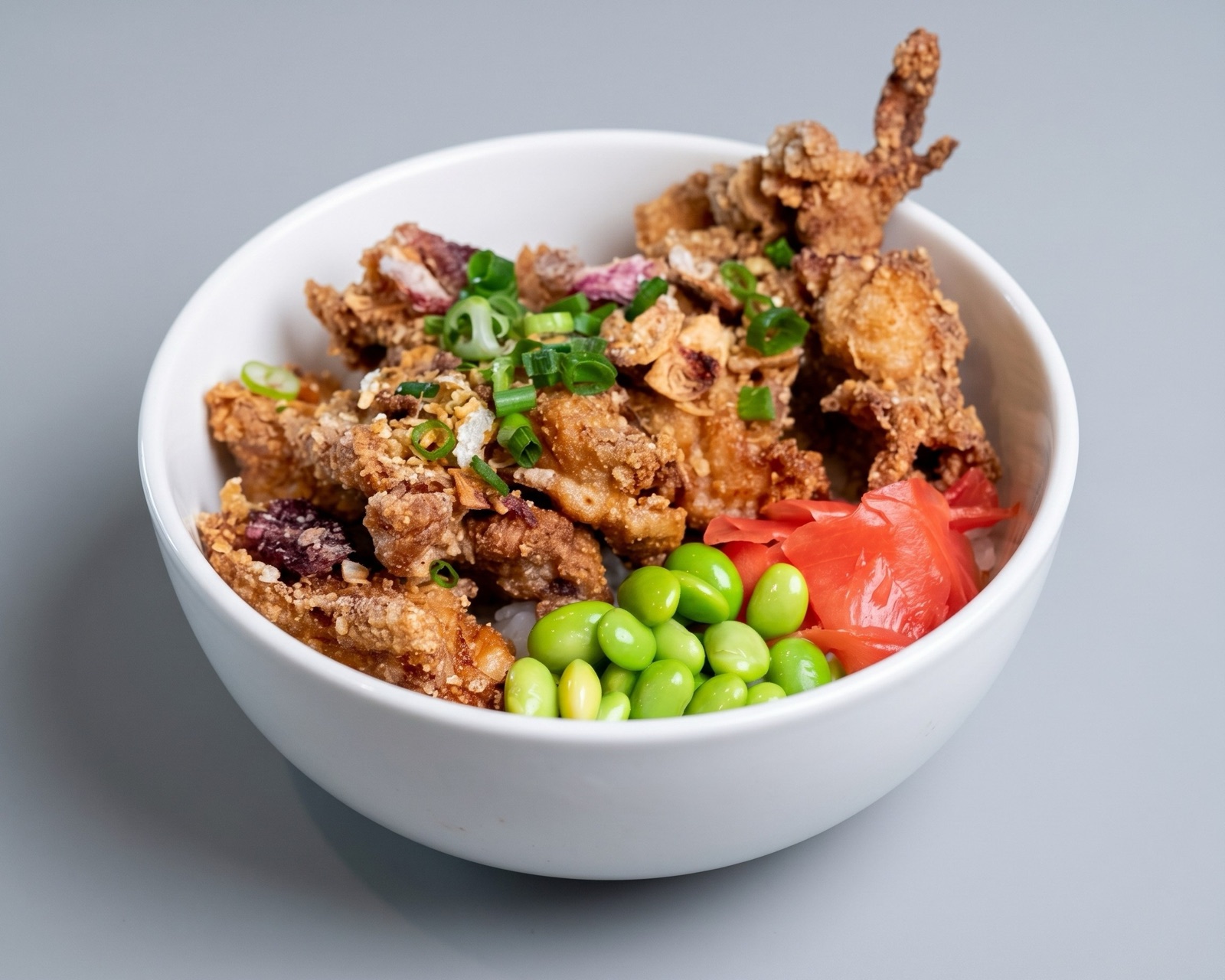
How restaurants can prepare stronger menu photos for printed menus, websites, online ordering, Google Business Profile, and delivery channels.
Read guideCatalog operations
A practical framework for food delivery and marketplace teams managing restaurant catalog image quality, consistency, and review workflows at scale.
Read guide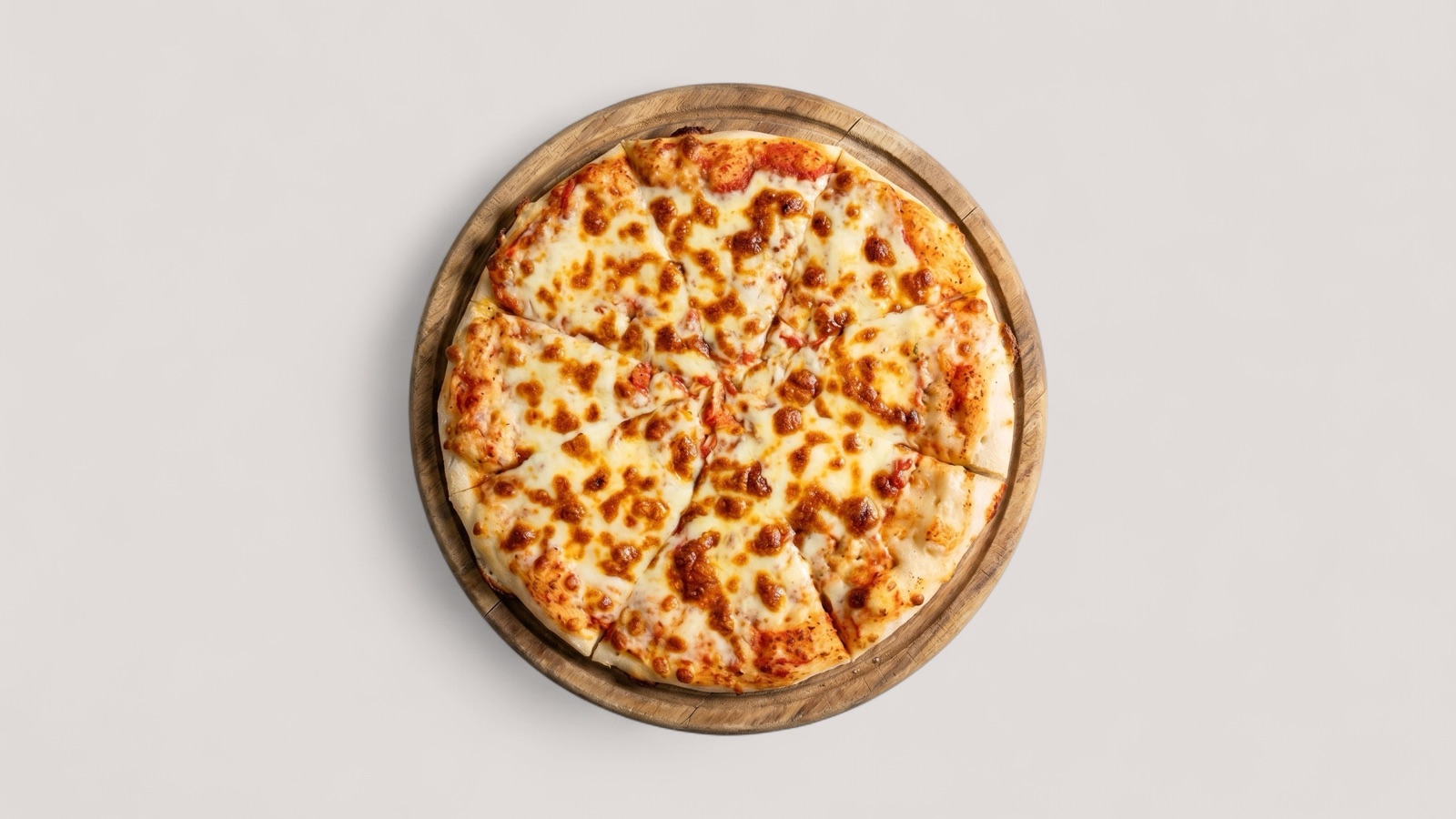
Evidence guide
A careful answer to whether better food photos can increase orders, what the evidence actually supports, and how restaurants should test visual improvements.
Read guide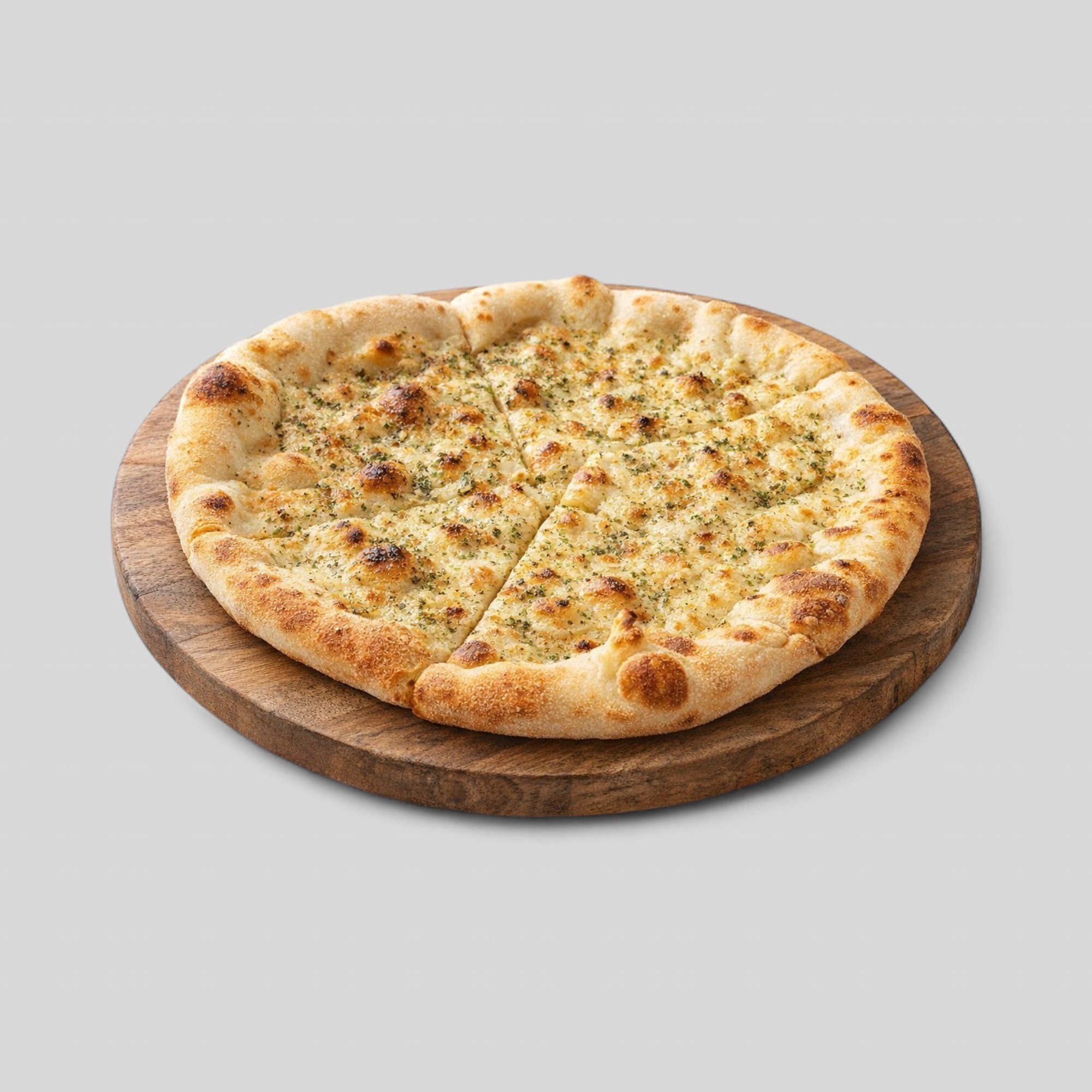
Workflow comparison
How to decide when to use AI-assisted food image enhancement, when to book a restaurant photoshoot, and where the two workflows work together.
Read guide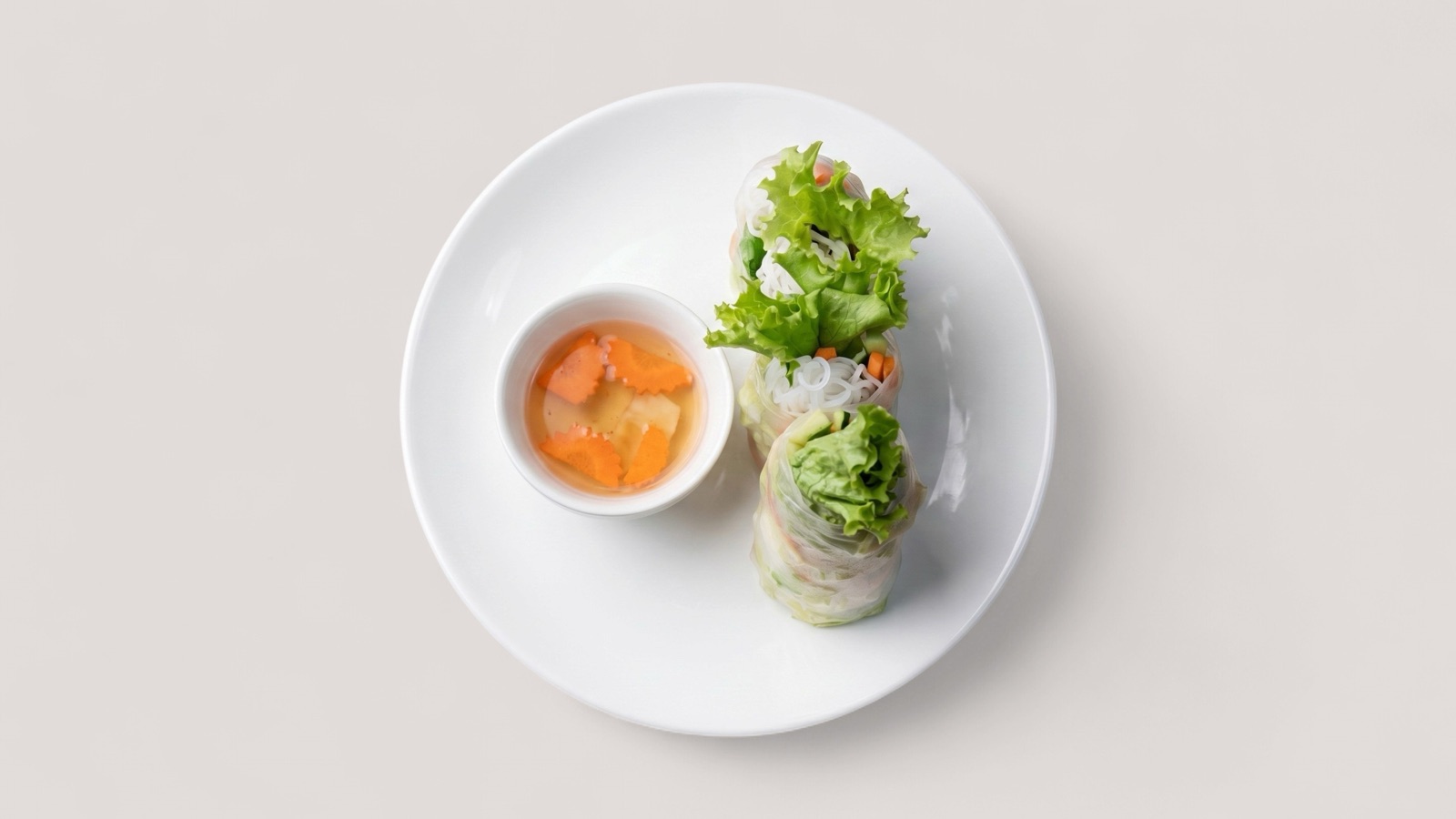
Platform readiness
A practical guide to delivery app image requirements and the quality checks teams should run before uploading restaurant menu photos.
Read guide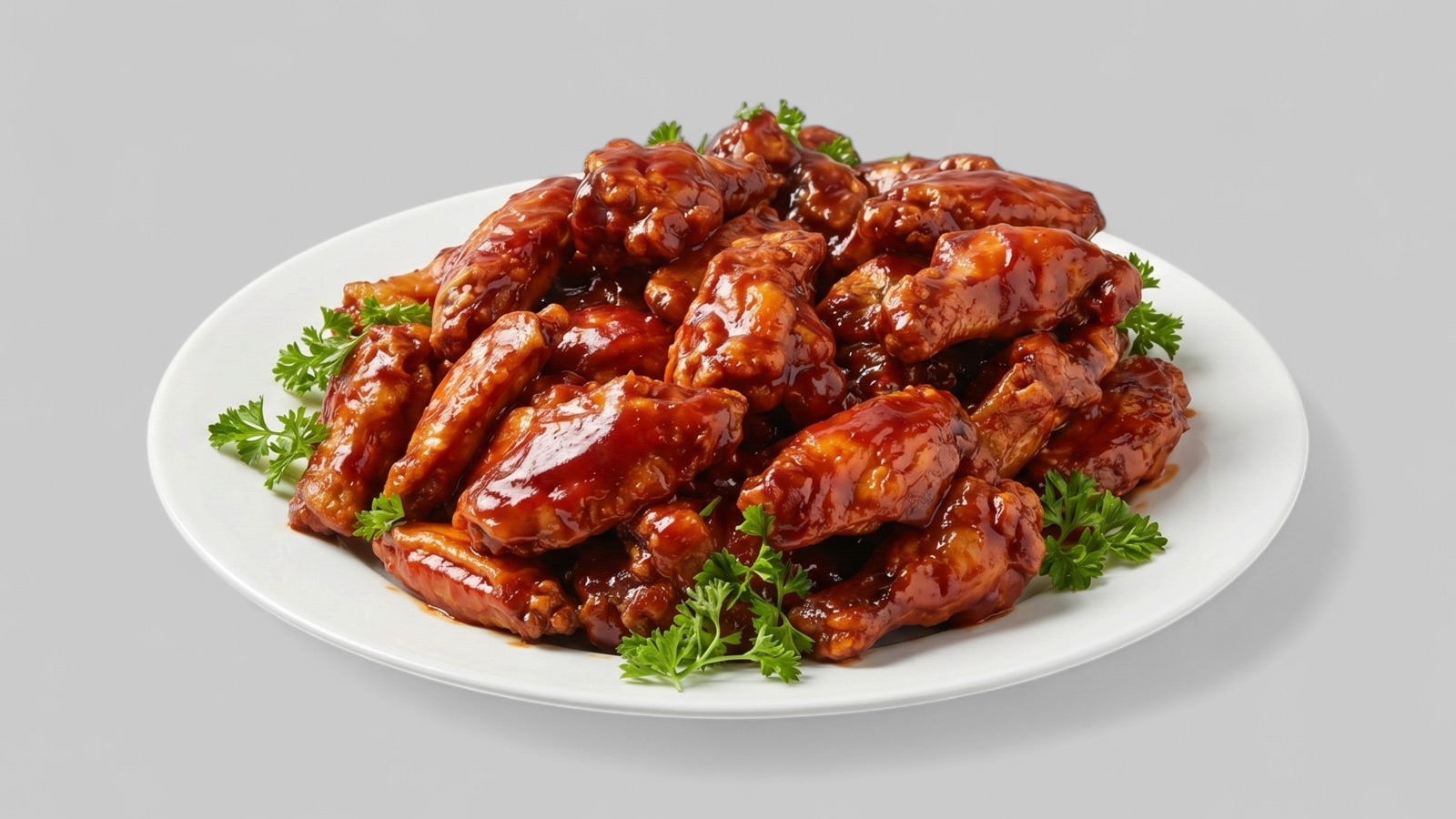
No-reshoot workflow
A practical workflow for improving restaurant menu photos when a full new photoshoot is too slow, expensive, or operationally unrealistic.
Read guide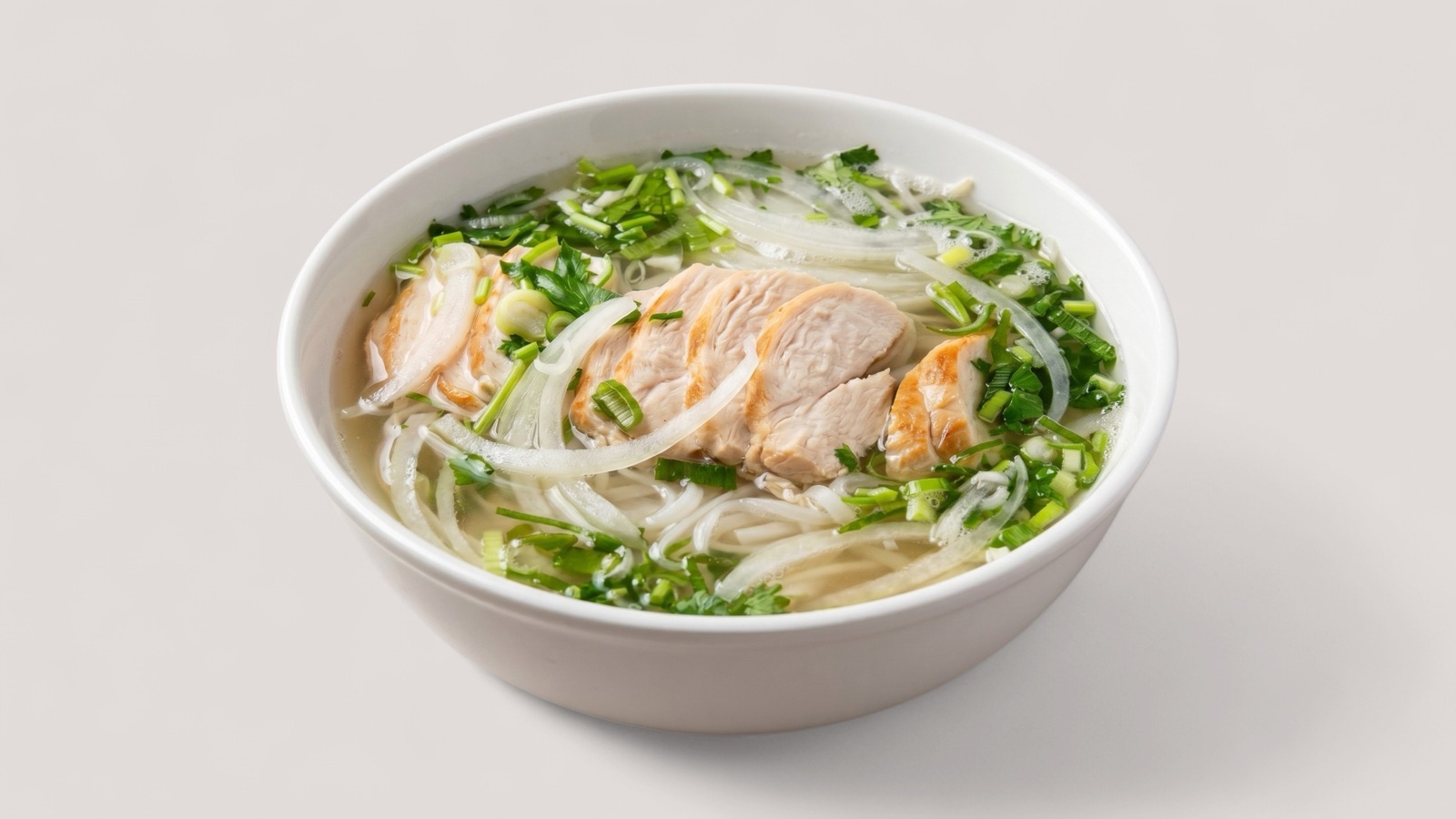
Photo guidelines
A practical set of restaurant photo guidelines for menu pages, delivery listings, Google Business Profile, and promotional use.
Read guide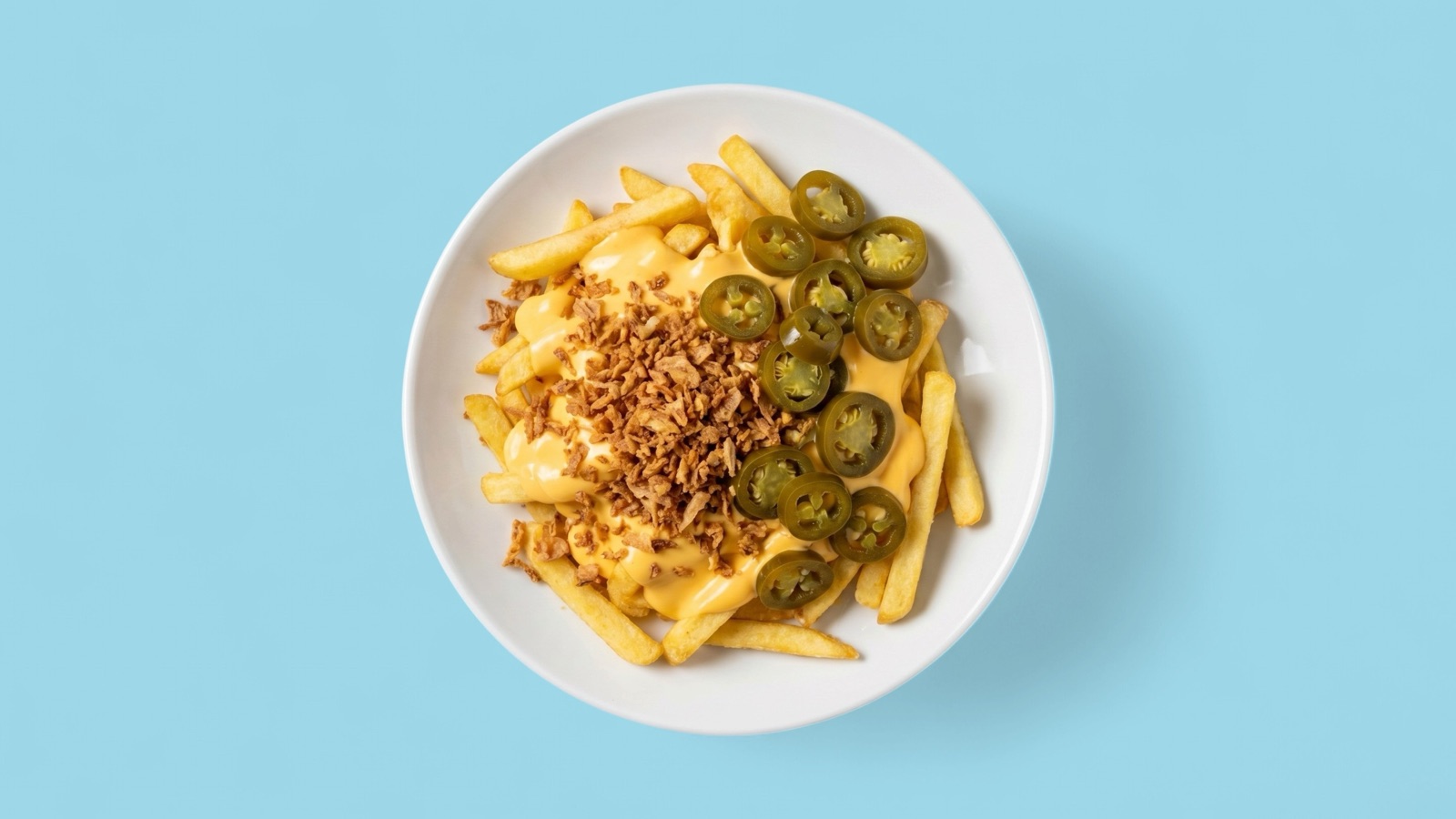
Delivery visuals
How restaurants and delivery catalog teams should prepare food photography for app listing cards, item pages, and merchant onboarding.
Read guide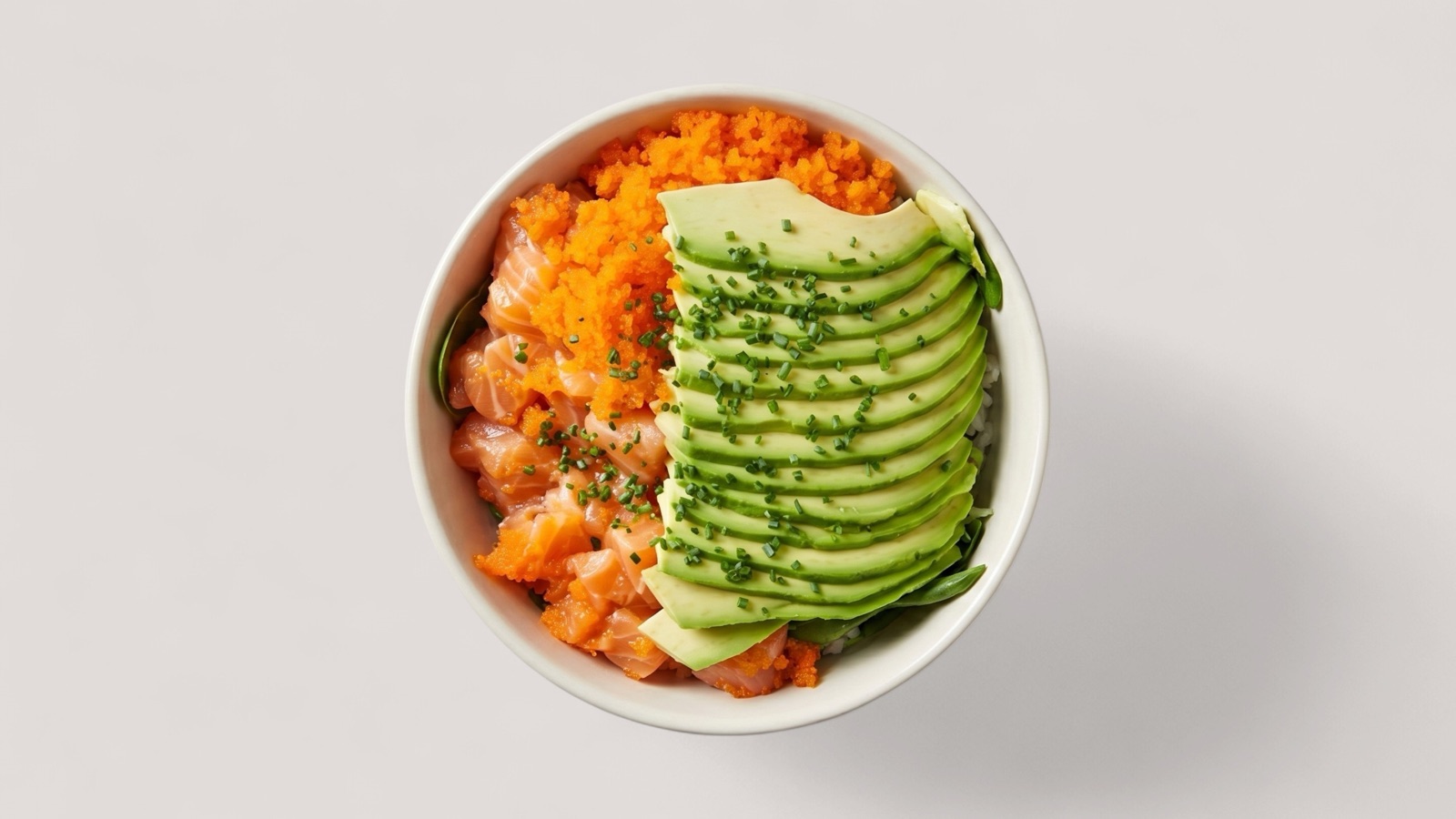
Quality checklist
A practical checklist for reviewing restaurant menu images before publishing them to websites, delivery apps, ordering pages, and campaigns.
Read guide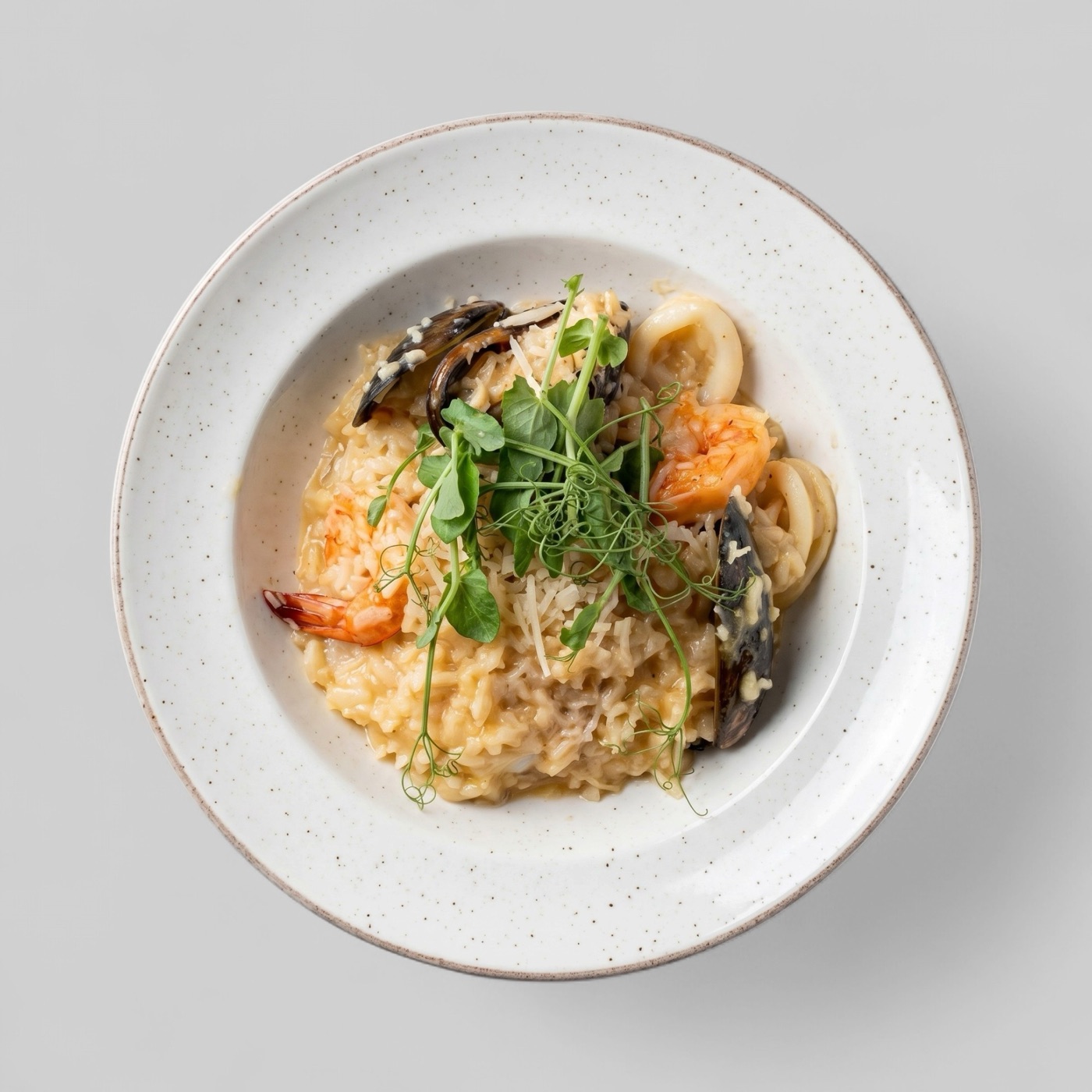
Catalog refresh
How restaurant and marketplace teams can refresh menu image catalogs without losing accuracy, consistency, or operational control.
Read guideWolt photos
A practical guide to preparing menu photos for Wolt, including crop, clarity, item accuracy, AI enhancement, and batch upload workflow considerations.
Read guide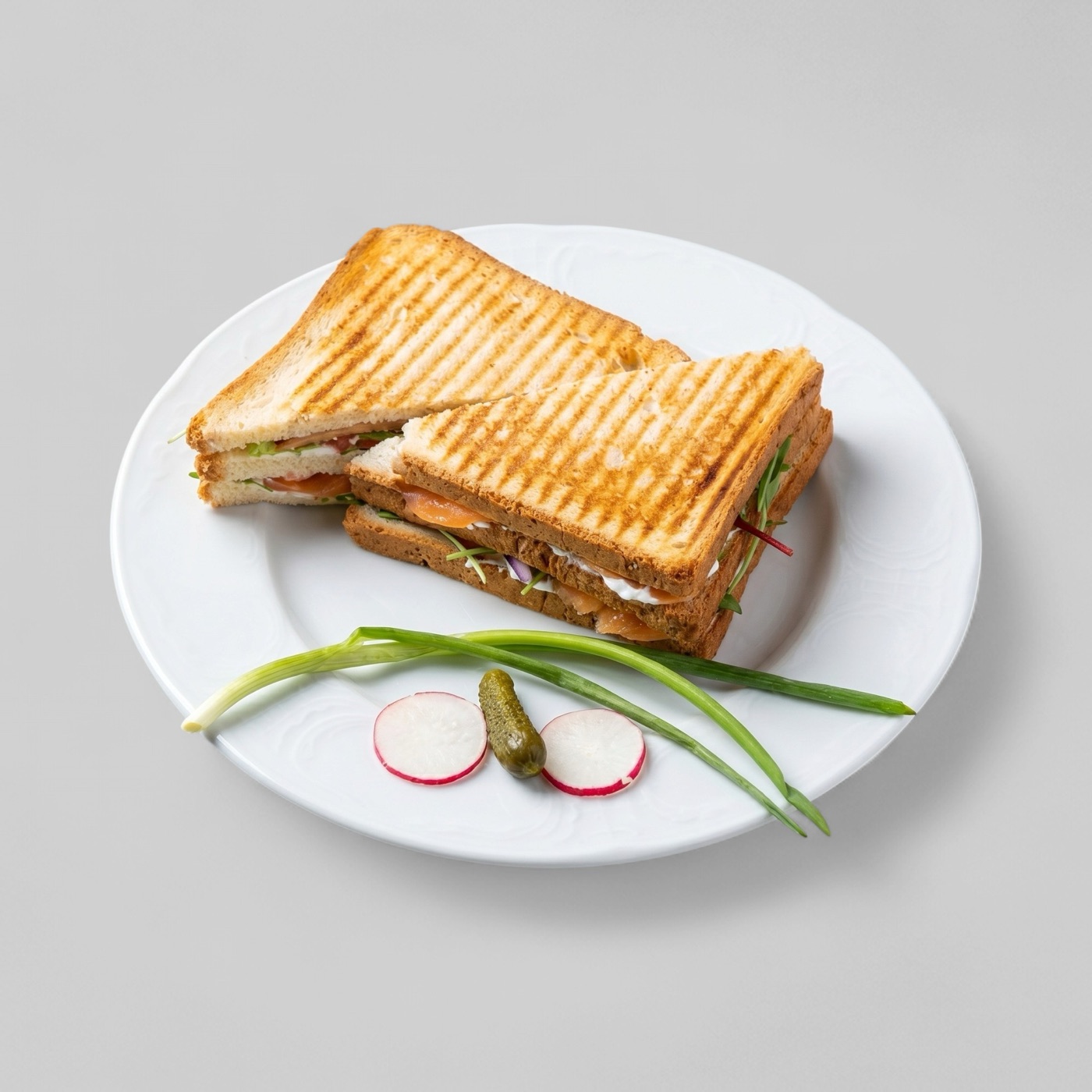
Just Eat photos
How to prepare restaurant menu header photos and dish photos for Just Eat Takeaway marketplaces without losing accuracy, ownership, or crop safety.
Read guide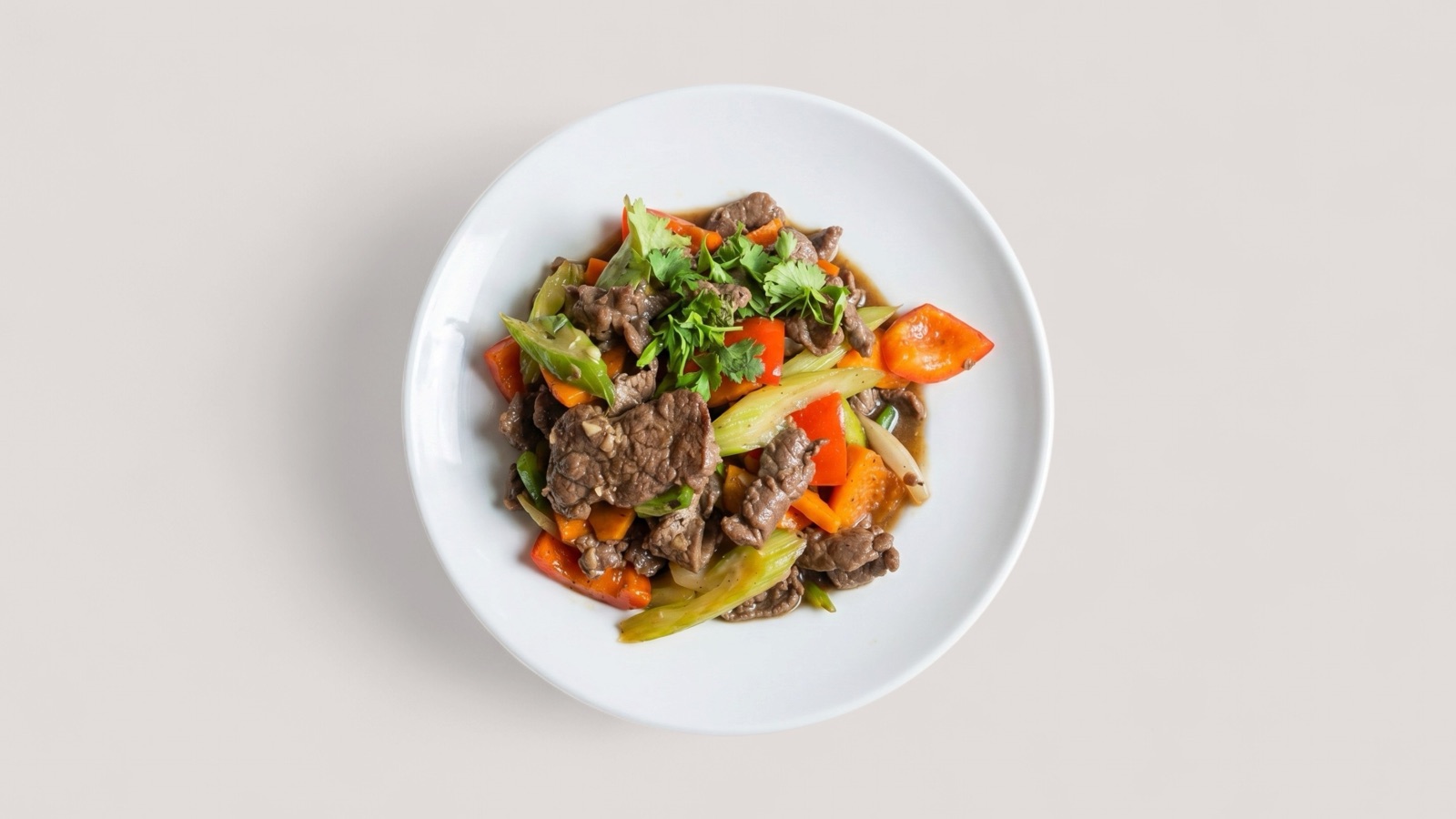
Deliveroo photos
How to prepare Deliveroo hero images and item photos for restaurants, including ratio, file format, crop, ownership, and review-safe presentation.
Read guideiFood photos
How restaurants can prepare iFood menu photos and AI-enhanced images while staying accurate, transparent, and consistent across a digital menu.
Read guideGrubhub photos
How to prepare Grubhub menu photos with square crop awareness, clear food content, original ownership, and review-safe file requirements.
Read guide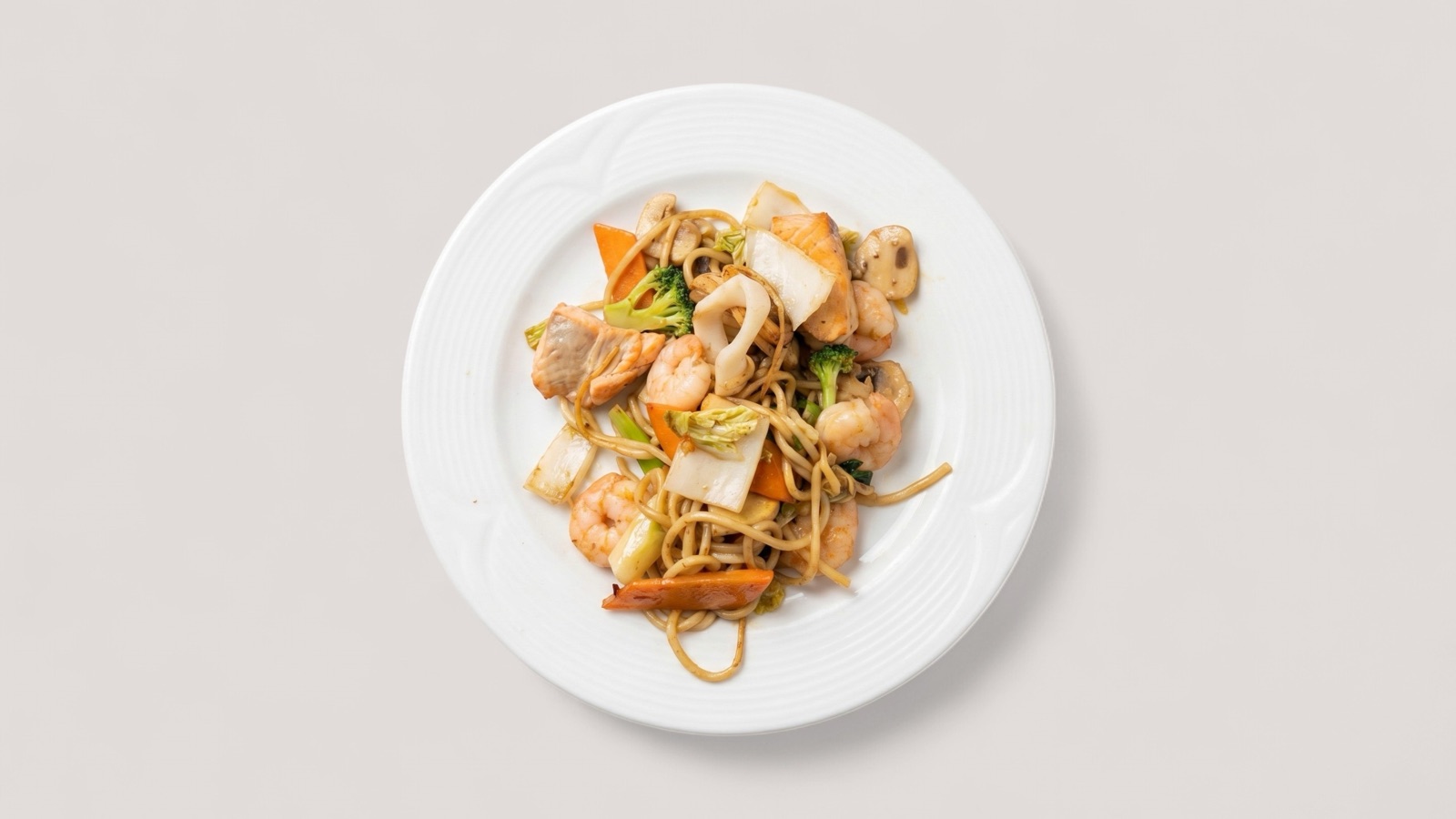
Glovo photos
A practical guide to preparing Glovo restaurant menu photos with accurate product representation, complete menu coverage, and scalable catalog workflow.
Read guide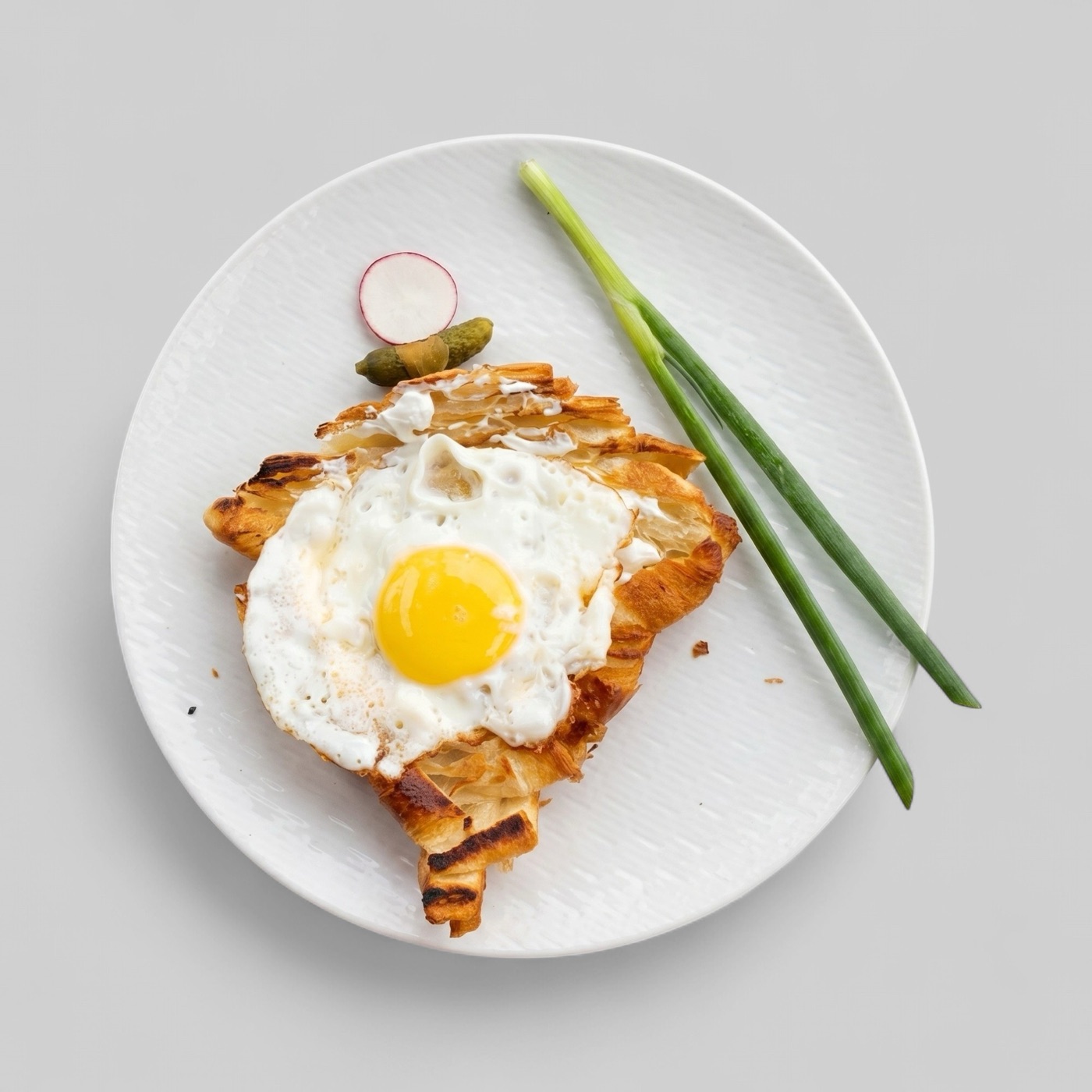
Bolt Food photos
How to prepare Bolt Food menu photos with high-resolution product representation, clean styling, rights awareness, and cross-platform export discipline.
Read guideDelivery photo requirements
A platform-by-platform guide to food delivery photo requirements for Uber Eats, DoorDash, Wolt, Bolt Food, GrabFood, foodpanda, Deliveroo, Just Eat, Glovo, iFood, and Grubhub.
Read guideUber Eats vs DoorDash
A practical comparison of Uber Eats and DoorDash menu photo requirements, including image quality, crop safety, upload workflow, AI enhancement, and review risks.
Read guideWolt vs Bolt Food
A comparison of Wolt and Bolt Food menu photo requirements for restaurants preparing clear, accurate, mobile-ready delivery images.
Read guideGrabFood vs foodpanda
A Southeast Asia-focused comparison of GrabFood and foodpanda menu photo requirements, including item clarity, onboarding readiness, image matching, and AI enhancement rules.
Read guideGrabFood photos
How restaurants can prepare GrabFood-ready menu photos with clear item framing, accurate dish representation, simple backgrounds, and reviewable AI enhancement workflows.
Read guidefoodpanda photos
How restaurants can prepare foodpanda-ready menu photos with accurate dish matching, clean crops, clear lighting, and reusable image workflows.
Read guideComparison guide
A practical comparison of AI food photography workflows and traditional restaurant food photography, including when to use each option.
Read guideBuyer guide
How to compare food photo apps for restaurant menu images, delivery listings, social content, and catalog refresh workflows.
Read guideSoftware guide
What restaurant, agency, and marketplace teams should expect from food photo enhancement software before using it for menu and delivery images.
Read guideService guide
How to evaluate a menu photo editing service for restaurant websites, delivery platforms, ordering pages, and campaign assets.
Read guideROI calculator
A simple framework for estimating whether better menu and delivery photos are worth the investment for a restaurant or catalog team.
Read guideAudit template
A repeatable audit template for reviewing restaurant menu images before enhancement, reshoots, delivery uploads, or catalog refreshes.
Read guideBefore and after
How before-and-after food photo examples help restaurant teams evaluate enhancement quality, accuracy, and menu readiness.
Read guideDoorDash photos
How restaurants can prepare DoorDash-ready menu photos with clear item framing, accurate dish representation, review-safe exports, and reusable image workflows.
Read guideUber Eats photos
A practical guide to preparing food photos for Uber Eats listings, including crop safety, dish accuracy, file readiness, and enhancement rules.
Read guideGoogle photos
How restaurants can prepare stronger food photos for Google Business Profile, local discovery, menu trust, and cross-channel reuse.
Read guideDark kitchens
A food photo workflow for dark kitchens and virtual brands that need fast, accurate, delivery-ready menu visuals without a full studio process.
Read guide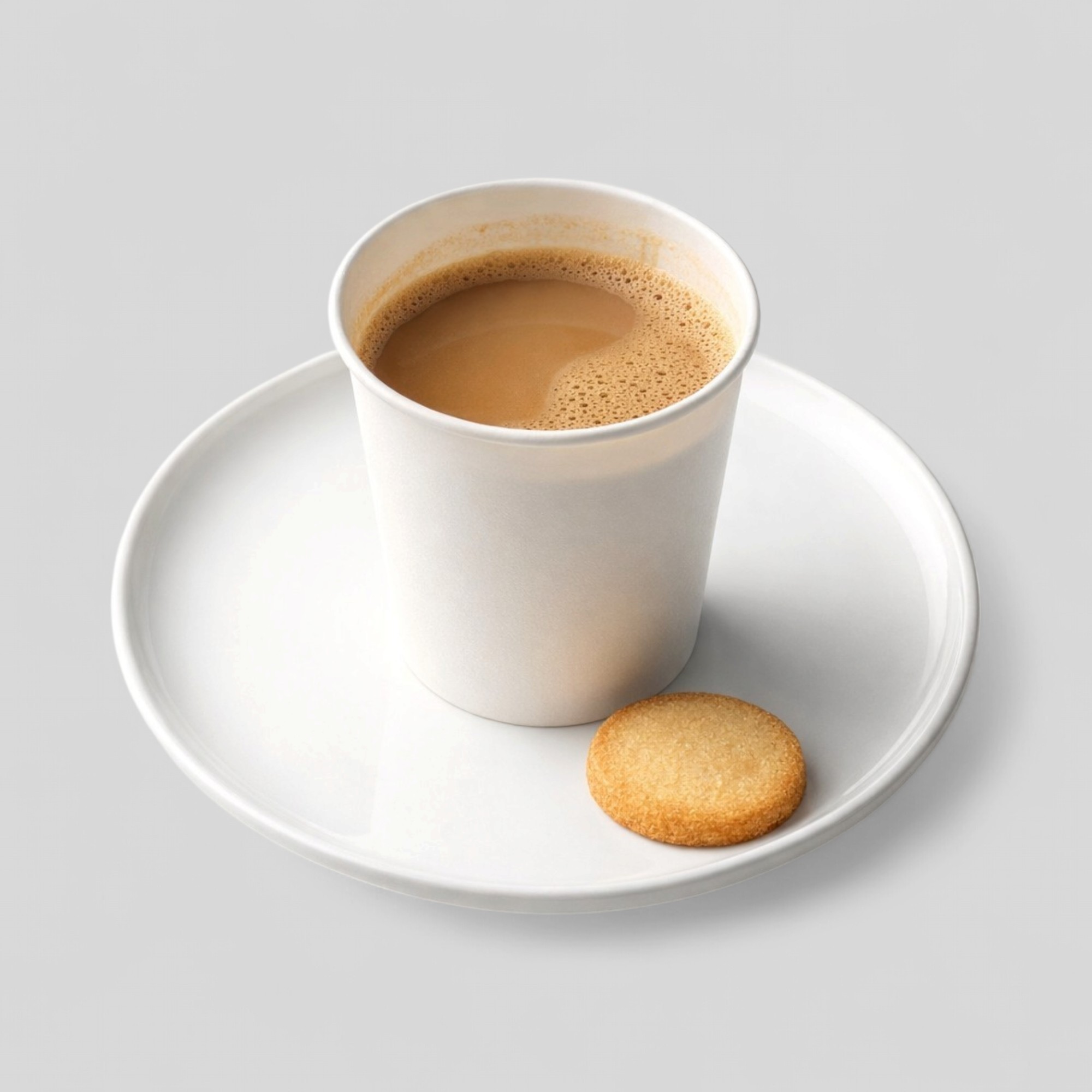
Coffee shops
How coffee shops, espresso bars, and specialty drink operators can prepare menu photos for drinks, pastries, delivery apps, and local discovery.
Read guideBakeries
A practical image workflow for bakeries, pastry shops, and breakfast operators preparing product photos for menus, delivery apps, and campaigns.
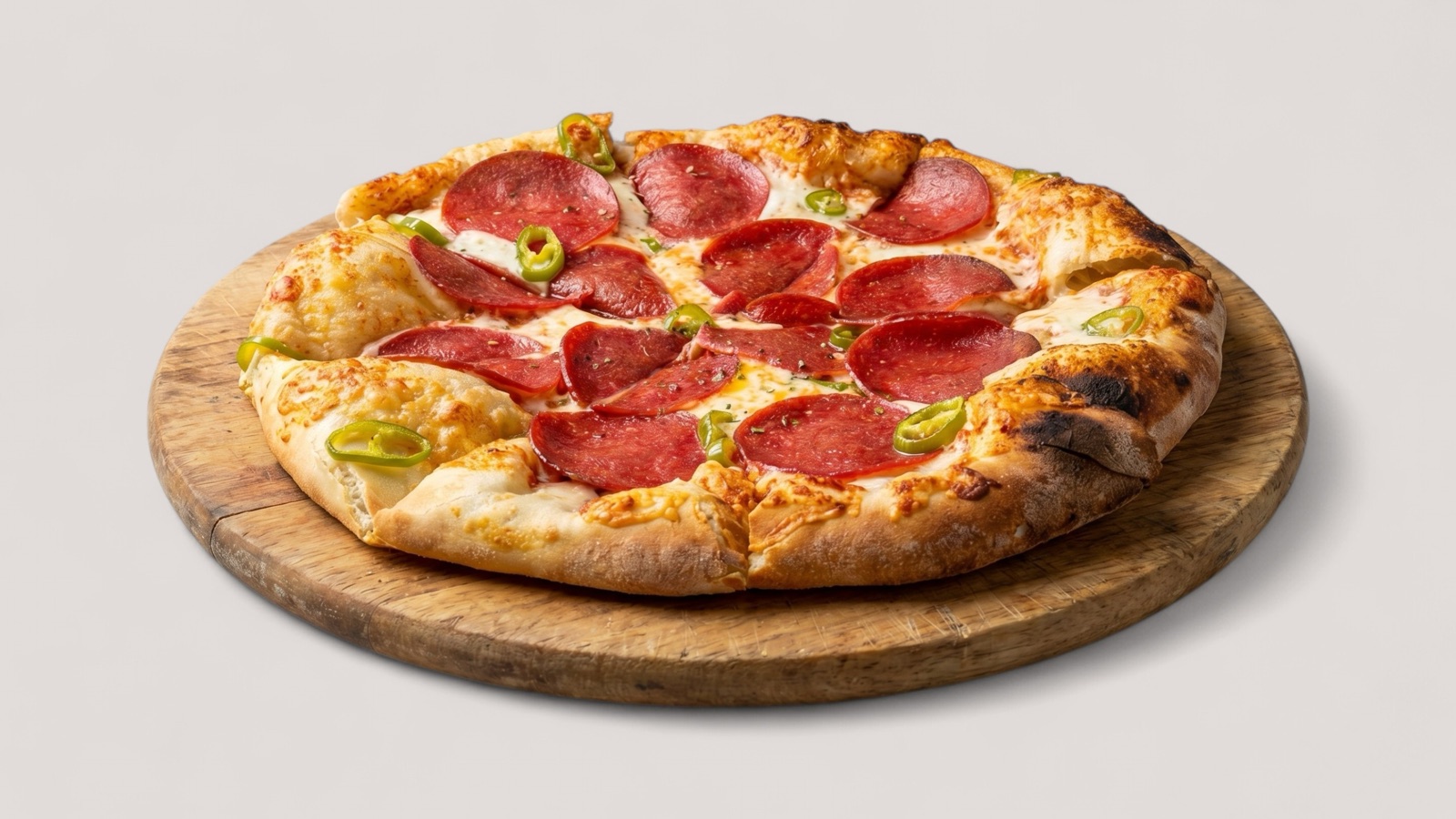
Read guidePizza photos
How pizza restaurants can prepare accurate, appetizing, delivery-ready menu photos for pies, slices, sides, bundles, and promotions.
Read guideSushi photos
A practical guide for sushi restaurants preparing menu photos for rolls, nigiri, bowls, platters, delivery listings, and premium visual presentation.
Read guideApply the guidance
Use your current menu or catalog images and compare the output against your real publishing workflow.