
Sushi photos
Sushi menu photo guide for delivery and restaurant menus
A practical guide for sushi restaurants preparing menu photos for rolls, nigiri, bowls, platters, delivery listings, and premium visual presentation.
Sushi menu photos should make roll count, fish quality, toppings, sauces, platter contents, and portion expectations clear while keeping the presentation clean and accurate.
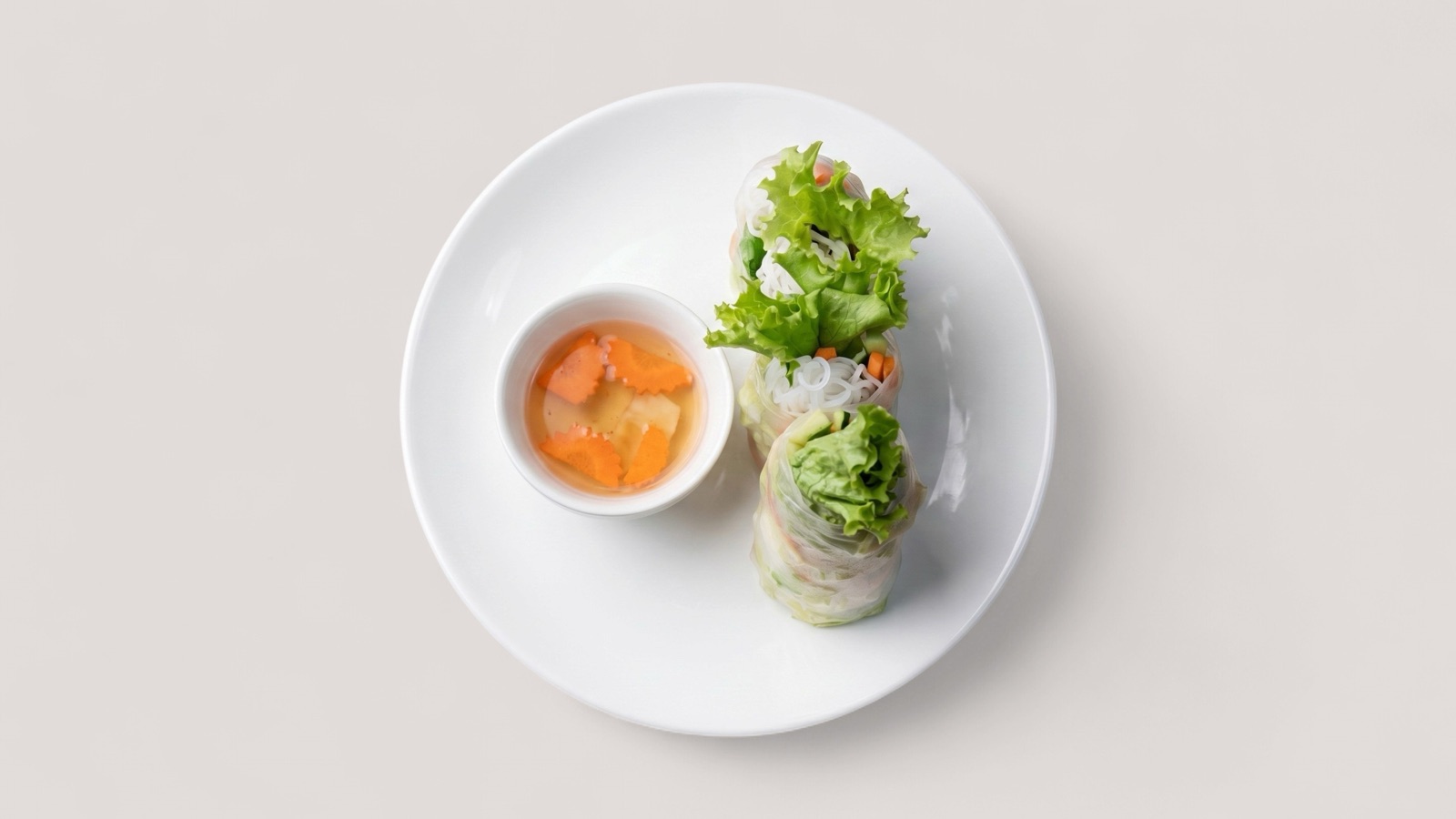
Make count and contents obvious
Sushi menu decisions depend on details: roll count, fish type, toppings, sauces, garnish, platter composition, and whether the item is a single roll or a set. The photo should reduce that uncertainty.
A beautiful angle is less useful if customers cannot tell what is included. For delivery listings, the safest sushi photos show the item clearly from a crop that survives mobile thumbnails.
- Show roll count or platter quantity clearly.
- Keep sauces and toppings visible without exaggeration.
- Use separate images for rolls, nigiri, bowls, and platters.
- Avoid props that suggest items not included in the order.
Prepare delivery-safe versions
Sushi can shift during delivery, so photos should set accurate expectations. If the delivered item comes in packaging, restaurants may need both plated and packaging-aware images depending on the channel and item type.
Enhancement is useful for crop, lighting, and background cleanup, but the output should not add fish volume, change toppings, or make platter contents look larger than the real order.
- Keep item quantity and included pieces accurate.
- Review enhanced images against the real menu item.
- Export clean versions for delivery, website, and campaign use.