
Software guide
Food photo enhancement software for menu and delivery workflows
What restaurant, agency, and marketplace teams should expect from food photo enhancement software before using it for menu and delivery images.
Food photo enhancement software should improve existing dish photos, standardize menu sets, prepare channel-ready variants, and keep outputs accurate enough for customer-facing use.
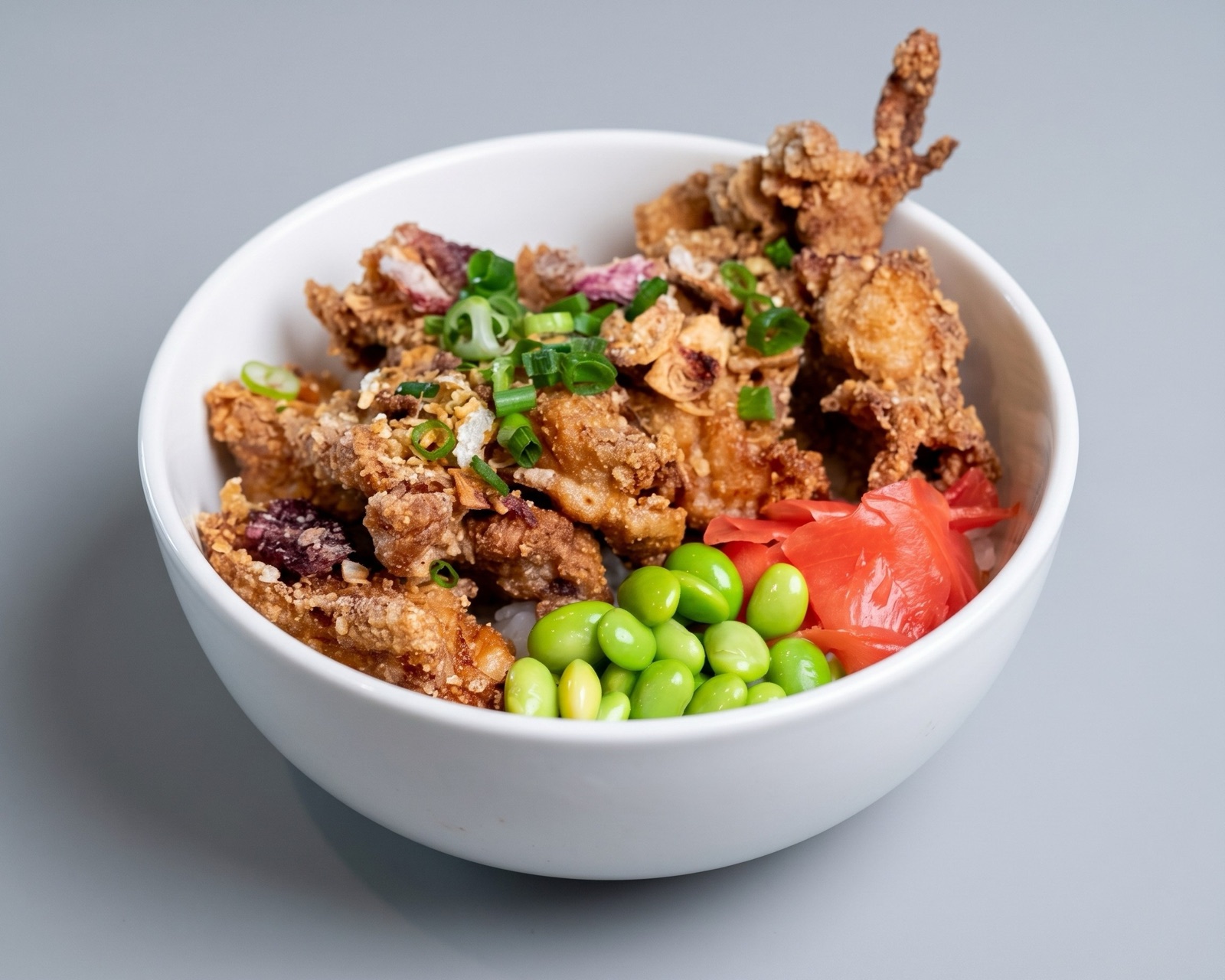
What the software should improve
The most useful food photo enhancement software improves recoverable problems: dim lighting, weak contrast, distracting backgrounds, poor crop choices, inconsistent framing, and image sets that feel uneven across a menu.
It should not be judged only by how dramatic one image looks after editing. Restaurants and marketplaces need a repeatable system that produces trustworthy outputs across many items.
- Lighting and clarity.
- Crop and composition.
- Background distraction.
- Set-level consistency.
- Channel-ready export preparation.
Operational features to require
Teams should look for review states, batch handling, and clear fit for menu and delivery workflows. The software should make it easy to decide whether an image is ready, needs enhancement, or should be replaced.
For larger teams, quality control matters as much as image generation. A workflow that flags weak assets before publishing can prevent catalog issues from reaching customers.
The strongest setup also keeps source files, approved outputs, item names, and channel exports connected so future menu refreshes do not restart from a disorganized image library.
How Splentify is positioned
Splentify focuses on real food images used in restaurant and marketplace workflows. It helps teams improve existing photos, create cleaner variants, and standardize visual quality before images move into live channels.
That focus makes it different from broad creative image tools that are optimized for general image generation rather than restaurant menu accuracy.