
Buyer guide
Best food photo apps for restaurants: what to look for
How to compare food photo apps for restaurant menu images, delivery listings, social content, and catalog refresh workflows.
The best food photo app for a restaurant should improve real dish images, preserve accuracy, support menu and delivery crops, handle batches, and make review easy before publishing.
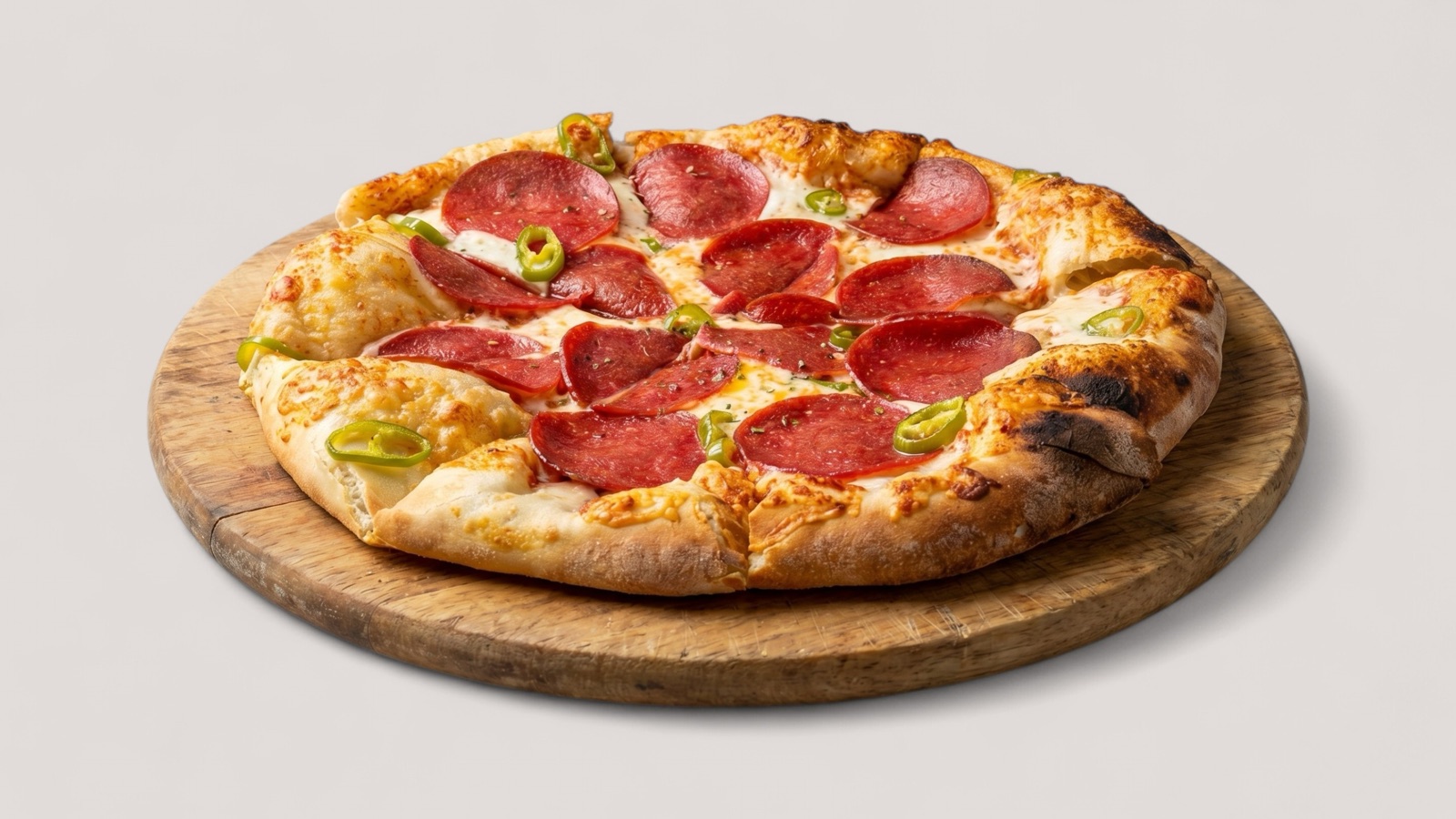
Start with the restaurant workflow
A general image editor can make one photo look better, but restaurants need a workflow that supports many menu items, recurring updates, and multiple publishing destinations. The best app is the one that reduces operational friction, not just the one with the most effects.
For restaurants, the core question is whether the app can improve real dish images while keeping the food recognizable to customers. If the output changes ingredients, portion expectations, or dish identity, it creates trust risk.
Features that matter
A useful restaurant food photo app should handle enhancement, crop preparation, batch consistency, and review. It should also support the practical channels where images go live, including delivery apps, ordering pages, websites, Google Business Profile, and promotional posts.
Restaurants should avoid tools that optimize only for dramatic before-and-after images. A menu set needs believable, repeatable quality across all dishes.
- AI enhancement that preserves the actual dish.
- Batch-friendly review for menu sets.
- Delivery and menu crop support.
- Consistent output style across dishes.
- Clear human review before publishing.
Where Splentify fits
Splentify is built for restaurant and food catalog workflows rather than general photo editing. It is most useful when teams need to turn existing food images into cleaner menu, delivery, web, and promotional assets.
That makes it a fit for restaurants with old menu photos, agencies handling client-supplied imagery, and food delivery teams standardizing marketplace visuals.