
Dark kitchens
Dark kitchen menu photo guide
A food photo workflow for dark kitchens and virtual brands that need fast, accurate, delivery-ready menu visuals without a full studio process.
Dark kitchen menu photos should be optimized for delivery conversion, show the real item accurately, stay consistent across virtual brands, and move through a repeatable review workflow before upload.
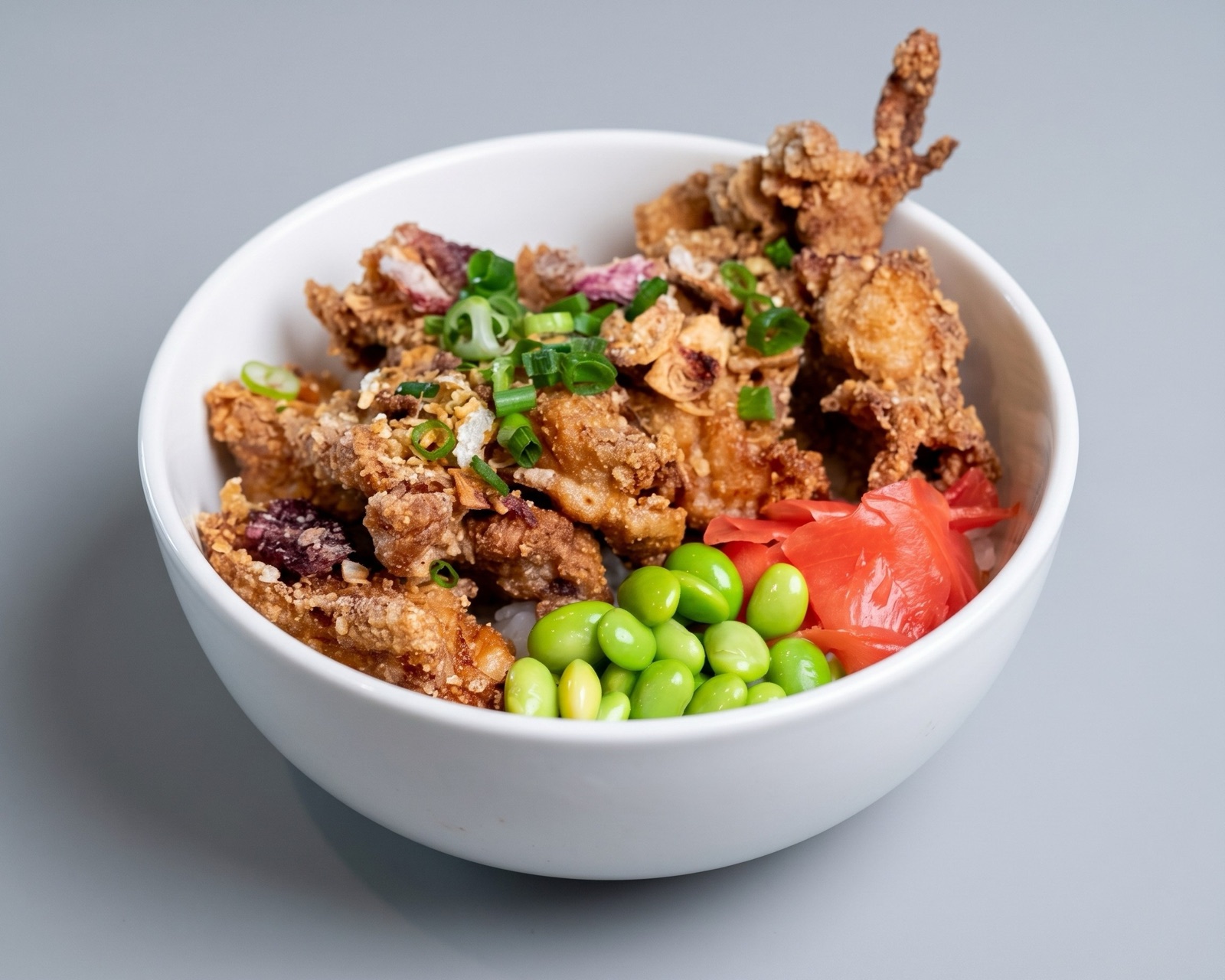
Optimize for delivery-first discovery
Dark kitchens do not usually have a storefront to build visual trust. The menu image becomes one of the main ways a customer understands the offer, so weak photos can hurt the brand before the food is even considered.
The priority is practical clarity: the dish should be recognizable, appetizing, and believable at mobile size. Customers need to know what will arrive, especially when the brand is new or delivery-only.
- Make each item readable in a delivery app grid.
- Keep packaging, portion, and ingredients realistic.
- Avoid generic imagery that could belong to any brand.
- Review photos at the same size customers will see them.
Manage multiple virtual brands
Many dark kitchen operators manage several concepts from one production base. That creates a catalog problem: each brand needs its own visual identity, but the production workflow must remain efficient.
A useful system separates source capture, enhancement, brand-level styling, and channel export. That lets a team maintain different visual routes without rebuilding the whole process for every brand.
Use a strict accuracy gate
Delivery-only brands are especially vulnerable to trust problems because the customer cannot inspect the restaurant in person. Images should not exaggerate toppings, portion size, sides, or packaging.
Enhancement should clean up recoverable photos and standardize the set. If a dish has changed or the image no longer matches the kitchen output, the right move is to replace the source image.
- Approve images against the real production dish.
- Track which brand and channel each image belongs to.
- Refresh images when recipes, packaging, or portioning changes.