
Catalog refresh
Restaurant catalog refresh for food image libraries
How restaurant and marketplace teams can refresh menu image catalogs without losing accuracy, consistency, or operational control.
A restaurant catalog refresh updates weak, missing, outdated, or inconsistent menu visuals through audit, enhancement, replacement, and channel-ready export workflows.
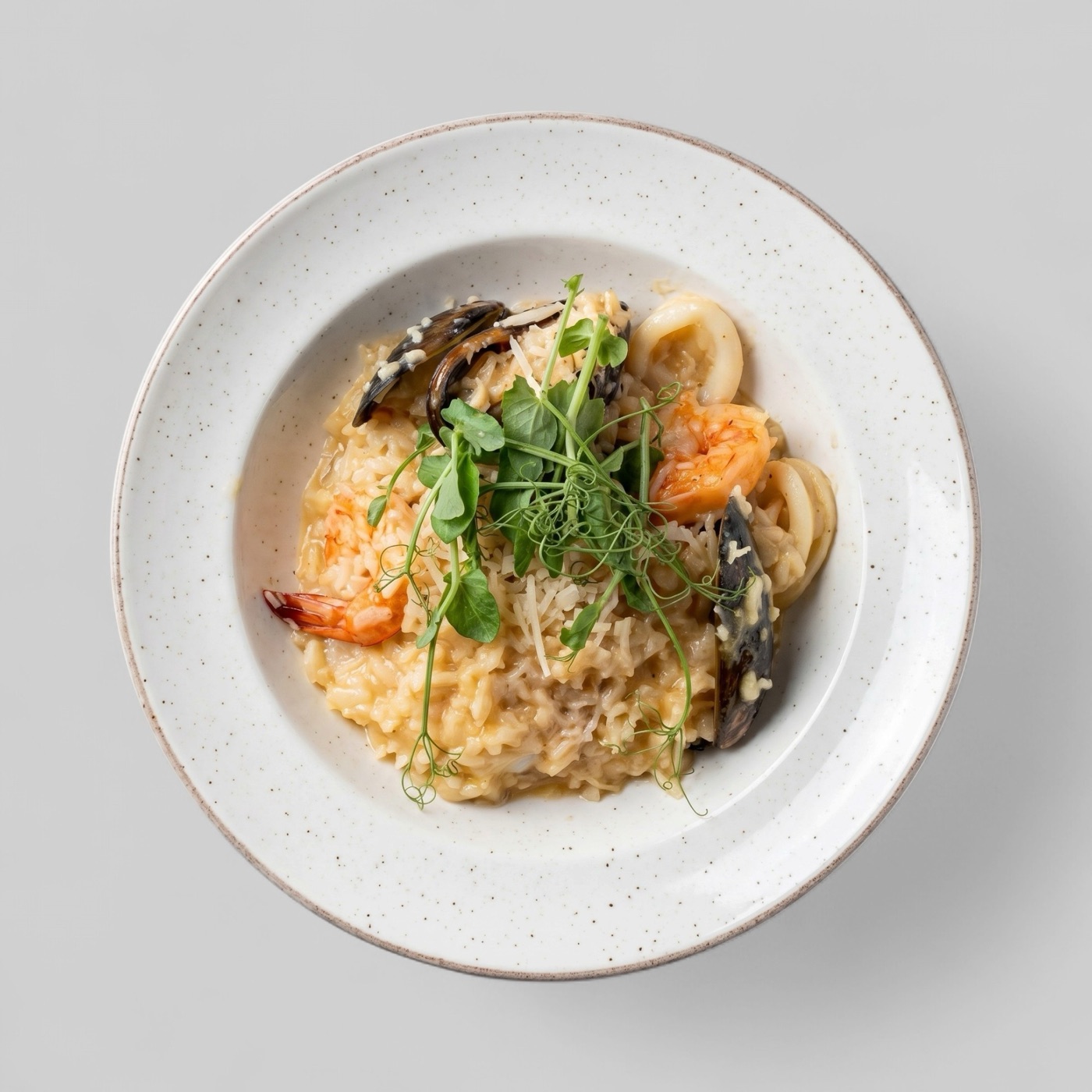
When a catalog needs refresh
A restaurant catalog usually needs refresh when images no longer match the menu, when too many items have weak or missing visuals, or when a channel launch exposes quality inconsistencies across locations.
Catalog refresh is different from a one-off image edit. It is a structured pass over the image library with decisions about what to keep, improve, replace, or remove.
Use a triage workflow
The most efficient refresh starts with triage. Separate the catalog into strong images, recoverable images, missing images, and inaccurate images. That gives the team a clear production queue instead of a vague list of photo problems.
Recoverable images can move through enhancement. Missing or inaccurate images need new source material, merchant follow-up, or a reviewed replacement workflow depending on the operational context.
- Keep images that are accurate and channel-ready.
- Enhance images with clarity, crop, or consistency issues.
- Replace images that no longer match the dish.
- Track completion by menu section, location, or merchant.
Measure after publishing
After a refresh, teams should compare item coverage, image approval rates, and key ordering metrics where available. GSC may help for website landing pages, while platform analytics may be needed for delivery marketplace outcomes.
The refresh should also create a better maintenance system. New dishes, seasonal items, and merchant updates should enter the same review and enhancement workflow rather than starting the inconsistency cycle again.