
foodpanda photos
foodpanda menu photo guide for restaurant teams
How restaurants can prepare foodpanda-ready menu photos with accurate dish matching, clean crops, clear lighting, and reusable image workflows.
foodpanda menu photos should be clear, accurate, centered on the dish, free from confusing overlays, and prepared from approved source images that match the current menu item.
Design for delivery app trust
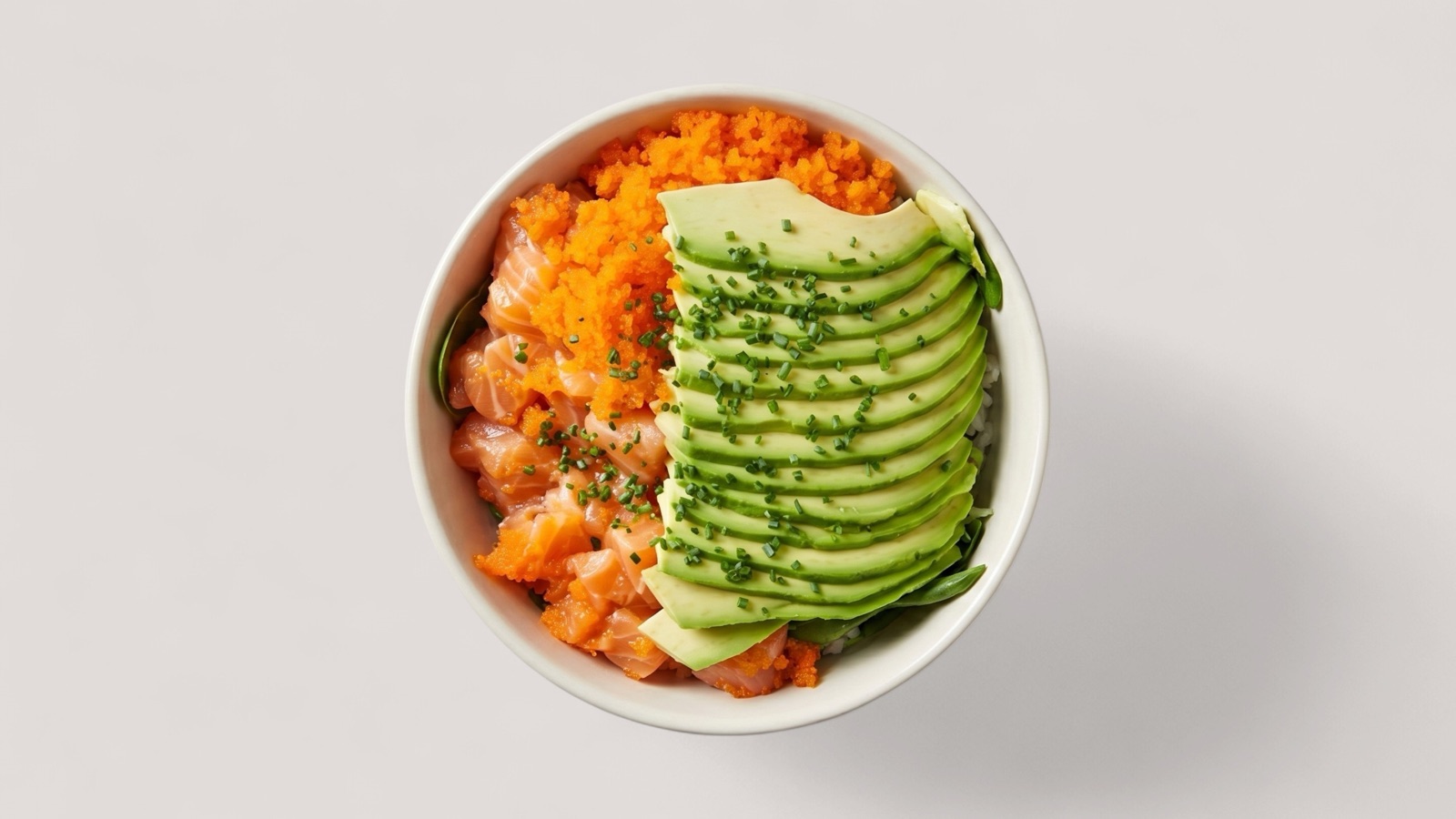
foodpanda photos need to help customers understand what they are ordering before they tap into the full item details. The photo should make the dish recognizable, believable, and matched to the actual menu item.
For delivery-first decisions, accuracy matters as much as appetite appeal. A photo that looks polished but does not represent the real dish can create disappointment after delivery and weaken the restaurant's repeat-order trust.
- Show the actual dish customers can order.
- Keep the main food item centered and visible.
- Avoid watermarks, text overlays, collages, and unrelated props.
- Use bright, clear images that survive mobile thumbnails.
Prepare photos as an onboarding asset
foodpanda partner onboarding and menu setup depend on having dish photos ready alongside menu information. Restaurants should organize files before upload so image matching does not become a manual cleanup problem.
A useful naming and review workflow can prevent the wrong dish from being attached to the wrong item, especially when a team is preparing many SKUs or working from a legacy photo folder.
- Match image files to menu item names.
- Group images by category or menu section.
- Separate approved images from images that need enhancement or replacement.
- Keep final exports reusable for website, social, and other delivery channels.
Enhance recoverable source photos
Many restaurants already have usable food photos, but the set may be inconsistent: mixed lighting, different crops, old phone captures, and images created for another channel. AI enhancement can help turn those assets into cleaner foodpanda-ready outputs.
The rule is simple: enhance presentation, not dish identity. Splentify is most useful when the original photo clearly shows the correct menu item and needs better lighting, crop, clarity, or background consistency.