
GrabFood photos
GrabFood menu photo guide for restaurant teams
How restaurants can prepare GrabFood-ready menu photos with clear item framing, accurate dish representation, simple backgrounds, and reviewable AI enhancement workflows.
GrabFood menu photos should clearly show the real item, keep the dish easy to identify, avoid blurry or misleading presentation, and use source images that can be matched cleanly to menu items before upload.
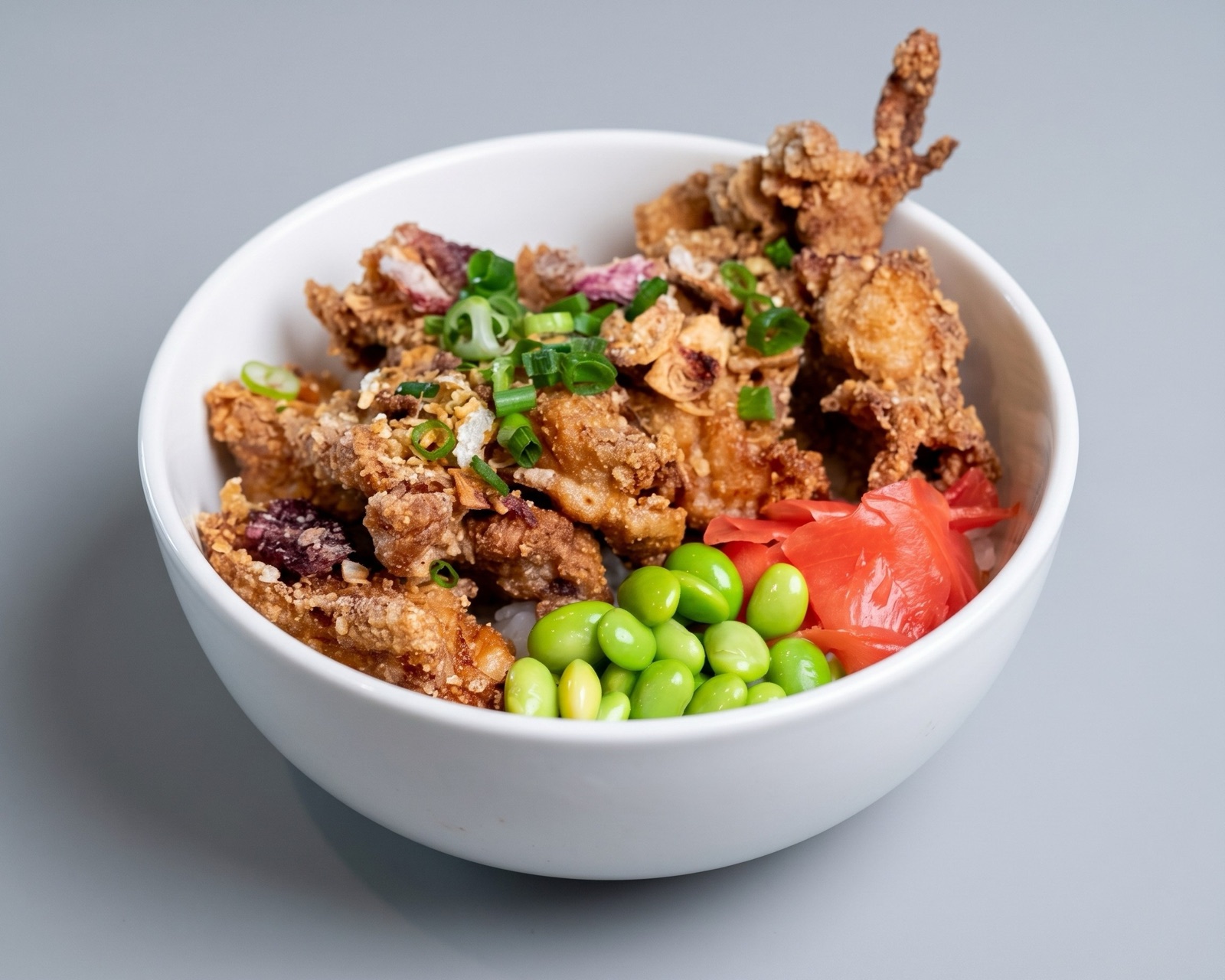
Start with item clarity
GrabFood customers compare dishes quickly inside a mobile ordering flow, so the image needs to make the menu item easy to understand before the customer studies the description. The safest baseline is a clear photo where the food is centered, well lit, and visually tied to the exact item name.
The biggest risk is not only a weak-looking photo. A dish image that is blurry, too dark, overly bright, cropped too tightly, or showing extras that are not included can slow review and reduce customer trust after delivery.
- Keep the real dish as the main subject.
- Use simple plates and backgrounds when possible.
- Avoid blurry, dark, or overly bright source images.
- Match each image to the exact GrabFood menu item.
Where AI enhancement fits
AI enhancement is useful when the GrabFood source photo is accurate but visually weak. Lighting correction, background cleanup, crop safety, and set-level consistency can make existing dish images more usable without requiring a new shoot for every item.
Enhancement should not invent ingredients, increase portion size, or turn the dish into a generic stock-style image. The final output should still be reviewable against what customers will receive.
- Enhance accurate photos with presentation problems.
- Replace photos where the dish is not recognizable.
- Export a clean master image for GrabFood and other channels.
Use GrabFood as one channel from a master asset
The best operational setup is to approve one master image per dish, then export channel-specific versions for GrabFood, the restaurant website, Google Business Profile, social posts, and other delivery apps.
That keeps the dish representation consistent while still giving each channel a crop and file treatment that fits its upload workflow.