
Uber Eats photos
Uber Eats menu photo guide for restaurants
A practical guide to preparing food photos for Uber Eats listings, including crop safety, dish accuracy, file readiness, and enhancement rules.
Uber Eats menu photos should make the dish easy to recognize in a mobile ordering flow, accurately represent the item sold, and be prepared from clean source images before upload.
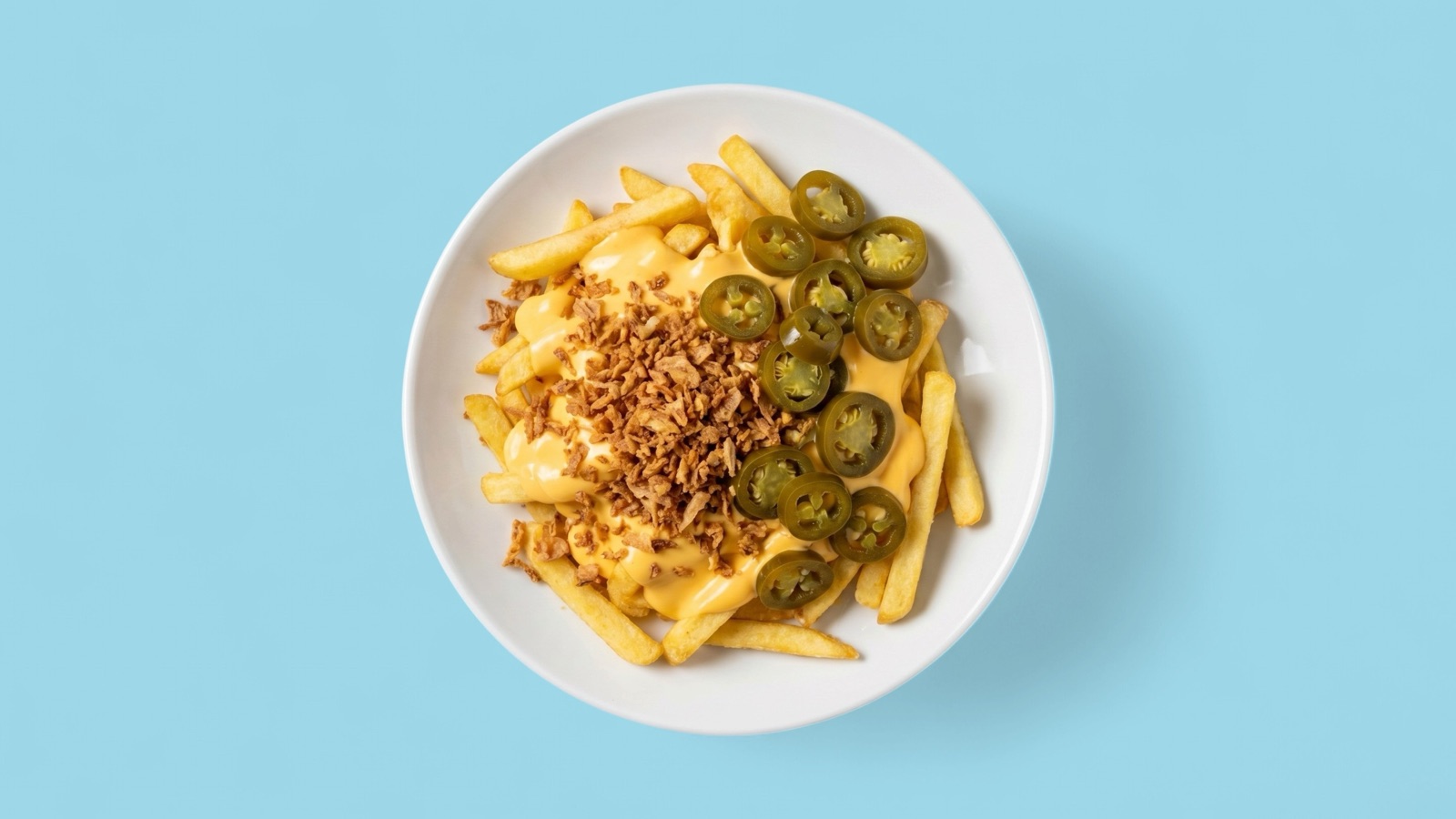
Make the dish readable on mobile
Uber Eats customers often decide from compact item cards, so a restaurant photo needs to explain the dish fast. Customers should be able to identify the item, understand the main ingredients, and trust that the image matches the order.
The most reliable images are clear, well lit, and focused on the food itself. Busy tables, unclear portions, and crops that cut off important parts of the dish create unnecessary uncertainty.
- Keep the ordered item as the visual focus.
- Use enough space around the dish for safe cropping.
- Avoid excessive styling that changes portion expectations.
- Review the image beside other menu items, not only alone.
Decide what to enhance
Enhancement is most useful when the source image is accurate but not polished. Lighting, sharpness, background cleanup, and crop adjustments can make an existing photo more usable without arranging a new shoot.
If the dish is incomplete, outdated, or hard to identify, enhancement is the wrong status. The restaurant should replace the photo so customers are not shown a better-looking but inaccurate item.
- Enhance accurate images with presentation problems.
- Replace images that misrepresent the current dish.
- Keep approved outputs organized by item name and channel.
Build one Uber Eats refresh queue
For a full menu refresh, restaurants should group items by priority before uploading: missing images, weak images for bestsellers, new dishes, and low-margin or low-traffic items. That makes the refresh easier to manage and reduces the chance of mismatched images.
Splentify fits the middle of that queue: source images that are accurate enough to keep but not strong enough to publish without improvement.