
DoorDash photos
DoorDash menu photo guide for restaurants
How restaurants can prepare DoorDash-ready menu photos with clear item framing, accurate dish representation, review-safe exports, and reusable image workflows.
DoorDash-ready menu photos should clearly show the real menu item, use a clean mobile-friendly crop, avoid misleading extras or graphic overlays, and be checked against current DoorDash guidance before upload.
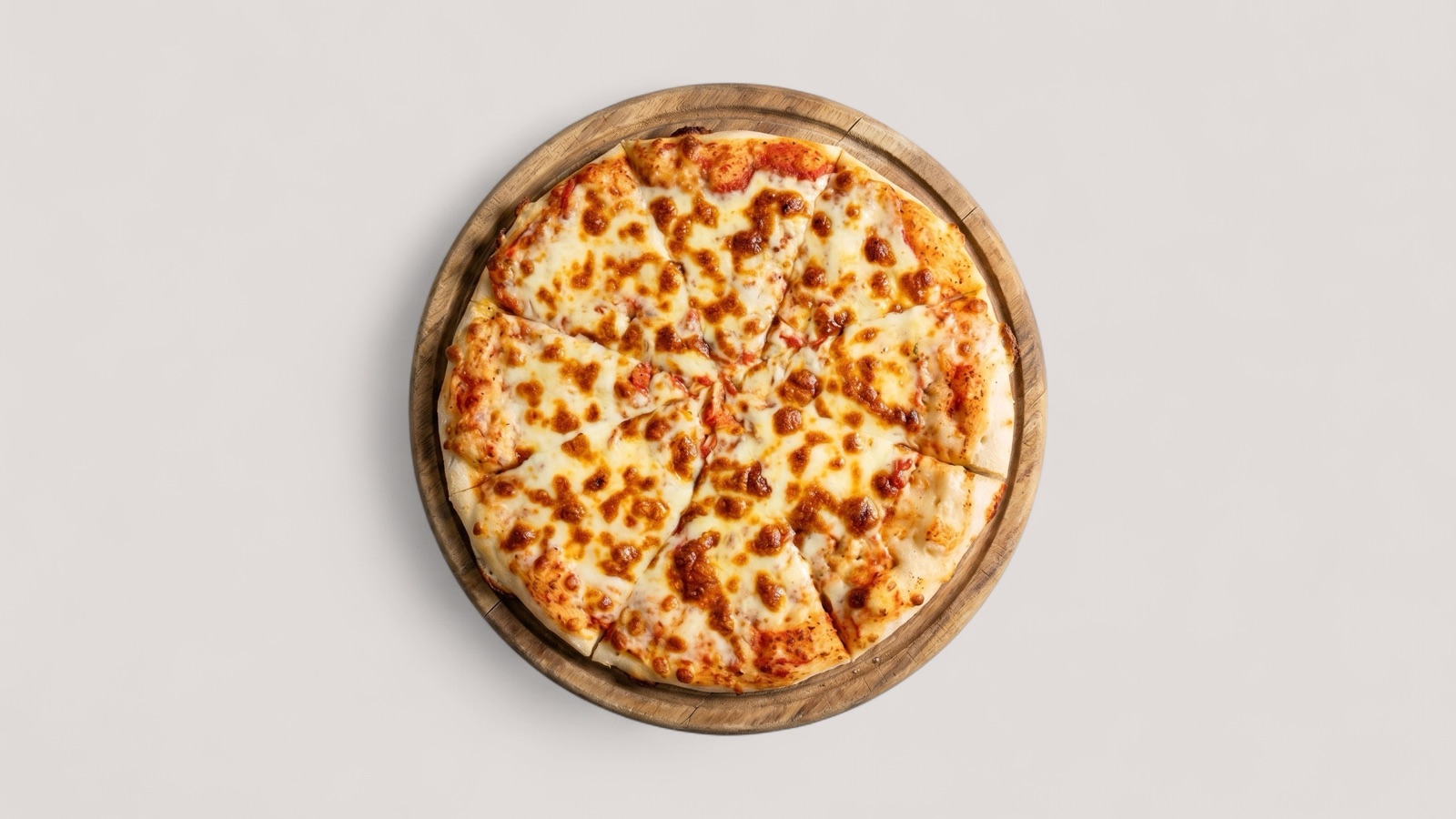
Design for item choice
DoorDash menu photos are usually seen while a customer is comparing items quickly on a mobile screen. The image needs to make the dish easy to understand before the customer opens a larger view or reads every ingredient.
That makes clarity more important than heavy styling. A good image shows the item customers can actually order, keeps the food prominent, and avoids visual distractions that make the listing feel less trustworthy.
- Use one clear dish as the main subject.
- Keep important ingredients and edges visible.
- Avoid text overlays, borders, watermarks, and unrelated props.
- Check the image at thumbnail size before publishing.
Prepare files before upload
Restaurant teams should not wait until upload to discover crop or quality problems. A better workflow is to review the image library first, mark each item as publish, enhance, replace, or hold, and only upload approved files.
DoorDash also supports image workflows through merchant and developer surfaces, so larger teams should keep image names, item IDs, source files, and final exports organized. That reduces mismatches when many dishes are updated at once.
Use enhancement conservatively
AI-assisted enhancement can help when the source image is accurate but visually weak. It can improve brightness, crop, background cleanliness, and set consistency without forcing a full reshoot for every menu item.
The line to protect is dish truth. If the source image does not show the real item clearly, enhancement should not invent a better-looking substitute. Request a replacement image instead.
- Enhance recoverable photos with accurate dish information.
- Reject images that no longer match the current recipe or portion.
- Export from an approved master image for other channels too.