
Pizza photos
Pizza menu photo guide for restaurant teams
How pizza restaurants can prepare accurate, appetizing, delivery-ready menu photos for pies, slices, sides, bundles, and promotions.
Pizza menu photos should show crust, toppings, size, slice structure, and included sides accurately, with crops that work for delivery apps, websites, and promotional placements.
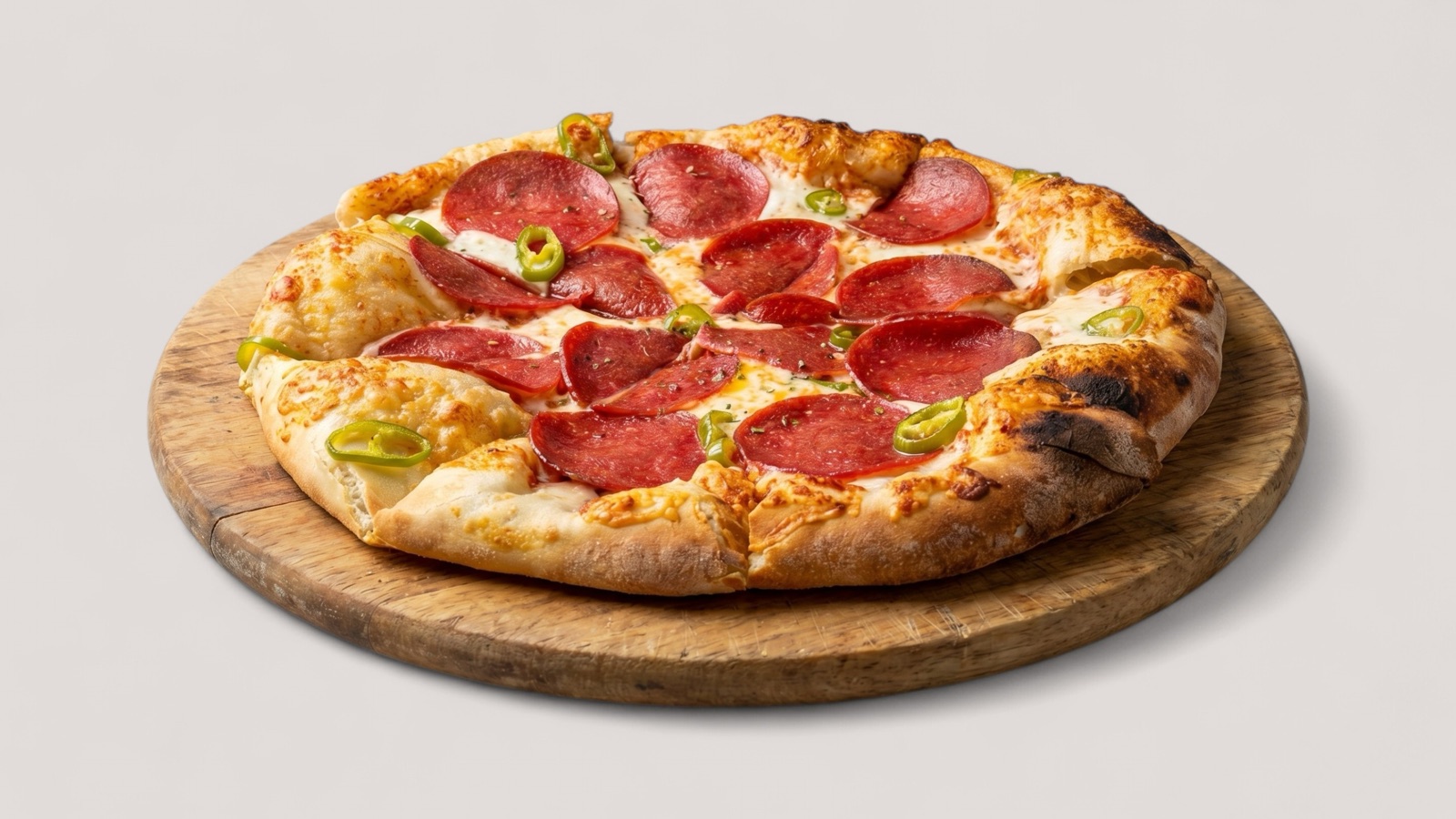
Show the pizza customers will receive
Pizza photos create expectations about size, crust, toppings, cheese coverage, and whether sides are included. An image that looks dramatic but misrepresents the order can create delivery disappointment.
The safest approach is to show the real product format clearly. A whole pie, slice, combo, and side dish should each use the crop that best explains what the customer is buying.
- Show toppings clearly across the item.
- Keep crust style and size believable.
- Avoid including dips, drinks, or sides unless they are part of the item.
- Use separate images for pies, slices, bundles, and sides.
Make delivery crops work
Pizza is naturally wide and round, which can create crop problems in delivery app cards. Teams should leave enough safe space around the pizza so the platform crop does not cut off the item.
For slices and sides, closer crops can work better because the customer needs to see texture. The important rule is consistency: nearby items should feel like part of the same menu system.
Refresh promotions without losing accuracy
Pizza restaurants often run limited offers, combo meals, and seasonal specials. Those images should be tracked separately from evergreen menu assets so expired deals do not remain visible.
Enhancement can improve color, lighting, and crop consistency. It should not add toppings, increase cheese pull, or make portion sizes look larger than the real product.
- Use approved master files for evergreen pizzas.
- Label promotional images by campaign dates.
- Review the full menu grid after updating specials.