
Wolt vs Bolt Food
Wolt vs Bolt Food photo requirements for restaurant menus
A comparison of Wolt and Bolt Food menu photo requirements for restaurants preparing clear, accurate, mobile-ready delivery images.
Wolt and Bolt Food both need accurate, clear, delivery-ready item images. Wolt is useful for menu photo editing and upload workflow guidance, while Bolt Food guidance puts strong emphasis on high-quality in-app photography and avoiding added graphic elements.
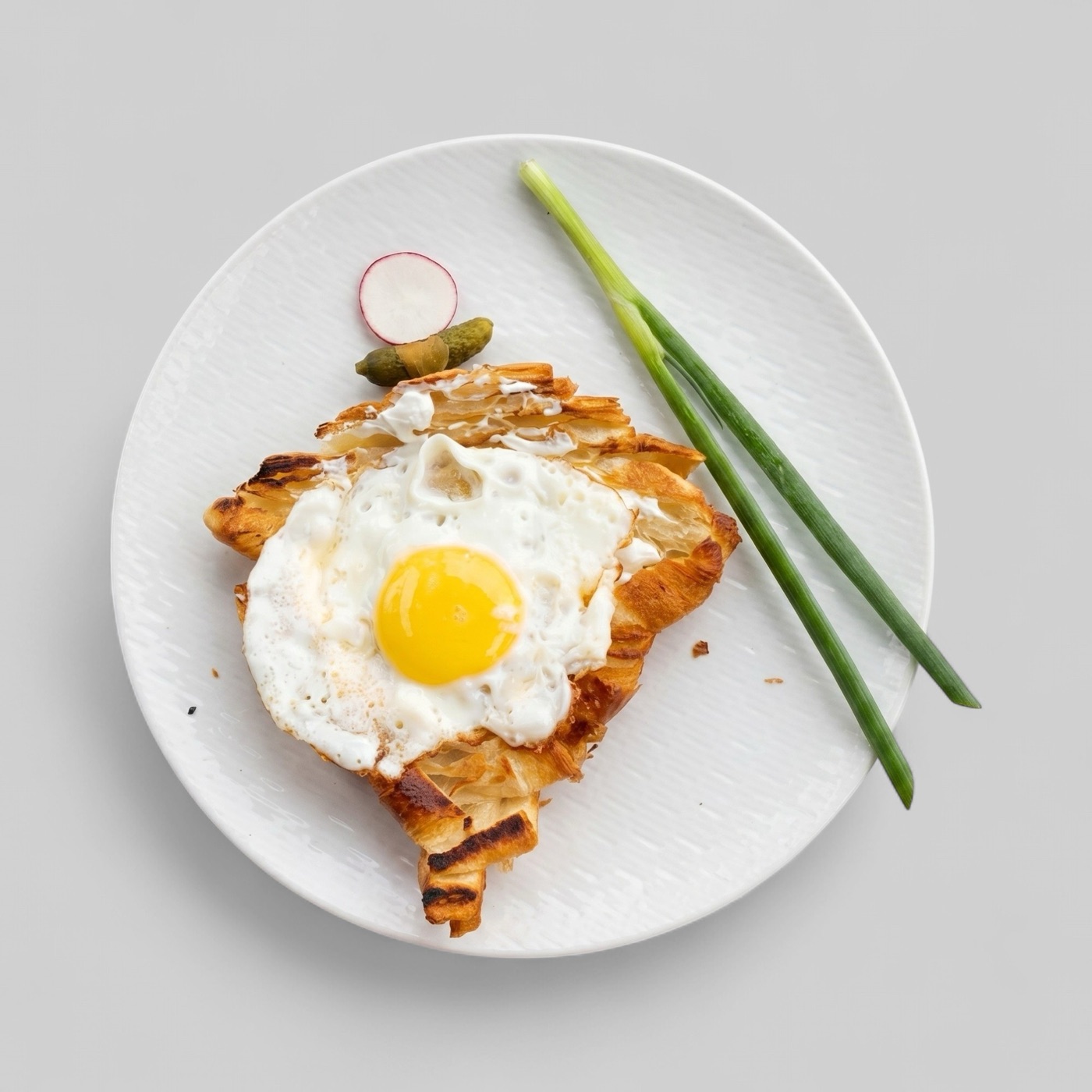
Why compare Wolt and Bolt Food together
Wolt and Bolt Food often matter to restaurants operating in European delivery markets. The same restaurant may need to refresh menu photos for both apps, its own website, Google Business Profile, and social channels.
The comparison matters because the real challenge is operational consistency. A team should not create one visual standard for Wolt and a completely different standard for Bolt Food unless the dish, placement, or crop truly requires it.
- Use one approved master image per menu item.
- Export platform-specific crops only after the dish is approved.
- Keep the item visually consistent across Wolt, Bolt Food, and owned channels.
Wolt workflow considerations
Wolt's merchant guidance is useful for teams adding or editing menu photos. Restaurants should prepare files before entering the upload flow so item matching, crop safety, and visual consistency are already solved.
A Wolt-ready photo should be easy to understand in a mobile ordering environment. The item should be centered, realistic, and not dependent on text or decorative graphics to explain what it is.
- Check each photo against the current dish and menu description.
- Keep photos organized by section before upload.
- Use a consistent crop style across related menu items.
Bolt Food workflow considerations
Bolt Food photography guidance is useful because it reinforces a clean in-app image standard. High-resolution, accurate product photos are safer than images with added logos, inscriptions, or graphic editing that distracts from the food.
For restaurants, the practical standard is simple: the item should look like the real food sold by the kitchen, and the image should remain useful when cropped into an app listing card.
- Avoid graphic overlays and promotional text in item photos.
- Use high-quality source files where possible.
- Keep packaging, portion, and ingredients believable.
Best workflow for both apps
A shared Wolt and Bolt Food workflow starts with audit, then enhancement, then review, then export. Enhancement is valuable for recoverable images with weak lighting, messy backgrounds, poor crop, or inconsistent set quality.
If the source photo is inaccurate, outdated, or too unclear, it should be replaced rather than enhanced. That protects customer trust and reduces the chance of publishing an attractive but misleading item photo.