
Bolt Food photos
Bolt Food menu photo guide
How to prepare Bolt Food menu photos with high-resolution product representation, clean styling, rights awareness, and cross-platform export discipline.
Bolt Food menu photos should be high quality, high resolution, accurate to the goods sold, and cleanly styled without unnecessary text, logos, or presentation choices that reduce customer confidence.
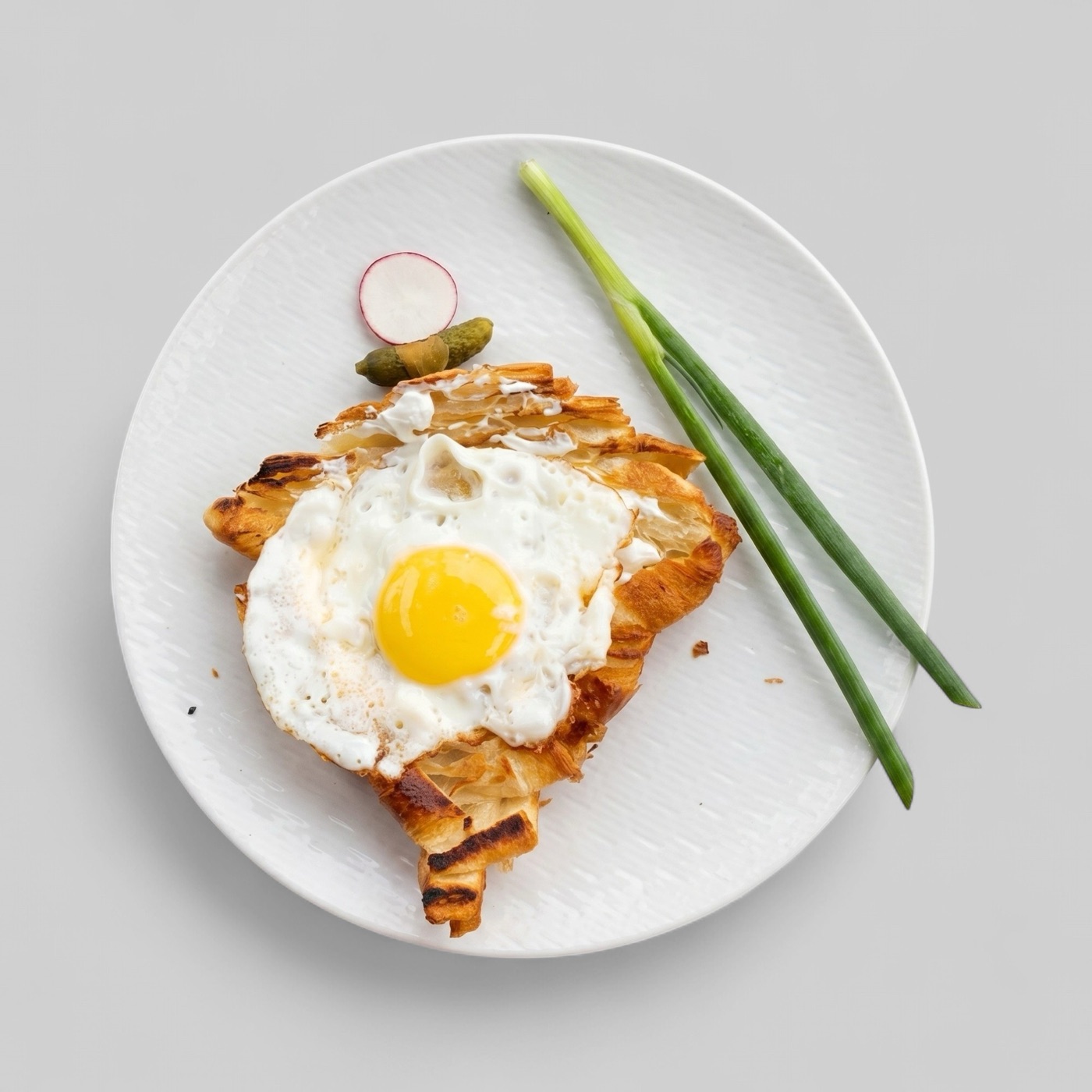
Start with high-resolution, accurate food images
Bolt Food's partner terms refer to high-quality, high-resolution photos for goods displayed on the platform. The practical standard is straightforward: the customer should be able to understand the item quickly and recognize it when it arrives.
A low-quality image can make even a strong dish look unreliable. A misleading image can create a larger problem because it sets an expectation the restaurant cannot meet.
- Use sharp, high-resolution source images.
- Show the food that is actually sold.
- Avoid styling that changes portion or ingredient expectations.
- Review images at mobile size, not only on a large screen.
Keep the frame clean
Bolt Food photography material warns against adding inscriptions or logos in a graphic editor. For menu work, this reinforces a broader delivery-app best practice: item photos should sell the food, not carry promotional text.
Branding can still appear naturally when it is part of packaging or the serving context, but overlays, badges, and large graphic treatments usually make an item photo harder to reuse across channels.
- Avoid added text, badges, and graphic overlays.
- Use clean plates or packaging that reflects the real order.
- Remove distracting table clutter before export.
- Keep one approved source image for future versions.
Create channel-ready exports
Restaurants often operate on Bolt Food alongside Wolt, Deliveroo, Uber Eats, DoorDash, or local marketplaces. One source image should therefore be prepared as a master asset, then exported into the crop and file requirements each channel expects.
That workflow saves time and reduces drift. When the dish changes, the team updates the master asset first and then regenerates channel versions instead of editing disconnected copies.