
Glovo photos

Glovo menu photo guide for restaurant partners

A practical guide to preparing Glovo restaurant menu photos with accurate product representation, complete menu coverage, and scalable catalog workflow.

Glovo menu photos should accurately represent the products offered, support complete menu information, and be maintained as part of the same workflow as descriptions, pricing, and availability.
7 min readUpdated 2026-05-21
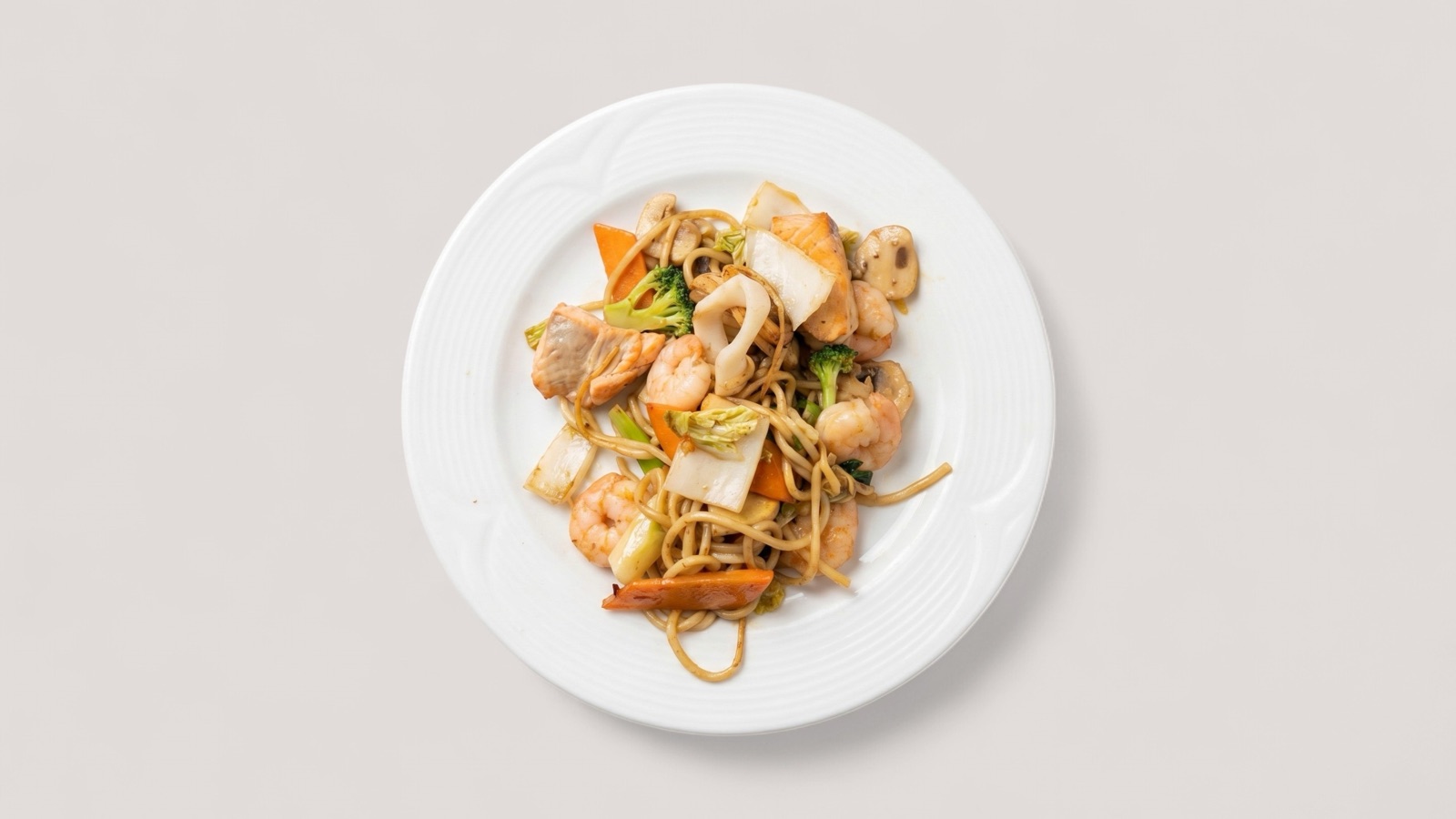
Noodle dish image prepared for a Glovo restaurant menu

Treat photos as menu data

Glovo's partner terms frame photos and descriptions as part of the information partners add to the platform. That is the right way to think about delivery app imagery: photos are not decoration, they are menu data that customers use to decide what to order.

For a restaurant team, this means the photo workflow should sit beside item setup, description writing, price changes, and availability updates. When one changes, the others may need review.

  • Match every image to the exact product being sold.
  • Keep photos aligned with current recipes and portions.
  • Review image coverage when adding or removing menu items.
  • Avoid generic visuals that do not describe the actual item.

Build complete menu coverage carefully

Delivery marketplaces reward menus that are easy to browse, but completing image coverage should not mean uploading weak photos just to fill gaps. A blurry or inaccurate image can be worse than a missing one.

A better approach is to prioritize high-traffic items first, then move through each category with the same review criteria. This keeps the catalog moving without lowering the quality bar.

  • Start with bestsellers and items that need visual explanation.
  • Use a consistent crop and background style within each category.
  • Hold items that need new source photography.
  • Track missing, approved, and replacement-needed images separately.

Use enhancement for consistency

Enhancement is useful for Glovo-style catalog work when source images are accurate but inconsistent. The goal is to normalize lighting, crop, and clarity so the menu feels coherent.

Enhancement should not invent missing ingredients, change portion expectations, or make a dish look like another restaurant's product. The final image should still be a truthful representation of the order.

Sources

Official guidance referenced

These pages are used as source material where platform or channel requirements matter.

Deliveroo Help Centre

How to upload your own photos in Menu Manager

Open source

Google Business Profile Help

Tips for business-specific photos on your Business Profile

Open source

FAQ

Common questions

Short answers for teams deciding how to improve food visual workflows.

What is the most important rule for Glovo menu photos?

The image should accurately represent the product and support the rest of the menu information customers use to order.

Should restaurants add photos to every Glovo item?

Complete coverage is useful, but restaurants should prioritize accurate, clear images over filling every slot with weak assets.

Can the same photo workflow support Glovo and other apps?

Yes. Start with an approved master image, then export crop-safe versions for each delivery platform.

Put it into practice

Try Splentify on your current food images

Upload existing dish images and compare the output against the workflow described in this guide.