
Workflow comparison
AI food photos vs restaurant photography
How to decide when to use AI-assisted food image enhancement, when to book a restaurant photoshoot, and where the two workflows work together.
AI-assisted food visuals are best for improving, standardizing, and adapting existing assets at speed, while restaurant photography is best when a team needs new source images, controlled styling, or a full brand campaign.
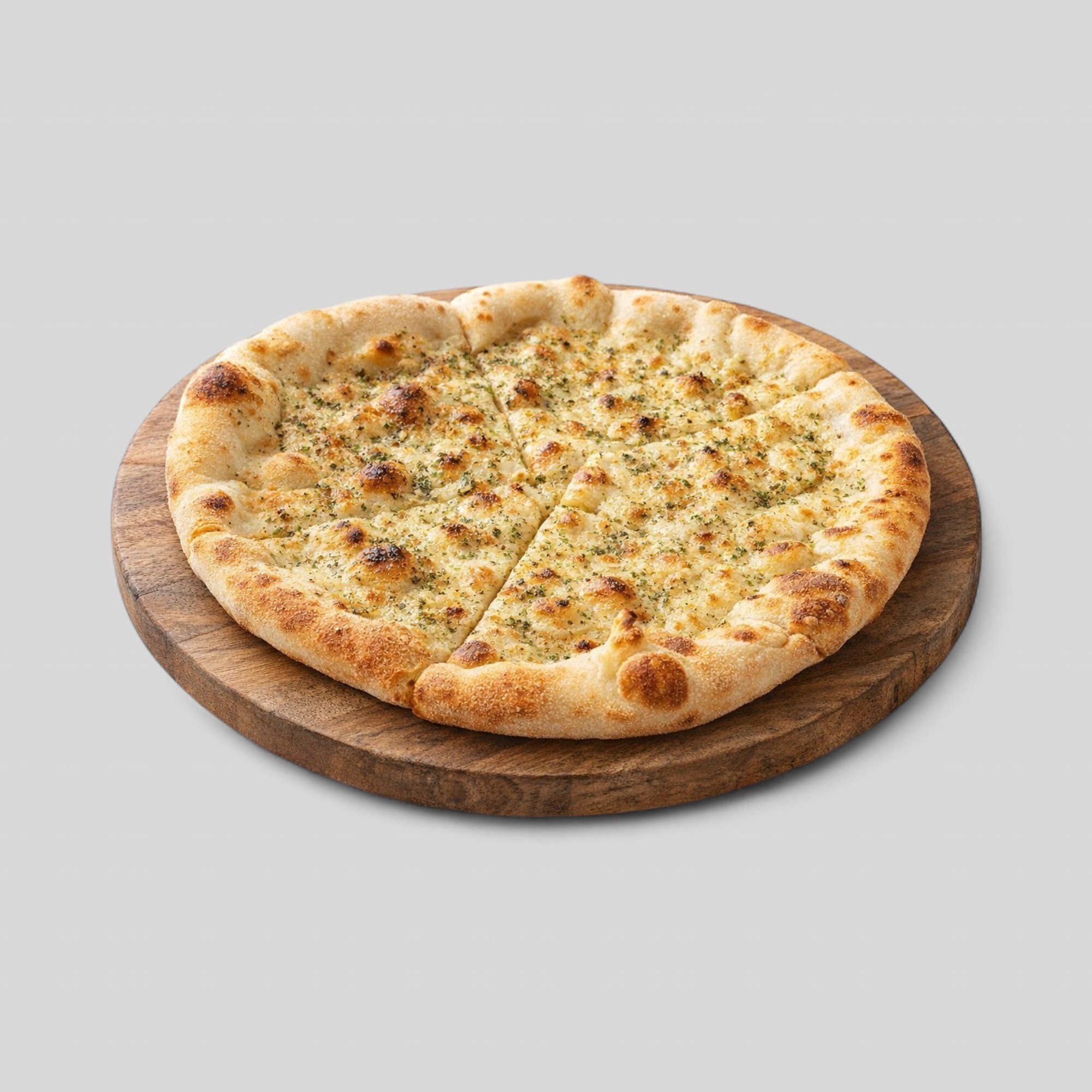
The practical difference
Restaurant photography creates new source material. It is useful when a dish has never been photographed, when the brand needs a controlled campaign look, or when styling, props, location, and art direction matter.
AI-assisted food visual work usually starts from existing material. It can improve clarity, crop, lighting, background consistency, and channel-ready versions without requiring a new shoot for every item.
When AI-assisted visuals are the better fit
AI-assisted workflows are strongest when the team already has usable images but the library is inconsistent. That is common for restaurants, delivery catalogs, franchise groups, agencies, and marketplace teams that receive mixed inputs from many locations.
The key requirement is accuracy. The final output should preserve dish identity, ingredients, portion expectations, and the practical appearance of the real item.
- Refreshing old menu images.
- Standardizing crop and presentation across a catalog.
- Preparing channel-specific versions from approved source images.
- Improving large batches faster than manual retouching.
When a photoshoot is still the right answer
A photoshoot is still the right route when the source image is missing, the dish has changed materially, or the team needs a high-control campaign with art direction. AI enhancement cannot recover details that are not visible in the source image without increasing accuracy risk.
The strongest operating model is often hybrid. Use photoshoots to create strong source material for important dishes, then use AI-assisted workflows to adapt, standardize, and maintain the image library over time.