
No-reshoot workflow
How to improve menu photos without a reshoot
A practical workflow for improving restaurant menu photos when a full new photoshoot is too slow, expensive, or operationally unrealistic.
Restaurants can improve menu photos without a reshoot by auditing existing images, fixing recoverable assets, standardizing crops and lighting, and only replacing images that cannot accurately represent the dish.
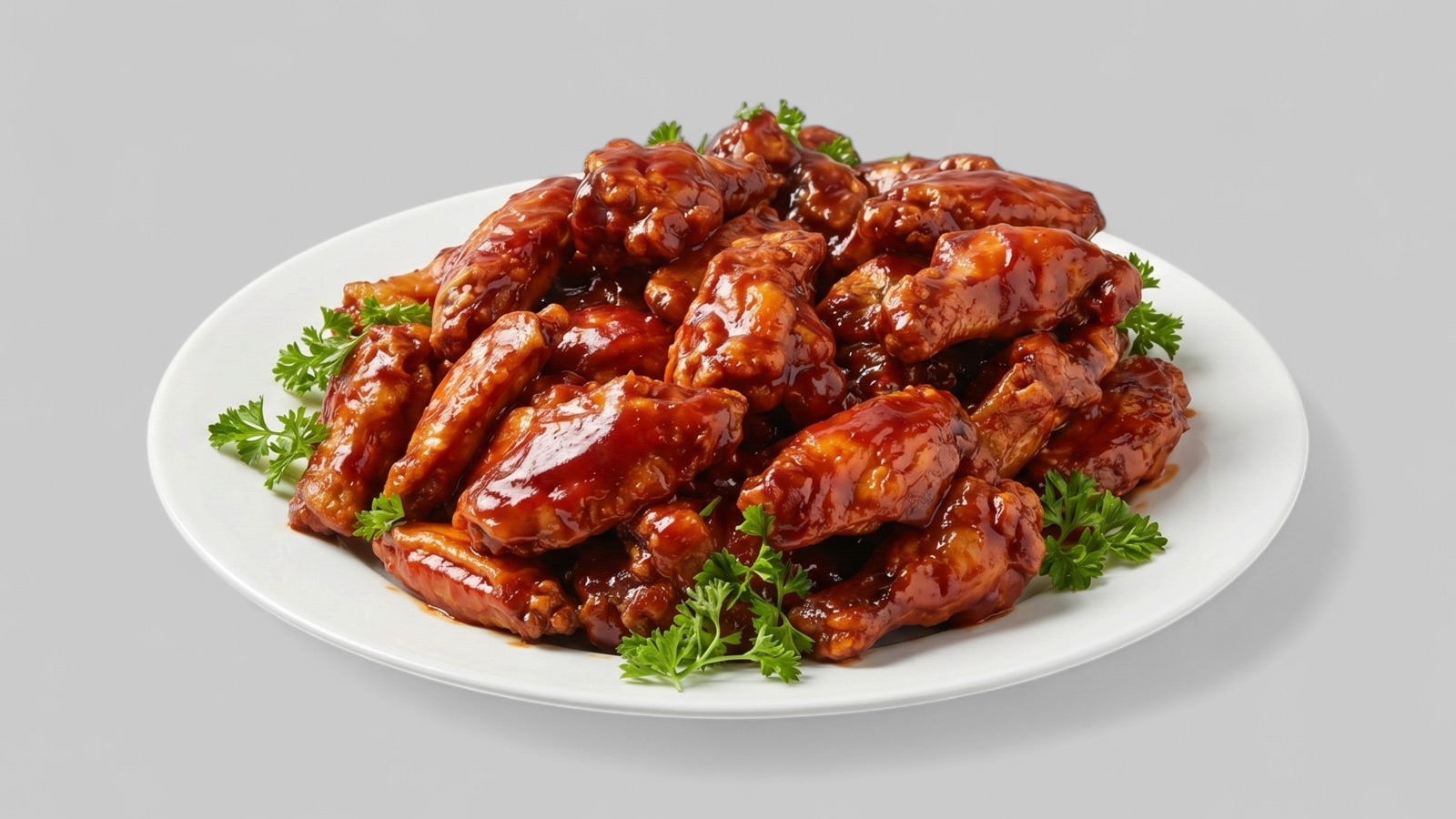
Start with an image audit
A no-reshoot workflow starts by sorting the existing image library. Some images are ready to publish, some can be improved, and some are too inaccurate or unclear to use safely.
The audit should focus on practical publishing needs: which images represent priority items, which channels need them, and which assets are blocking menu updates, delivery listings, or promotions.
- Keep images that are clear and accurate.
- Enhance images with recoverable lighting, crop, or consistency issues.
- Replace images where the dish is unclear or materially outdated.
Fix the recoverable problems first
Many menu photos fail for ordinary reasons: weak lighting, dull color, distracting background, awkward crop, or inconsistent presentation across the menu set. Those issues can often be improved from the original source image.
The goal is not to make every photo look like a studio campaign. The goal is a cleaner, more consistent menu that helps customers understand what they are ordering.
Create a repeatable publishing workflow
Once the first batch is improved, restaurants should avoid falling back into ad hoc editing. Keep approved master images, record where each image is used, and export channel-specific versions for the website, delivery platforms, Google Business Profile, and promotions.
A repeatable workflow makes future menu changes easier. New dishes can be added to the same quality standard instead of creating another inconsistent image library over time.
- Approve a master image before exporting channel variants.
- Review the whole menu grid before publishing.
- Keep source images and final outputs organized by dish.
- Schedule periodic refreshes for seasonal or high-priority items.