
Bakeries
Bakery menu photo guide for pastries and breakfast items
A practical image workflow for bakeries, pastry shops, and breakfast operators preparing product photos for menus, delivery apps, and campaigns.
Bakery menu photos should show texture, size, filling, freshness, and pack format accurately while keeping the product clear enough for menu, delivery, website, and campaign use.
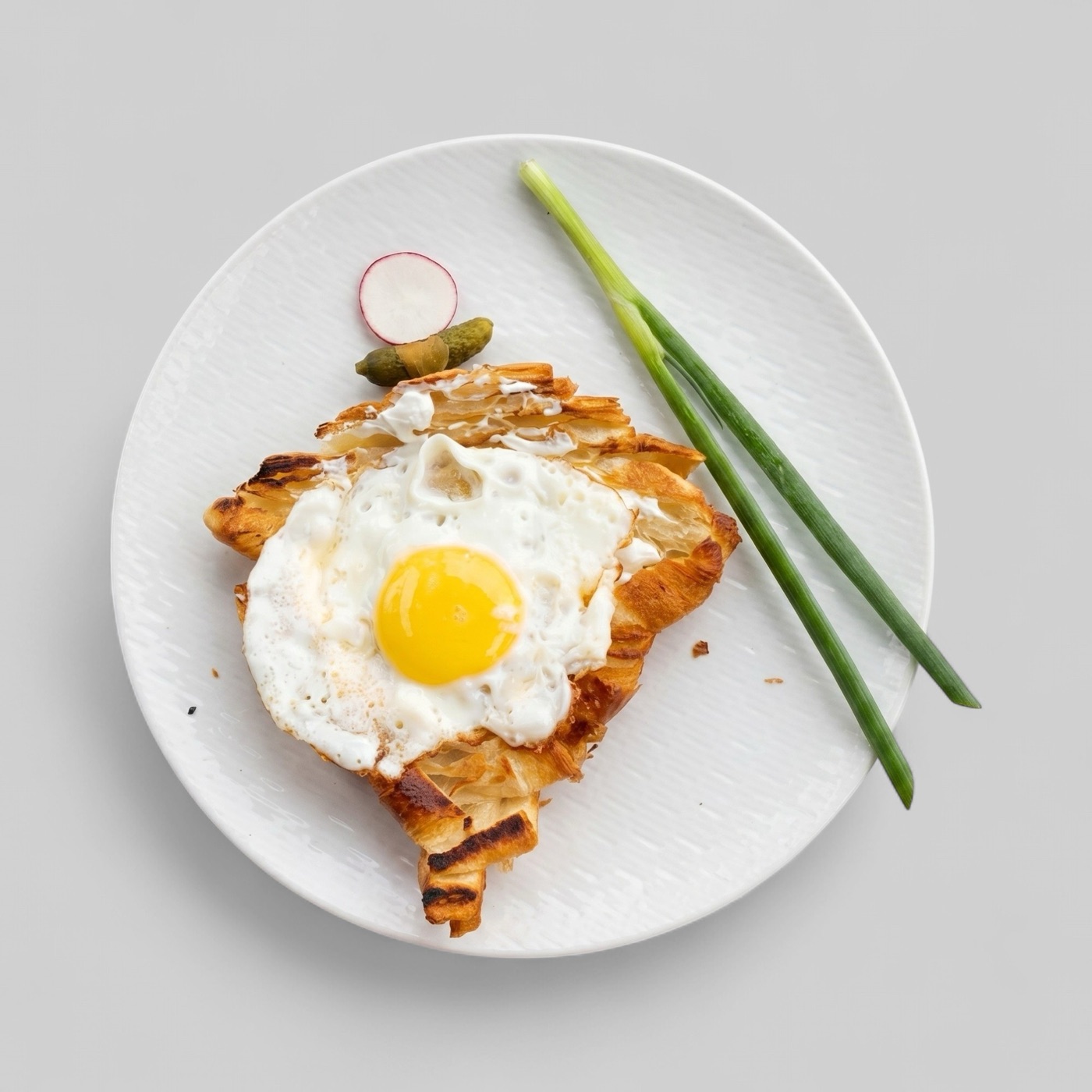
Show product detail honestly
Bakery customers care about texture, filling, size, and freshness. A pastry photo that hides the filling or exaggerates scale may look attractive but can create the wrong expectation.
The best menu images make the product easy to compare. A croissant, cake slice, sandwich, and pastry box can each have its own style, but customers should still understand exactly what is included.
- Show filling or toppings when they affect the item choice.
- Keep product size and quantity believable.
- Avoid props that imply extras not included in the order.
- Use clean backgrounds that do not fight with pastry texture.
Prepare both single items and packs
Bakeries often sell individual pastries, breakfast plates, boxes, bundles, and seasonal assortments. Each format needs a different visual treatment because the customer is buying a different promise.
A single item photo should focus tightly on that product. A box or bundle should show the actual quantity and variety clearly enough that customers do not guess what is inside.
Keep seasonal imagery maintainable
Seasonal bakery products can generate strong demand, but they also make image libraries outdated quickly. Keep a clear folder of approved masters and mark images by product status so old holiday items do not stay live.
Enhancement is useful for correcting dull lighting, inconsistent crops, or background clutter. It should not make a pastry appear larger, fuller, or materially different from what the bakery sells.
- Review seasonal images before each launch.
- Export separate versions for menu, delivery, and social placements.
- Replace photos when recipe, packaging, or portion changes.