
Coffee shops

Coffee shop menu photo guide

How coffee shops, espresso bars, and specialty drink operators can prepare menu photos for drinks, pastries, delivery apps, and local discovery.

Coffee shop menu photos should make drinks and food items easy to identify, keep cup size and add-ons realistic, and create a consistent visual set across menu, delivery, website, and Google placements.
8 min readUpdated 2026-05-27
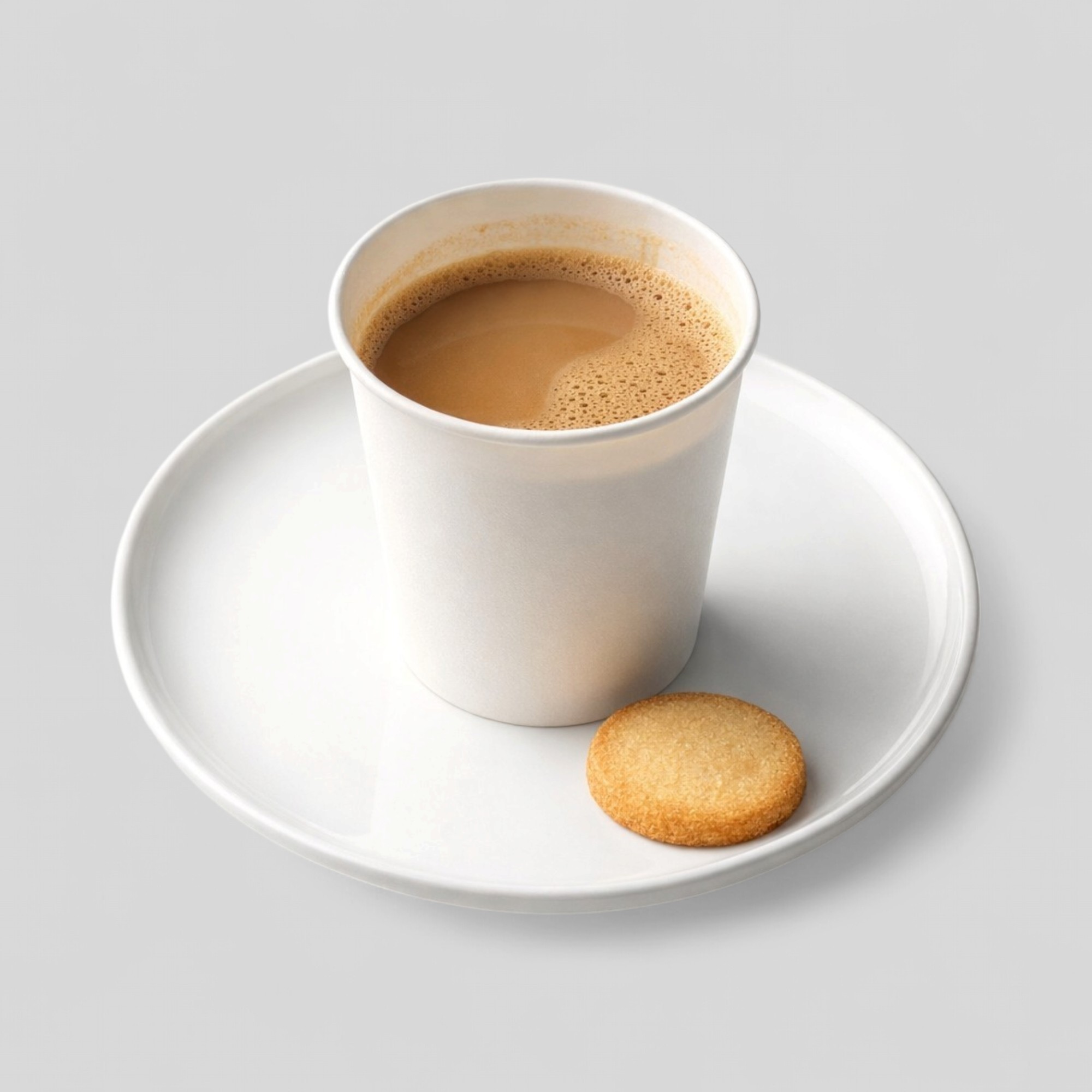
Coffee drink image prepared for a cafe menu listing

Make drinks and add-ons clear

Coffee shop menus often mix drinks, pastries, breakfast items, retail products, and seasonal specials. Customers need to understand what they are choosing quickly, especially when ordering through a delivery app or mobile menu.

Drink images should not hide size, toppings, milk style, or included extras. A beautiful cup photo can still fail if it does not explain what the customer will receive.

  • Show cup size and drink style clearly.
  • Avoid props that imply add-ons not included with the item.
  • Use separate images for food and drink bundles when needed.
  • Keep seasonal drinks visually distinct but still consistent.

Balance atmosphere and menu utility

Coffee shops benefit from atmosphere, but menu photos need to support item choice first. A lifestyle image may be strong for social media or Google Business Profile, while an item listing needs a clearer product view.

The same source shoot can support both purposes if the team creates approved master images and then exports versions for menu cards, website sections, local discovery, and social posts.

Refresh high-turnover items

Cafe menus change often. Seasonal drinks, pastries, breakfast specials, and limited offers can create a stale image library if the team does not maintain it.

A lightweight refresh workflow is enough: audit missing or outdated images, enhance recoverable photos, replace inaccurate items, and check the menu grid before publishing.

  • Prioritize bestsellers and seasonal specials.
  • Keep drinks, pastries, and breakfast items visually organized.
  • Use consistent crop and background treatment across categories.

Sources

Official guidance referenced

These pages are used as source material where platform or channel requirements matter.

Google Business Profile Help

Tips for business-specific photos on your Business Profile

Open source

Uber Eats

Restaurant menu photography guidelines

Open source

Wolt

How to add or edit your menu photos on Wolt

Open source

FAQ

Common questions

Short answers for teams deciding how to improve food visual workflows.

What should coffee shop menu photos show?

They should clearly show the drink or food item, including size, toppings, and included extras where those details affect customer expectations.

Can coffee shops use lifestyle photos as menu photos?

Lifestyle photos can support branding, but item menu photos should stay clear, product-focused, and easy to compare.

Which coffee shop photos should be improved first?

Start with bestsellers, seasonal specials, high-margin drinks, pastries, and any delivery items with missing or weak images.

Put it into practice

Try Splentify on your current food images

Upload existing dish images and compare the output against the workflow described in this guide.