
Google photos
Google Business Profile food photos for restaurants
How restaurants can prepare stronger food photos for Google Business Profile, local discovery, menu trust, and cross-channel reuse.
Google Business Profile food photos should help local customers understand the restaurant and menu quickly, using accurate, clear, current images that support discovery without misleading the customer.
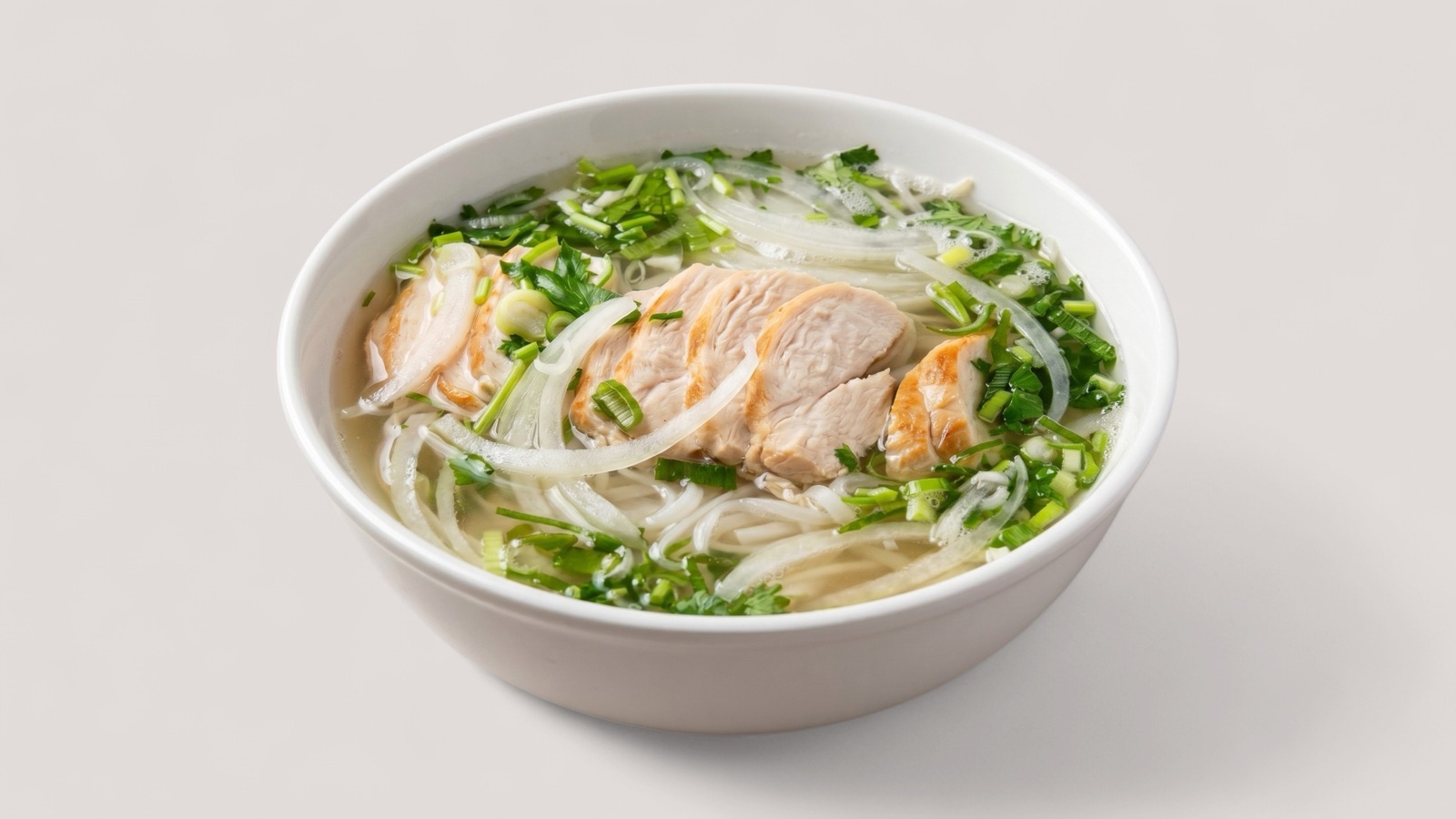
Support local discovery
Google Business Profile photos are often seen before a customer visits the restaurant website or delivery menu. The images need to communicate what the restaurant serves, how current the business feels, and whether the food looks credible.
Unlike a single delivery listing image, a profile photo set can include menu items, interior context, packaging, and brand atmosphere. Food photos still need to be accurate because they set expectations before the first click or visit.
- Keep priority dishes current and recognizable.
- Use clear food photos alongside useful location or atmosphere images.
- Avoid outdated dishes that are no longer available.
- Refresh images when the menu, packaging, or brand changes.
Build a refresh routine
Local profiles often become stale because photos are added once and forgotten. A quarterly review is enough for many restaurants: remove images that no longer represent the business, add new signature dishes, and improve weak but important food photos.
For groups with multiple locations, the same review routine helps keep brand quality consistent without forcing every branch into identical imagery.
- Audit public images for outdated dishes.
- Improve priority food images before seasonal campaigns.
- Use approved master files for profile, website, and delivery exports.
Reuse local photos across owned channels
The best Google Business Profile food photos should not live in isolation. When a dish image is current, accurate, and visually strong, it can become a reusable asset for the restaurant website, ordering page, social posts, and delivery listings.
That reuse works best when the team keeps approved master files and exports channel-specific crops from the same source instead of editing separate versions by hand.