
Grubhub photos
Grubhub menu photo guide for restaurant listings
How to prepare Grubhub menu photos with square crop awareness, clear food content, original ownership, and review-safe file requirements.
Grubhub menu photos should be original food images, square-crop ready, clear at small size, free from unsafe or unrelated content, and matched to the correct menu item before review.
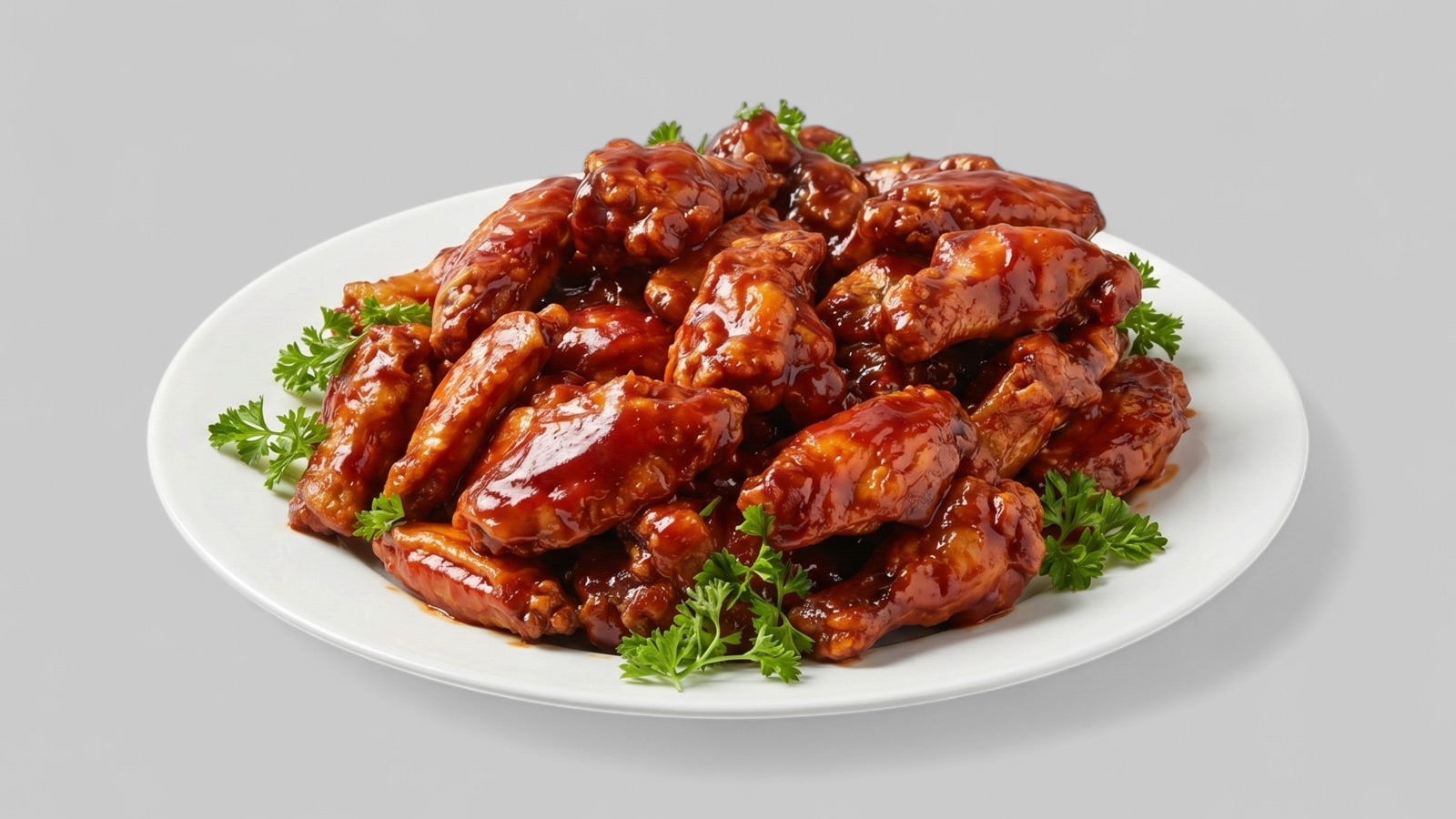
Prepare for a square listing environment
Grubhub's menu guidance points restaurants toward item-level photo management inside the restaurant portal. The important production detail is that uploaded menu photos need to survive a square presentation without losing the food.
If a dish was originally shot as a wide banner, it may crop badly when adapted to a square slot. A Grubhub-ready export should keep the most recognizable part of the dish in the center and leave enough room around the edges.
- Review every image in a square preview before upload.
- Avoid placing key ingredients at the far edges.
- Use food photos for menu items, not coupons or interior images.
- Keep logos separate from item photos unless the slot calls for branding.
Reduce automated review failures
Grubhub describes review criteria around resolution, content, safe-search checks, and copyright. That makes source control important: a restaurant should know where each image came from and whether it actually shows the dish being sold.
Images that are copied from search results, contain unrelated promotional material, or are too small for the portal can create cleanup work after upload. A preflight pass is faster than waiting for rejection.
- Use original restaurant-owned photos.
- Keep item photos focused on food.
- Check minimum resolution before export.
- Avoid adult, violent, medical, or unsafe visual content.