
iFood photos
iFood menu photo guide for restaurants
How restaurants can prepare iFood menu photos and AI-enhanced images while staying accurate, transparent, and consistent across a digital menu.
iFood menu photos should accurately represent the product, use transparent disclosure when AI or illustrative images are involved, and maintain simple, well-lit, consistent presentation across the menu.
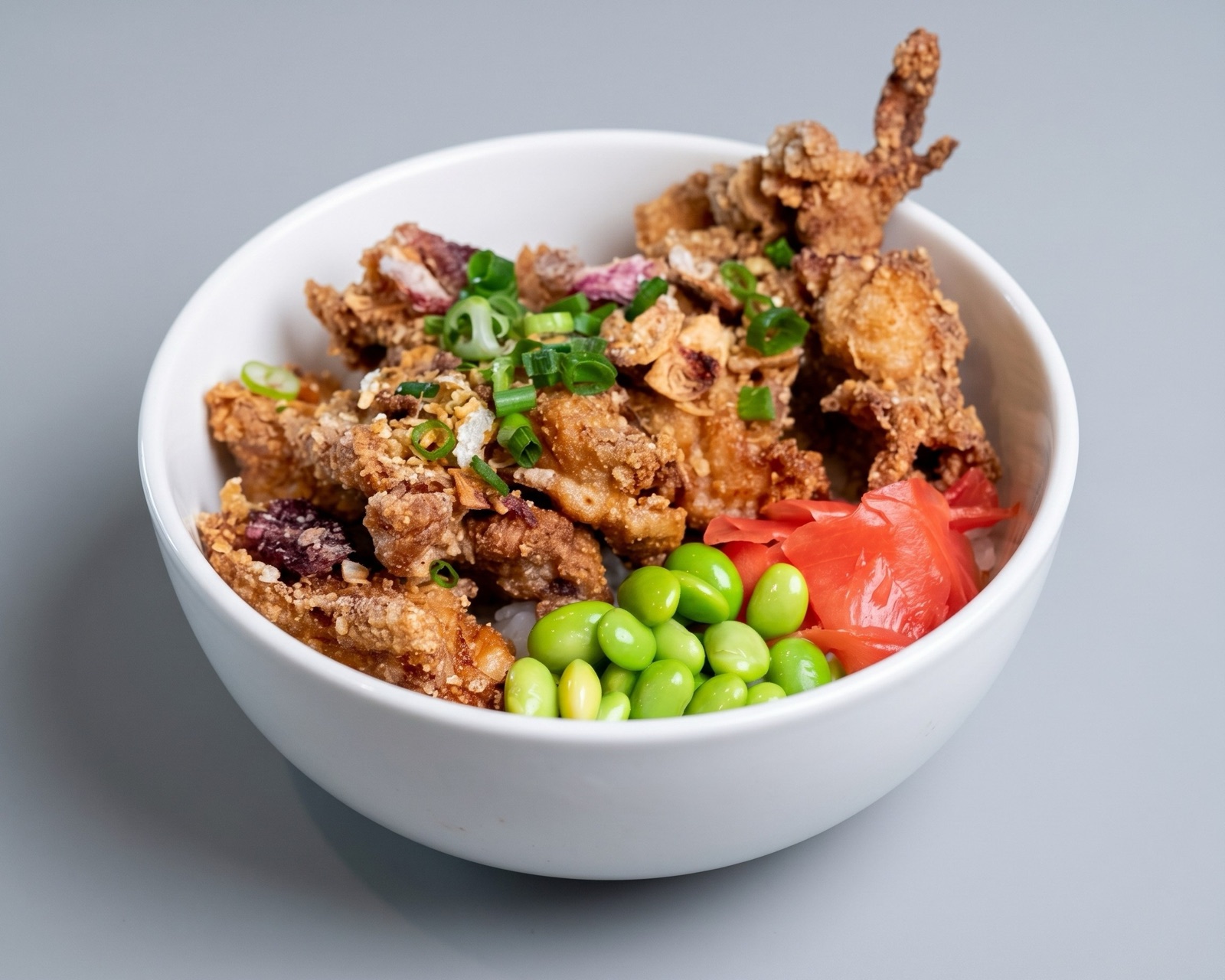
Accuracy matters more than polish
iFood's public guidance is especially useful for restaurants thinking about AI-generated or AI-enhanced menu images. The platform allows AI or illustrative imagery in defined circumstances, but the image still needs to avoid misleading customers about the product.
That makes iFood a good example of the broader delivery-photo rule: a better-looking image is not enough if it creates the wrong expectation. Menu visuals should help the customer choose, not promise an idealized version the kitchen will not serve.
- Use real photos whenever possible for high-trust menu items.
- Keep portion size, ingredients, and texture believable.
- Avoid artificial details that make the dish look like another product.
- Use clear disclosure when an image is illustrative or AI-generated.
Use AI as a workflow tool, not a disguise
AI enhancement can help restaurants correct weak lighting, background noise, and inconsistent framing. The wrong use case is turning a limited source photo into a fictional dish that does not match the product.
A practical iFood workflow should keep a human review step after enhancement. The reviewer should compare the output with the actual recipe, portion, packaging, and menu description before the image goes live.
- Enhance recoverable real photos first.
- Avoid generated ingredients that are not part of the dish.
- Reject images with unrealistic shine, texture, or serving size.
- Keep disclosure language aligned with local policy and platform rules.