
Uber Eats vs DoorDash
Uber Eats vs DoorDash photo requirements for restaurants
A practical comparison of Uber Eats and DoorDash menu photo requirements, including image quality, crop safety, upload workflow, AI enhancement, and review risks.
Uber Eats and DoorDash both need clear, accurate menu photos that work at mobile size. Uber Eats guidance is strong on photography basics such as natural light, angle, and portion clarity, while DoorDash is especially useful for merchant upload, review, smart photo tools, and integrated image workflows.
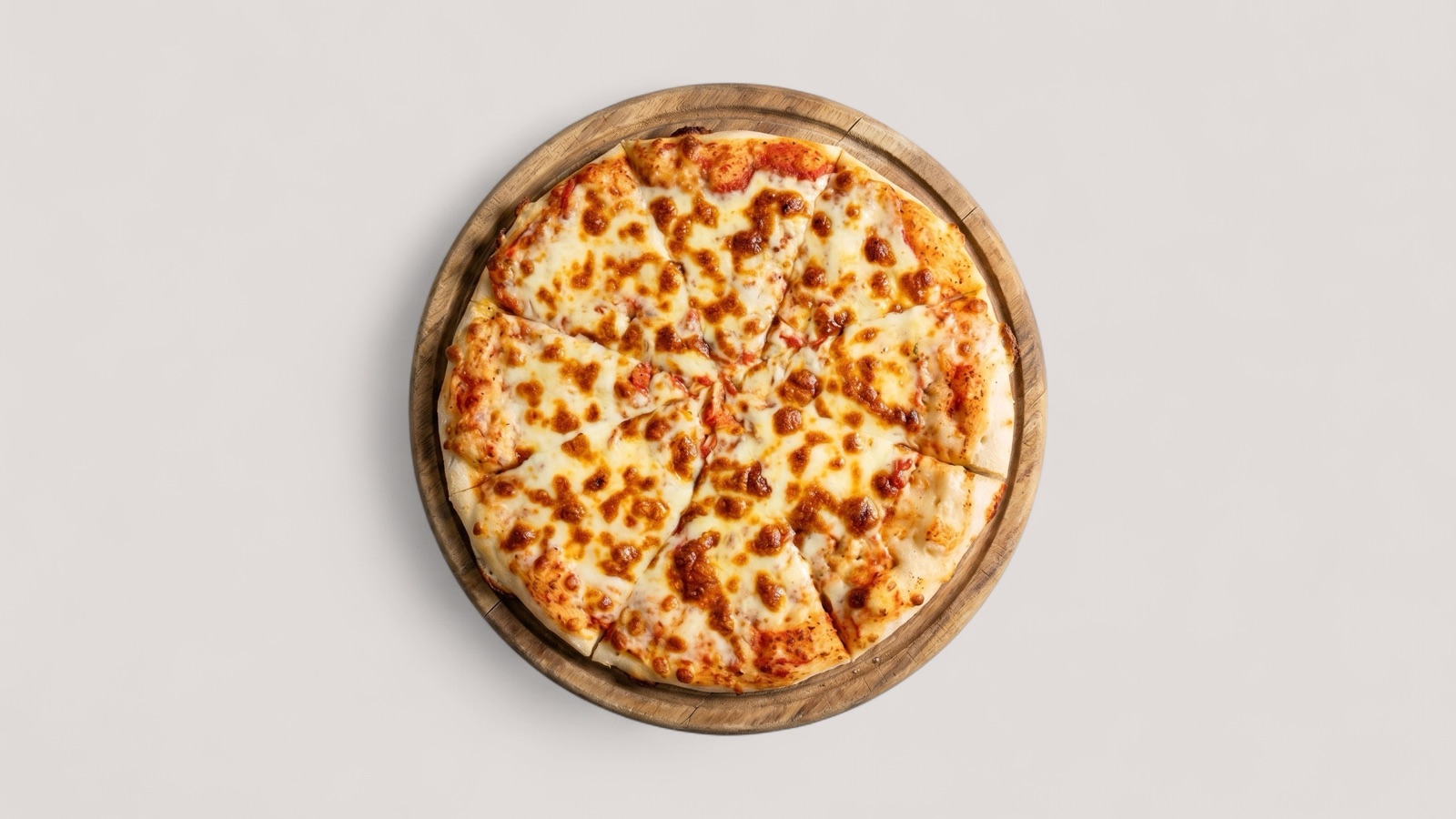
What both platforms need
Uber Eats and DoorDash are different marketplaces, but the customer behavior is similar: people scan item cards quickly, compare dishes visually, and use the photo to decide whether the listing feels trustworthy.
For both platforms, the photo should show the item customers will receive, keep the dish recognizable in a small card, and avoid anything that makes the portion or ingredients unclear.
- Use the real menu item as the main subject.
- Keep lighting, sharpness, and crop consistent across the menu.
- Avoid stock-style images, watermarks, borders, text overlays, and misleading extras.
- Review the image inside a grid, not only as a full-size file.
Where Uber Eats guidance is strongest
Uber Eats gives restaurant teams practical guidance for taking menu photos: use indirect natural light, choose angles based on the dish type, avoid extreme close-ups, avoid poor lighting, and show enough of the dish for customers to understand ingredients and portion size.
This makes Uber Eats a useful baseline for source capture. If a photo fails those basics, it will probably underperform or need replacement on other delivery apps too.
- Top-down angles work well for plates and bowls.
- Side or 45-degree angles can work better for burgers, sandwiches, and taller items.
- Extreme close-ups are risky because customers lose portion context.
Where DoorDash guidance is strongest
DoorDash has a richer merchant support surface around menu photos, including rejected photo reasons, store upload guidance, smart photo tools, and integrated image documentation for larger technical workflows.
For operators managing many SKUs, that makes DoorDash a good reference for process discipline. The team needs not only a better image, but also clear file ownership, item matching, review status, and a way to update images without breaking the menu workflow.
- Track item IDs and image filenames when updating many dishes.
- Separate photos that are ready to publish from photos needing enhancement or replacement.
- Keep approved master files for future menu changes and integrations.
Best workflow for both apps
The best way to support Uber Eats and DoorDash together is to create one approved master image per item. The master should be accurate, enhanced conservatively, and reviewed against the real dish before any channel export is created.
Splentify can help in the middle of that workflow: improve recoverable source images, normalize lighting and crop, and create a cleaner menu set that can be exported for both marketplaces.